
Global Search & SEO Mastery
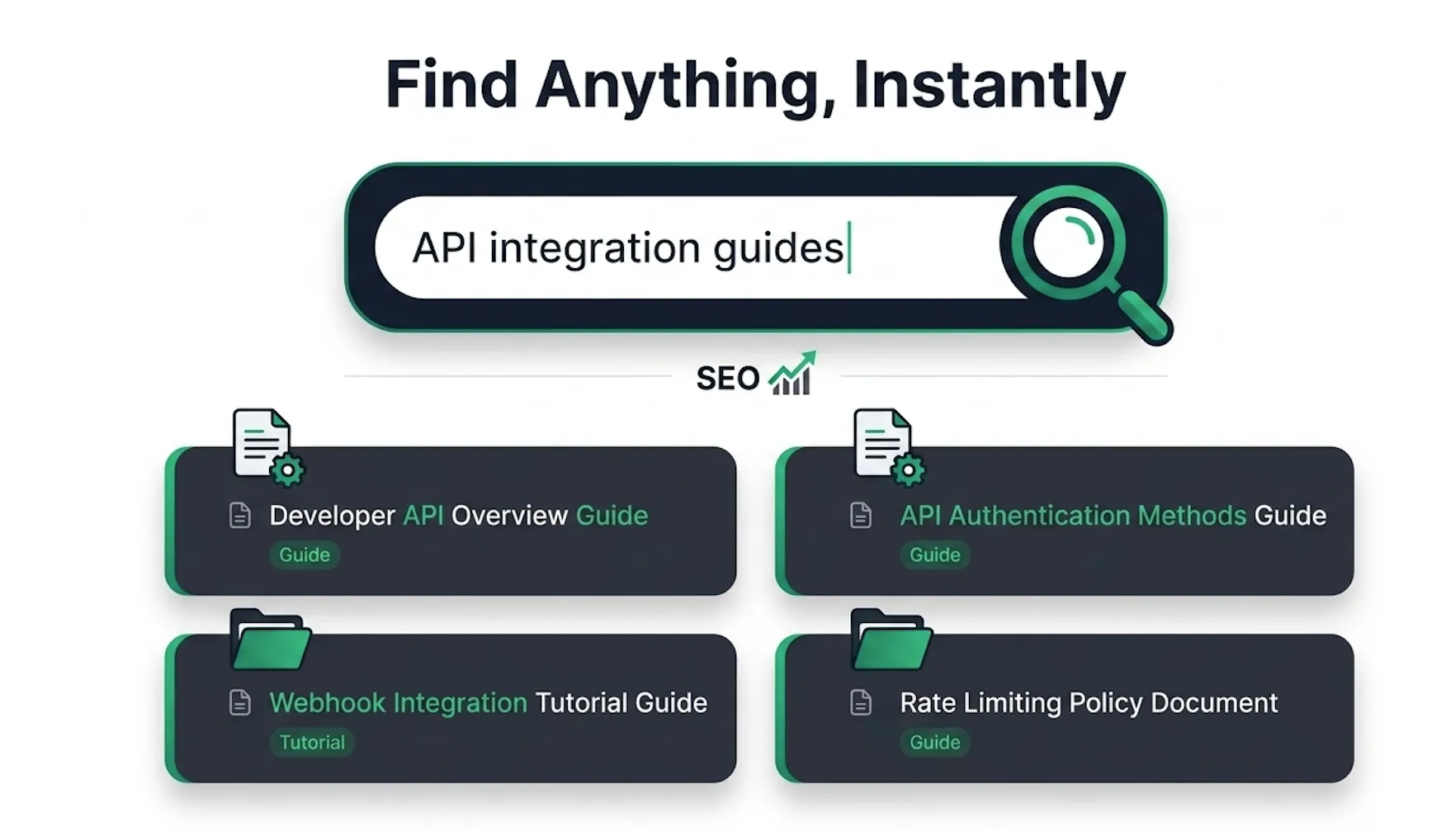
Help users find what they need, faster.
Lightning-Fast Full-Text Search: Instantly search across your collections with real-time results, typo-tolerant matching, and highlighted content snippets.
SEO Metadata Customization: Optimize every page for search engines by customizing title tags, meta descriptions, and social sharing previews.
Auto-Generated Sitemaps: Automatically generate and maintain
sitemap.xmlfiles for your custom domains, helping search engines discover and index your content efficiently.
Interactive FAQs & AI Chatbot Integration
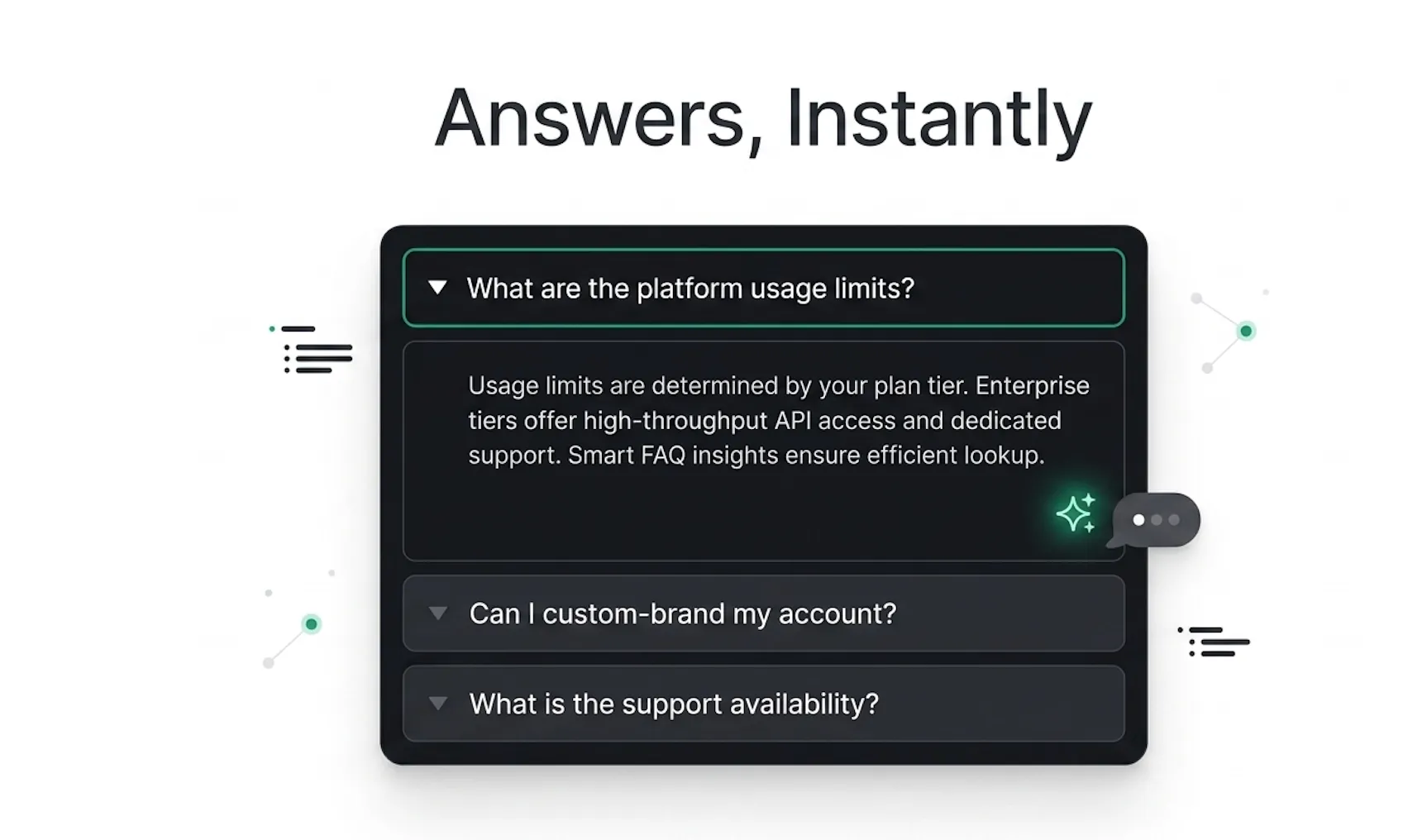
Answer questions before they're even asked.
Public FAQ Management: Create and manage FAQs that are automatically displayed as clean, expandable accordions on your public documentation pages.
AI-Powered FAQ Generation: Turn existing content, support conversations, or raw documentation into structured question-and-answer pairs with AI assistance.
Chatbot Knowledge Integration: FAQs are automatically connected to your DocStar AI Chatbot, helping it answer common questions directly from your documentation.
Real-Time Synchronization: Any changes to your FAQs are instantly reflected in the chatbot's knowledge base, keeping responses accurate and up to date.
Comprehensive Activity Logs & Audit Trails
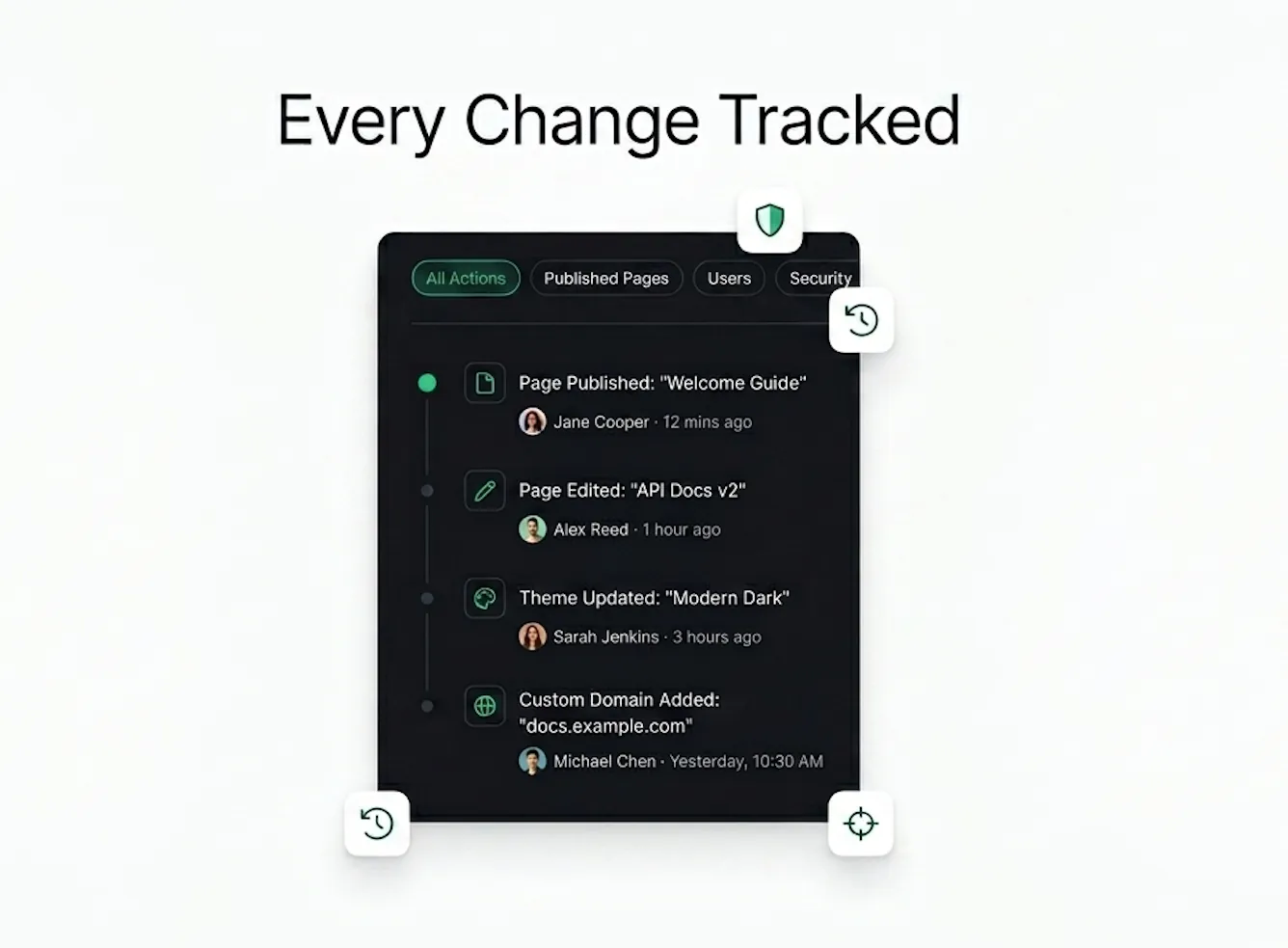
Never lose track of who changed what, and when. Total visibility for your entire team.
Collection-Level Logs: Track major changes across your collection, including branding updates, custom domain configurations, routing changes, and permission updates.
Page-Level Activity Tracking: View detailed page events with timestamps, including creation, edits, moves, publishing actions, and deletions, along with the team member responsible for each change.
Advanced Filtering & Search: Quickly locate specific events by filtering logs by date range, user, or event type.
Version History Context: Understand the story behind every change with activity logs that provide context and help trace previous content updates.
Complete Audit Trail: Maintain a comprehensive record of team activity for collaboration, accountability, compliance, and security. Export logs whenever needed.
Real-Time Analytics & User Insights
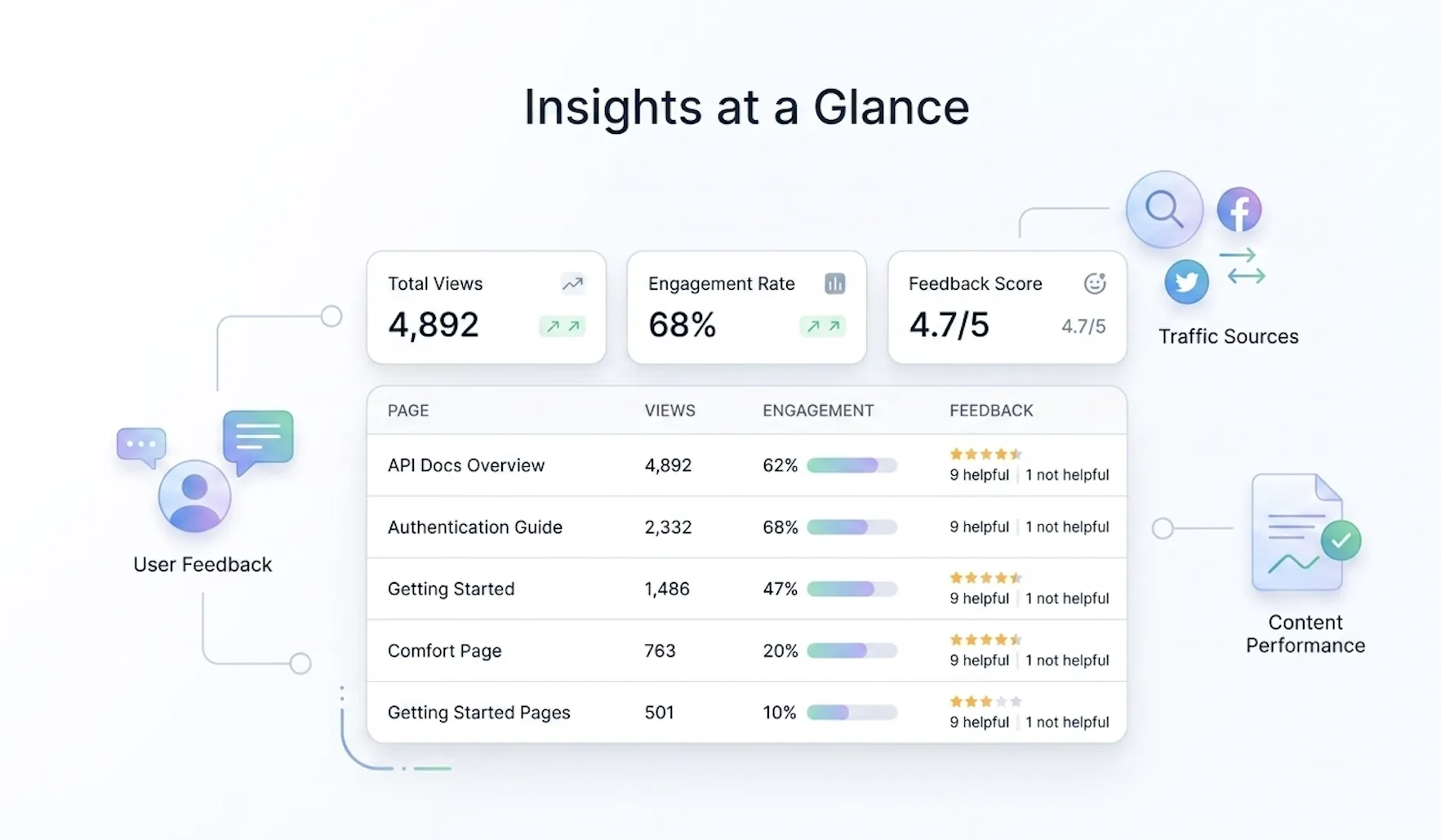
Understand exactly how your users interact with your documentation.
Real-Time Analytics Dashboard: Monitor page views and user engagement as they happen, giving you instant visibility into your documentation's performance.
Advanced UTM Tracking: Track traffic sources, campaigns, referrals, and external links with comprehensive UTM parameter support.
Publish Status Insights: Filter and analyze content based on its current publish or unpublish status to better understand content performance.
Actionable User Feedback: Collect feedback directly from readers through reactions and comments, helping you continuously improve your documentation experience.
Embrace the Dark Mode
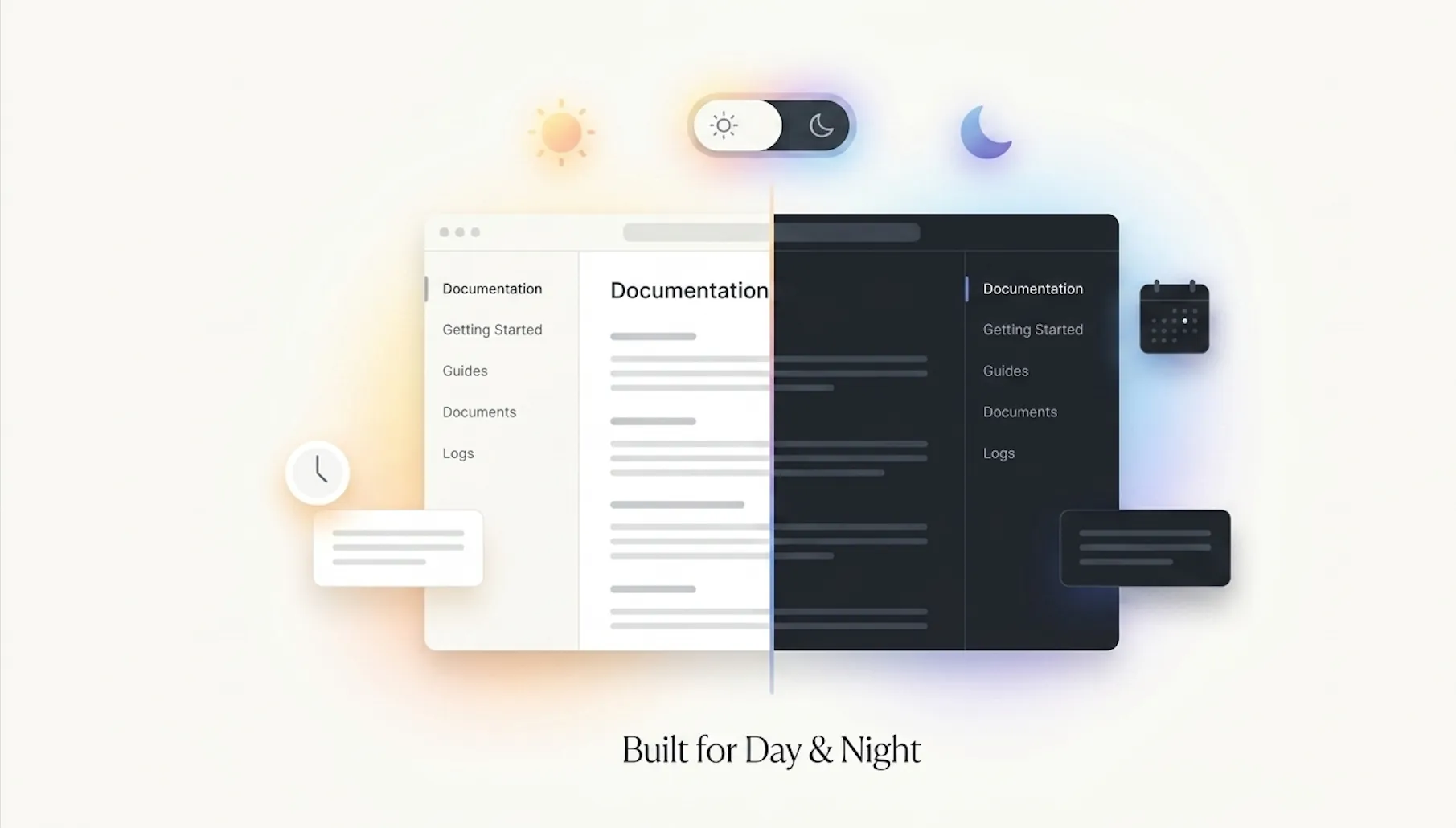
For the night owls and screen savers.
Beautiful Dark Mode: Deliver a comfortable viewing experience with a fully optimized dark theme for your published documentation.
Automatic Theme Detection: Instantly match your visitors' system preferences for a seamless experience from the moment they arrive.
Light & Dark Theme Toggle: Give users complete control with a built-in switch between light and dark modes.
Brand-Aware Theming: Your custom colors, backgrounds, and branding automatically adapt to look great in both themes.
Go Global with Multi-Language Support
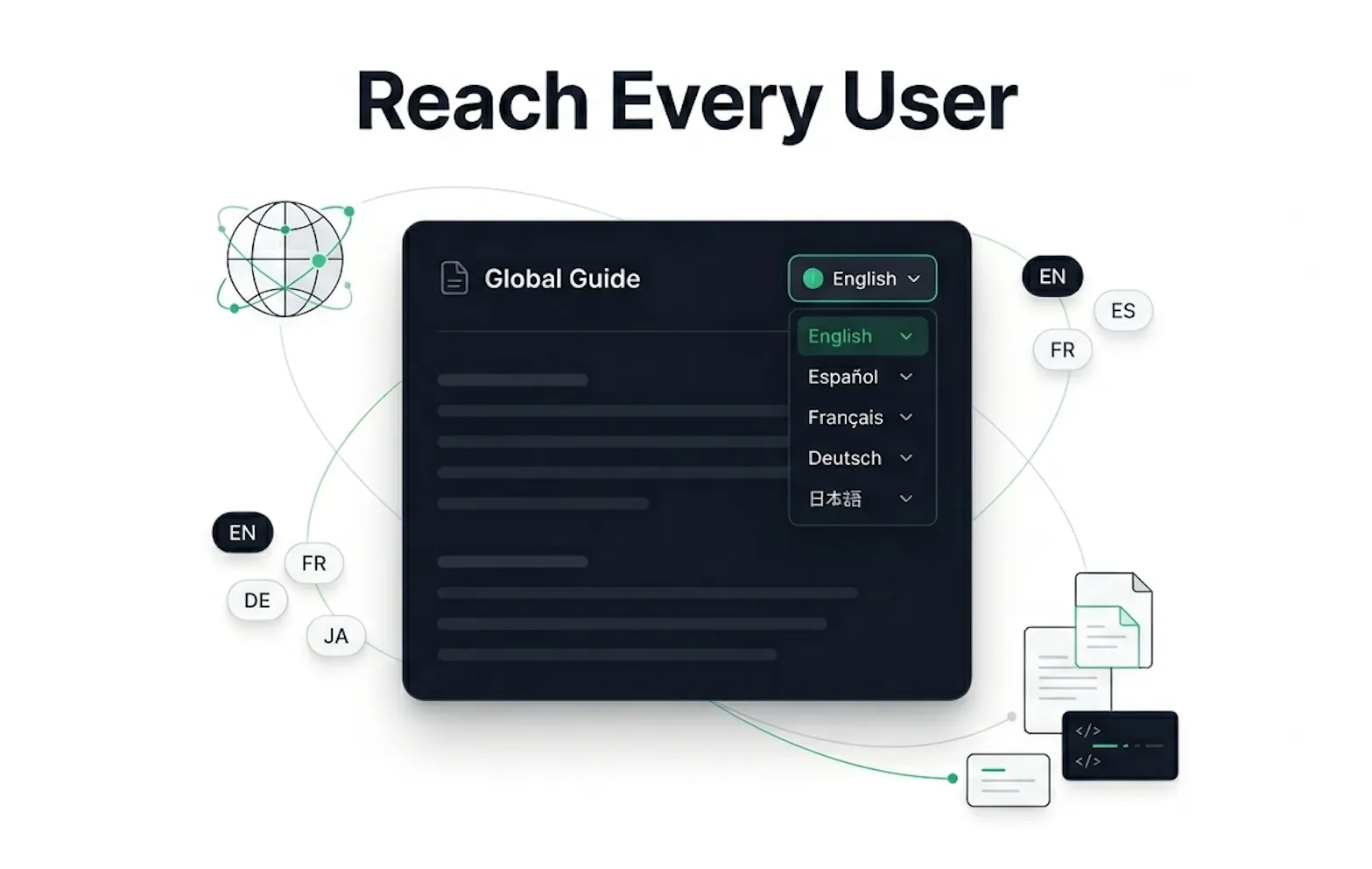
Speak your users' language, literally.
Multi-Language Documentation: You can now create, manage, and publish your documentation in multiple languages within a single collection.
Seamless Language Switcher: A new language toggler on your public pages lets users easily switch to their preferred language.
Language Management: Configure and manage your supported languages directly from your Logo & Theme collection settings to tailor your global reach.
The Public Home Page Arrival
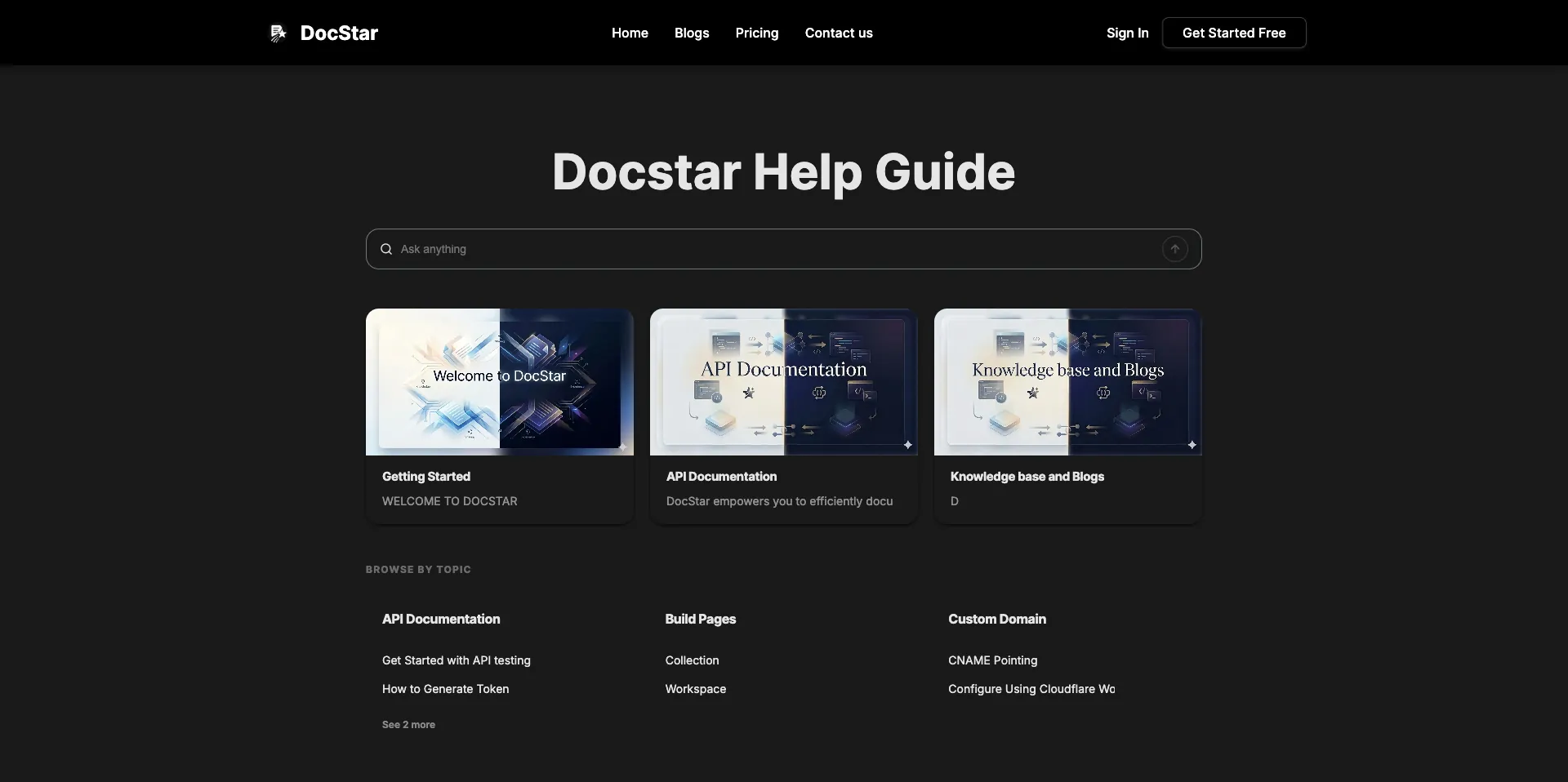
Give your users a beautiful, welcoming front door to your knowledge base.
Customizable Public Homepage: Your documentation now has a dedicated landing page! Set up a central hub for your users instead of dropping them directly into a specific article.
Hero Title Configuration: Personalize the main greeting (e.g., "How can we help?" or "Welcome to our API Docs") directly from the Logo & Theme settings.
Seamless Theming: The homepage perfectly inherits your custom background colors, text colors, and brand identity for a cohesive, professional look.
Component Management: Easily toggle the visibility of the homepage and other UI components like the "Built with DocStar" badge to fit your needs.
Custom Domains for Documentation
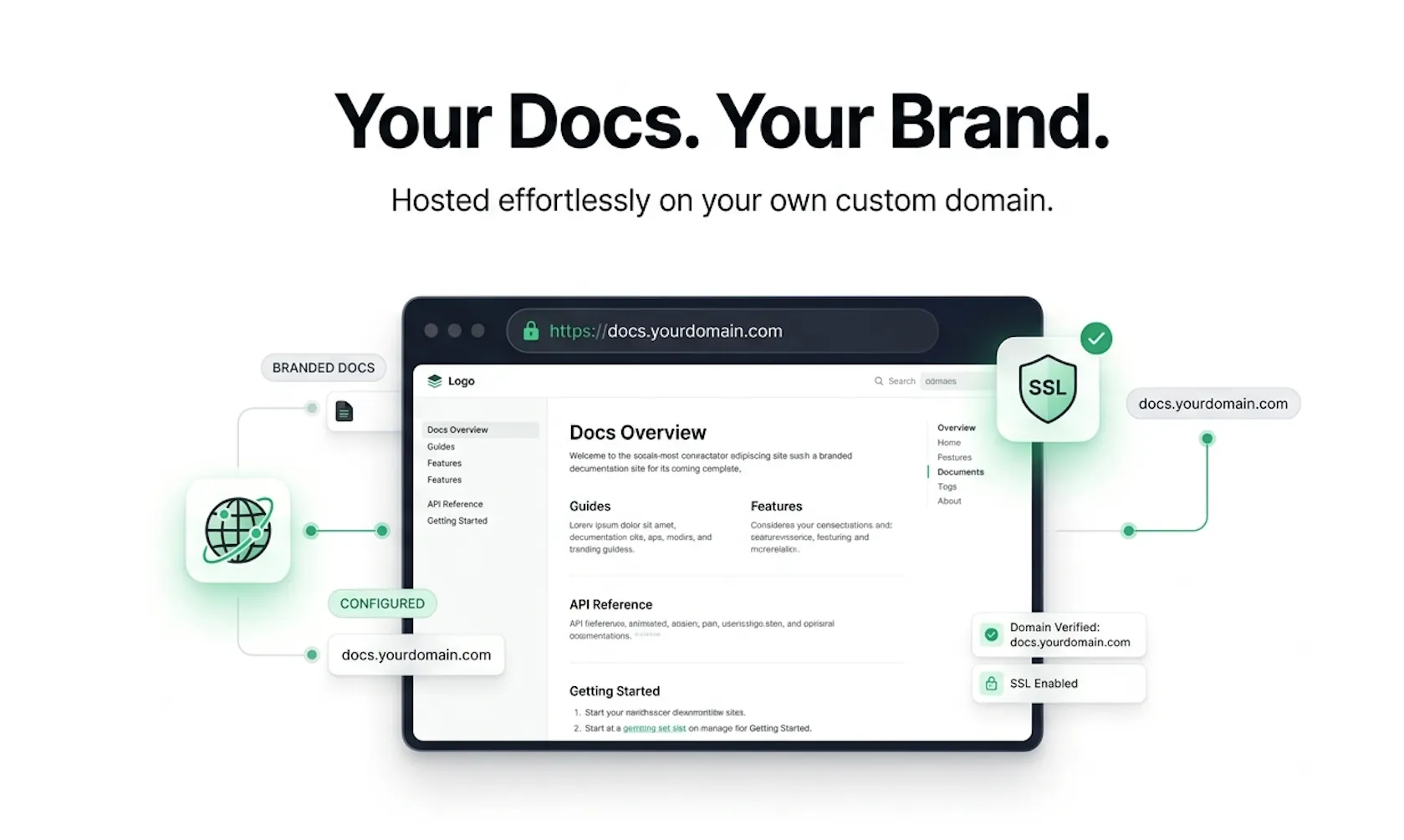
Your docs, your brand, seamlessly delivered.
You can now connect your own domain to DocStar and publish documentation with a fully branded experience.
What's New
Support for custom domains and subdomains
Support for path-based documentation hosting
CNAME-based domain configuration
SSL support for secure documentation access
White-label documentation experience
Improved branding and professional presentation
Supported URL Structures
docs.yourdomain.comhelp.yourdomain.comyourdomain.com/docsyourdomain.com/help