llms.txt vs MCP Server: Which Do Your Docs Need?
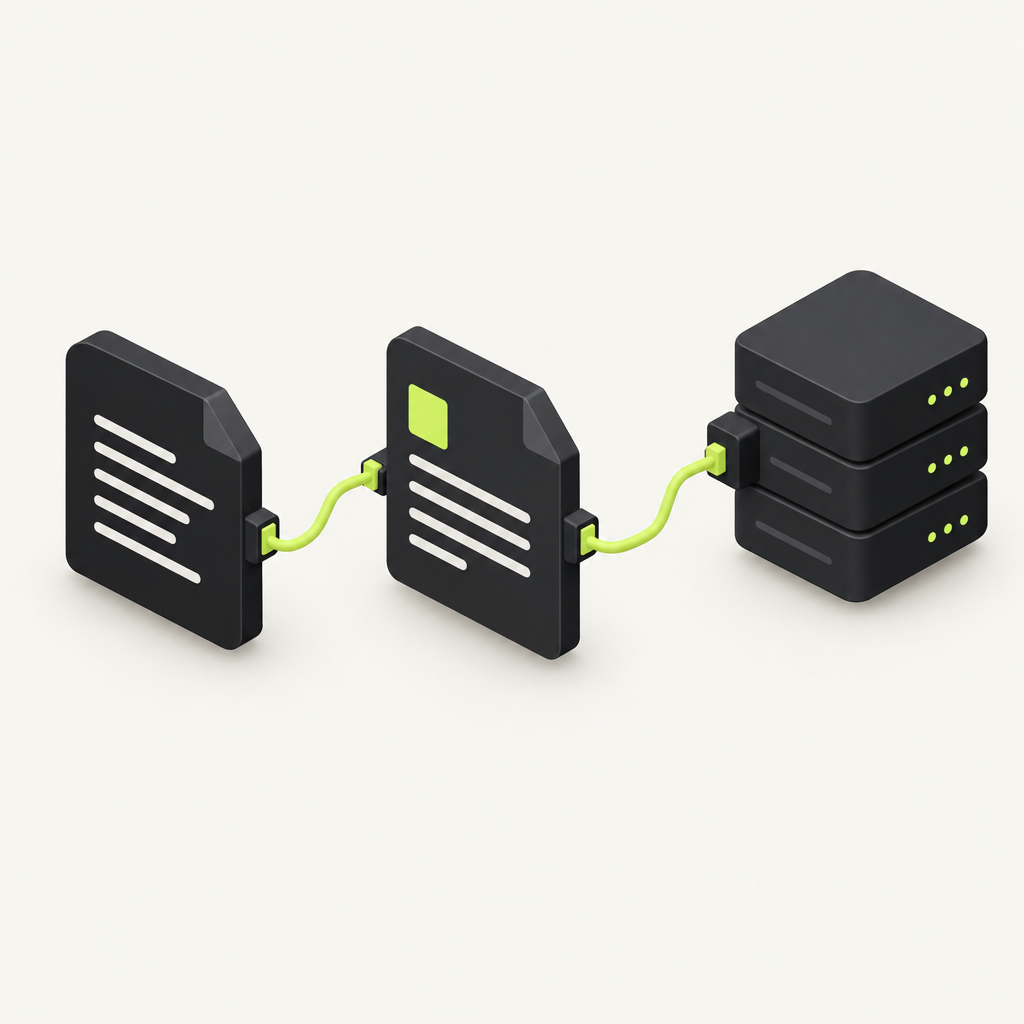
With DocStar, you don't have to choose between llms.txt and an MCP server: every published collection gets both. llms.txt is a plain-text index at the root of your docs site that tells AI tools which pages exist and where to read them. An MCP server is a live connection that lets AI assistants search your docs, and for API docs, call your API for a signed-in user. llms.txt helps AI read your docs; MCP lets AI use them.
That is the short answer. The rest of this guide explains how each one works, when each one matters, and how to set both up in DocStar by handing the job to your AI agent.
llms.txt vs MCP server at a glance
| llms.txt | MCP server | |
|---|---|---|
| What it is | A text file listing your pages with links and short summaries | A server AI assistants connect to with a URL |
| Who uses it | AI crawlers, chat assistants and agents fetching your site | Claude, ChatGPT, Cursor, VS Code, Codex and other MCP clients |
| What the AI can do | Find and read pages | Search and read pages, read your API reference and call your API |
| Setup | One file at /llms.txt |
A server with tools, sign-in and instructions |
| Acts for a user? | No, read-only | Yes, with per-user sign-in for API calls |
| Best for | Being found and understood by AI | Being used by AI inside real workflows |
Think of llms.txt as the table of contents you leave out for any AI that visits, and the MCP server as the front desk where an assistant can ask questions and get work done.
What llms.txt does (and doesn't do)
llms.txt is a proposed convention (llmstxt.org) for a Markdown file at the root of a website. It gives language models a clean list of the pages worth reading, without the navigation, scripts and layout that make HTML noisy.
It is useful because it is simple. Any AI tool that can fetch a URL can read it. But it has limits:
It's a map, not an interface. An AI can read your pages; it can't run anything.
It's public. It has no idea who the reader is, so it can't act on anyone's account.
It only helps if something fetches it. Whether a given AI tool reads llms.txt is up to that tool.
That is why the "llms.txt vs MCP" question often has the wrong framing. One makes your docs readable. The other makes your product usable from inside an AI assistant.
What an MCP server adds
MCP (Model Context Protocol) is the standard way AI assistants connect to other apps. An MCP server exposes tools the assistant can call. For docs, that means the assistant doesn't have to guess which page to fetch. It can search your docs, read the right page, and, for an API, make the actual call.
If you're new to MCP, start with What Is an MCP Server?.
How llms.txt and MCP work in DocStar
DocStar generates both from the same published docs, so there is nothing to keep in sync between them.
llms.txt, Markdown copies and a sitemap, automatically
When you publish a DocStar collection, DocStar builds an llms.txt file from your published pages (SEO, Sitemap and llms.txt):
On a custom domain it lives at
https://your-domain.com/llms.txt.For a regular docs collection it lists each published page with its link and a short summary.
For an API collection it also tells AI agents how to discover your modules and endpoints.
Every published page also has a Markdown copy: add .md to the end of the page URL. The links in llms.txt point to these Markdown versions, which AI tools read more reliably than HTML. DocStar also builds sitemap.xml for search engines, and readers get a Copy page button with Open in ChatGPT, Open in Claude and Open in Perplexity.
One thing to know: pages on the default DocStar link are marked noindex, so connect a custom domain if you want search traffic. For the bigger picture on AI-readable docs, see Is Your Documentation Readable by AI?.
A hosted MCP server for every collection
DocStar also gives each collection its own MCP server, with nothing for you to host (Build an MCP Server for Your App). Its URL looks like https://mcp.docstar.io/connector/your_collection_slug.
| Collection type | What AI assistants can do through its MCP server |
|---|---|
| Docs and blogs | Search and read your published pages |
| API docs | Search and read your docs, read your API reference, and call your API |
Only published content reaches the server; drafts never do. For API collections you control how assistants behave:
Endpoint tools: give up to 20 of your most important endpoints their own tools.
Skill: the guide assistants read before using your API.
Additional instructions: short rules applied every time an assistant connects (under 2,000 characters).
Sign-in for API calls: let assistants call your API as the signed-in user, through your OAuth app.
Logs: see every call assistants made through the server, with the reason a call failed (for example a
401,404or422). Calls are kept for two weeks.Custom domain: serve the server on something like
mcp.yourcompany.com.
Set up both with your AI agent
You don't need to click through settings to get here. DocStar's own MCP server lets Claude Code, Cursor, Codex or another assistant do the setup for you.
1. Connect your assistant to DocStar
Add DocStar from your assistant's connector directory, or add it as a custom remote MCP server with https://mcp.docstar.io/mcp. The first time it needs your workspace, you sign in to DocStar in your browser. There is no API key to copy, and the assistant only gets the access your DocStar account already has.
2. Give it one prompt
Open your coding agent in your API's repo and paste something like this:
Use the DocStar MCP to make our API docs ready for AI. Read https://docstar.io/mcp/quickstart.md first and follow it. Read our latest API code, not an old OpenAPI file, and document every endpoint in a DocStar API collection with a clear description, every parameter and a full JSON request example. Pick our 10 most important endpoints as MCP tools, write the skill, and add instructions for anything an assistant must confirm before calling. Show me your plan before you change anything, and don't publish until I say so.
3. What the agent does
Reads your routes and handlers to find the real endpoints.
Creates or picks the DocStar collection and documents each endpoint.
Chooses endpoint tools and writes the skill and instructions.
Shows you what it will create or change and waits for your OK before it does.
[Screenshot: Coding agent showing its DocStar setup plan before making changes]
4. Your part: review and publish
The human work is judgment: which endpoints stay private, how tools are named, what an assistant must confirm before a write, and the few things only you can enter, such as your OAuth app's client details for sign-in. When you're happy, tell the agent to publish (or publish in the app).
The moment the collection is published, both sides are live from the same content: llms.txt and .md copies for any AI that reads your site, and the MCP server for assistants that need to search and act.
5. Test it like a user would
Add your collection's MCP URL to an assistant and ask for a real task. If a call fails, open Logs in the MCP tab to see why, then ask your agent to fix the docs or the skill. We walk through this in How to Test If AI Agents Can Use Your API Docs.
Keep it current
Both llms.txt and the MCP server are only as good as the docs behind them, and both update when you republish. The risk is stale docs: a field gets renamed in code and the docs change later, or never. With an MCP server in the mix, stale docs no longer just confuse readers. An agent calling your API with the old field gets a failed call.
When code changes, ask your agent to update the docs in the same piece of work:
We renamed
customer_idtoaccount_idin the Orders API. Update the matching DocStar endpoints and the MCP skill, show me the diff, and save it as a draft.
For teams that keep docs in the repo, DocStar's GitHub Sync puts OpenAPI files in api-docs/ next to the code, so the docs change in the same pull request and a GitHub Action sends them to DocStar on every push. With the DocStar MCP connected, ask your agent to "set up DocStar GitHub Sync for this repo" and it does the setup. It still depends on the agent (or a person) making the docs change; DocStar doesn't watch your repo for drift on its own.
Prefer to click?
You can do all of this in the app. Publish your collection and llms.txt and the Markdown copies appear automatically. Then open the collection's Settings, go to the MCP tab, copy the server URL, and set up tools, skill, instructions and sign-in there.
So which do your docs need?
Docs that only need to be found and quoted by AI (a help center, a blog): llms.txt and Markdown copies cover most of it, and a read-only MCP server adds search inside assistants.
API docs: you want both. llms.txt helps AI understand your API; the MCP server lets it actually call it for your users.
In DocStar, it's not a trade-off. You publish once and get both.
Why teams choose DocStar
Both from one source. llms.txt, Markdown copies, sitemap and an MCP server are generated from the same published docs.
No server to run. The MCP server is hosted per collection, with sign-in, logs and an optional custom domain.
Agent-first. Your coding agent can document the API and configure the server; it asks before changing anything, and you publish.
Everything in one workspace. API docs, help docs, FAQs, changelog and blog, plus a CLI generated from your published API docs.
FAQ
Does DocStar generate llms.txt automatically?
Yes. DocStar builds llms.txt from your published pages. On a custom domain it is at /llms.txt, and its links point to the Markdown copy of each page.
Is an MCP server a replacement for llms.txt?
No. They do different jobs. llms.txt is a readable index for any AI that fetches your site; an MCP server is a connection assistants use to search your docs and call your API. DocStar gives you both.
Can AI assistants see my draft pages?
No. Only published content reaches llms.txt and your MCP server. Drafts never do.
Do I have to write MCP server code?
No. DocStar hosts the server for each collection. You or your AI agent configure tools, the skill, instructions and sign-in.
How do I know if AI assistants are using my MCP server well?
Open Logs in the MCP tab. You see each call, what the assistant sent, what your API returned, and why a call failed.
Get started free
Publish your docs once and give every AI both a map and a front door. Get started free with DocStar.
Keep reading
How to Add AI Docs Search to Your App with DocStar
Add AI docs search to your app with the DocStar Search SDK. Your coding agent wires up Cmd+K search and Ask AI through the DocStar MCP in one prompt.
Documentation Analytics: How to Improve Your Docs with DocStar
See which docs pages confuse readers with DocStar analytics and reader feedback, then let your AI agent write fixes as drafts you review and publish.