How to Test If AI Agents Can Use Your API Docs
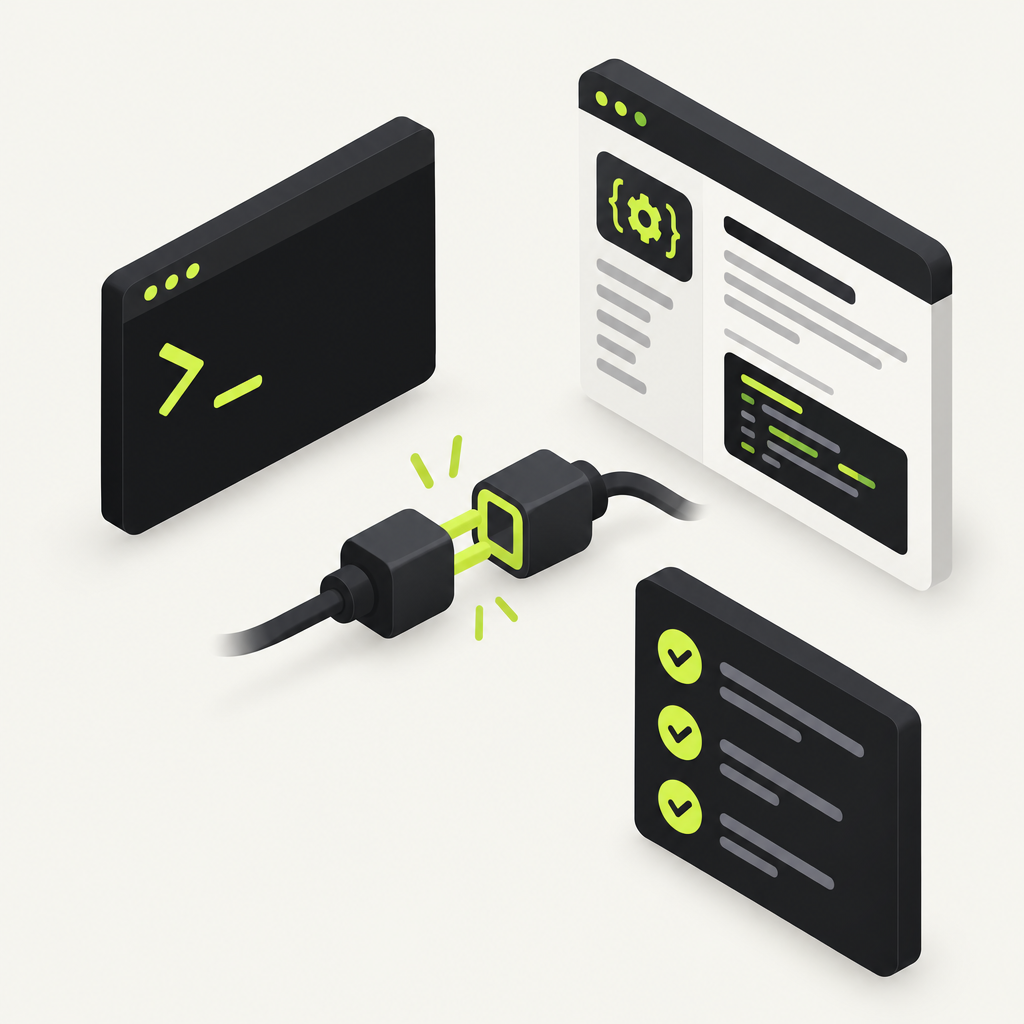
The fastest way to test whether AI agents can use your API docs is to let one try. With DocStar, every API collection gets its own MCP server, so you can connect a coding agent to it, hand it real tasks, and watch what happens. When a call fails, DocStar's MCP Logs tell you why, and the same agent (connected to the DocStar MCP) fixes the docs, the tool descriptions and the skill for you. You review, publish and run the test again.
Why "the docs look fine" isn't a test anymore
A person reading your docs fills gaps on their own: they guess that customer means a customer id or copy the shape of an example. An AI agent reads literally. If the docs leave out a required field, the agent leaves it out of the request too, and the call fails.
In DocStar, the same published docs feed four things: your docs site, llms.txt, the MCP server agents use to call your API, and the CLI. So a gap in the docs is no longer just a confusing page. It is a broken tool call. We wrote more about this in Tool-call accuracy is a docs problem too.
The only reliable way to find these gaps is to give an agent the docs and a job, then look at what it actually sent.
What to test
A good agent test covers the same things a new developer would trip over. Here is what we check for every DocStar API collection:
| What you test | What a failure looks like | Where to fix it in DocStar |
|---|---|---|
| Can the agent find the right endpoint? | It calls the wrong endpoint, or searches and gives up | Endpoint names, descriptions, endpoint tools |
| Does it build a valid request? | 400 or 422: wrong or missing body fields |
Body examples and field descriptions |
| Does it use the right path and ids? | 404: wrong path or id |
Path variables, the skill's "usual order of calls" |
| Does sign-in work? | 401: token rejected or user not signed in |
Sign-in for API calls, token header |
| Does it ask before risky actions? | It deletes or charges without asking | Safety hints on tools, additional instructions |
That last row matters as much as the others. A test passes only if the agent does the right thing and asks first where it should.
How to test your API docs with an AI agent in DocStar
The whole loop is agent-first. You connect your coding agent twice: once to your product's MCP server (to act like your users' assistants) and once to the DocStar MCP (to fix the docs). Then one prompt runs the test.
Step 1: Publish your API docs and get the MCP URL
Your collection's MCP server only sees published content. Drafts never reach it, so publish the endpoints you want to test. Then open the collection's settings, go to the MCP tab and copy the MCP server URL. It looks like https://mcp.docstar.io/connector/your_collection_slug. See Build an MCP Server for Your App.
No API docs in DocStar yet? Your agent can create them first: it reads your code, documents each endpoint in a DocStar collection, and DocStar gives that collection its own MCP server.
Step 2: Connect your agent to both servers
Add two MCP servers to Claude Code, Cursor, Codex or any other assistant:
Your collection's MCP server (the URL from step 1). This is the "user" side: the agent searches your docs and calls your API the way your customers' assistants will.
The DocStar MCP at
https://mcp.docstar.io/mcp, or from your assistant's connector directory. This is the "editor" side. The first time it needs your workspace, you sign in to DocStar in your browser. There is no API key to copy. See Connect Your AI Assistant.
If your API needs a signed-in user, use a test account when the sign-in screen appears, so the agent never touches real customer data.
Step 3: Give it one prompt
Paste something like this:
Using our Orders API MCP server, act like a new customer's AI assistant and try these five tasks: list my last 10 orders, create an order for product SKU-123, change its shipping address, refund it, and cancel it. Use only what the docs and tools tell you, no guessing from the code. For each task, record which tool you used, the request you sent, the response, and whether it worked. Then, using the DocStar MCP, propose fixes to the endpoint docs, tool descriptions and skill for every failure. Show me the changes before you save anything, and save them as drafts.
Pick five to ten tasks your users actually ask for.
Step 4: Let the agent run the tasks
The agent connects to your collection's MCP server and works through the list. It reads the skill DocStar generated for your server, searches your docs, picks a tool (an endpoint tool if you gave the endpoint one, or the general call-any-API tool), and calls your API.
At the end you get a short report: which tasks passed, which failed, and what it sent each time. Failures are the useful part. Each one points at a specific gap in your docs.
[Screenshot: Coding agent's test report listing five tasks with pass and fail results]
Step 5: Check MCP Logs for the real reason
The agent's report tells you what it thinks happened. DocStar's MCP Logs tell you what actually reached your API. In the MCP tab, click Logs next to a tool that calls your API. Each call shows:
a summary with the method, path, time and a one-line reason when it failed
the input the AI assistant gave the tool
the exact request sent to your API, including whether a signed-in user's token was sent
your API's response: status, time, size and body
Read the status codes like this: a 401 means your API rejected the token or the user wasn't signed in, a 404 means the assistant used a wrong path or id, and a 400 or 422 means the request body was wrong. Your API's own error message is shown too. Secrets are masked, calls are kept for two weeks, and you need edit access to the collection to see them.
Paste the failing log lines back into the chat if the agent's guess was off. This is the step only a person can do well: deciding whether the docs are wrong or the API is.
Step 6: Review the fixes and publish
Now the agent switches to the DocStar MCP and proposes fixes. Typical ones:
Endpoint docs: add the missing required field, a full JSON body example, and a description for each field.
Endpoint tools: give your most-used endpoints their own named tools (up to 20), such as
create_orderorrefund_order, so agents pick them reliably.Safety hints: mark tools read-only, destructive, idempotent or open-world, so assistants know when to ask before running them.
Skill: DocStar generates a skill from your docs. If the test shows agents keep calling things in the wrong order, the agent can write your own skill with the usual order of calls, rules and limits, and which endpoints to confirm first.
Additional instructions: short rules every assistant gets on connect, such as "Ask for the account id before creating an order" (under 2,000 characters).
The agent shows you every change and waits for your OK. Page and endpoint edits are saved as drafts, so nothing reaches your live docs until you publish. You decide what stays private, how tools are named, and whether a failure was really a bug in your API instead.
Step 7: Publish and run the same test again
Publish the fixed pages and endpoints, then rerun the exact same prompt. Because the MCP server only reads published content, the retest uses your new docs. Repeat until every task passes. Keep the prompt in your repo so anyone can rerun it.
For tips on wording, see How to Write MCP Tool Descriptions That AI Agents Actually Understand.
Keep it current: make the test part of every API change
Docs that pass today drift tomorrow. A developer renames a field, the docs get updated later or never, and the next agent call fails.
DocStar's GitHub Sync keeps the docs in the repo, next to the code: OpenAPI files in api-docs/ and Markdown in docs/. A docstar.md guide plus one line in AGENTS.md tells your coding agent to update the endpoint's spec in the same change whenever an endpoint is added, changed, renamed or removed. On push, a GitHub Action sends the changed files to DocStar, so your docs site, MCP tools and CLI update with no manual import, and spec changes show up in the pull request diff.
With the DocStar MCP connected, setup is one prompt:
Set up DocStar GitHub Sync for this repo.
Your agent creates the collection, writes the OpenAPI files from your code, generates the token and stores it as a GitHub secret without showing it in chat, adds the workflow, and hands back the MCP URL.
Be clear about the limit: the agent still has to make the update. If someone changes code without an agent, or the agent skips the docstar.md rule, the docs can drift and nothing catches it automatically. That is why rerunning your agent test prompt after a big API change is a good habit. More in How to Keep Your API Docs in Sync with Your Code.
Prefer to check it yourself?
Add your collection's MCP URL to any assistant, ask it for one real task, then open Logs in the MCP tab, fix the endpoint in the DocStar editor, publish and retry. The agent-run loop simply covers more tasks in the same time.
Why teams choose DocStar for agent-ready API docs
One collection, every channel. The same published docs power your docs site,
llms.txt, a hosted MCP server and a CLI. Fix a field once and every channel gets it.A hosted MCP server per collection. No server code to write or run. Your users add one URL to Claude, ChatGPT, Cursor or VS Code.
You see what agents actually sent. MCP Logs show the assistant's input, the request and your API's response, with secrets masked.
Safe by design. Your agent asks before changing anything and saves edits as drafts.
FAQ
Can an AI agent test my API docs automatically in DocStar? Yes. Connect a coding agent to your collection's MCP server and give it real tasks. With the DocStar MCP also connected, it can propose fixes to your docs, tools and skill, ask before changing anything, and save doc edits as drafts for you to review.
Do I need to write test code? No. The test is a plain-language prompt listing tasks your users actually ask for. Keep it in your repo and rerun it after API changes.
Why didn't my fix show up when I retested? Your MCP server only sees published content. Drafts never reach it, so publish the fixed pages and endpoints before you rerun the test.
What do the MCP Logs show, and how long are they kept? Each call shows the assistant's input, the request sent to your API and the response, with a one-line reason when it failed. Secrets are masked and calls are kept for two weeks. You need edit access to the collection.
Can I stop agents from running risky endpoints without asking? Yes. Mark endpoint tools as destructive or read-only with safety hints, and add short additional instructions such as "Ask before refunding an order". Learn more in How to Connect Your API to ChatGPT, Claude and Cursor.
Get started free
Find out whether AI agents can really use your API, then let your agent fix what they trip over. Get started free with DocStar, publish your API docs, and run your first agent test today.
Keep reading
How to Write a Setup Guide AI Agents Can Follow
Learn what a setup guide for AI agents needs: call order, rules, confirm-first actions and checks, and how your coding agent writes and maintains it in DocStar.
What Is AGENTS.md? How Coding Agents Read Your Docs
AGENTS.md tells AI coding agents how to work on your repo. Learn how it differs from CLAUDE.md and how one line keeps your API docs in sync with your code.