What Is AGENTS.md? How Coding Agents Read Your Docs
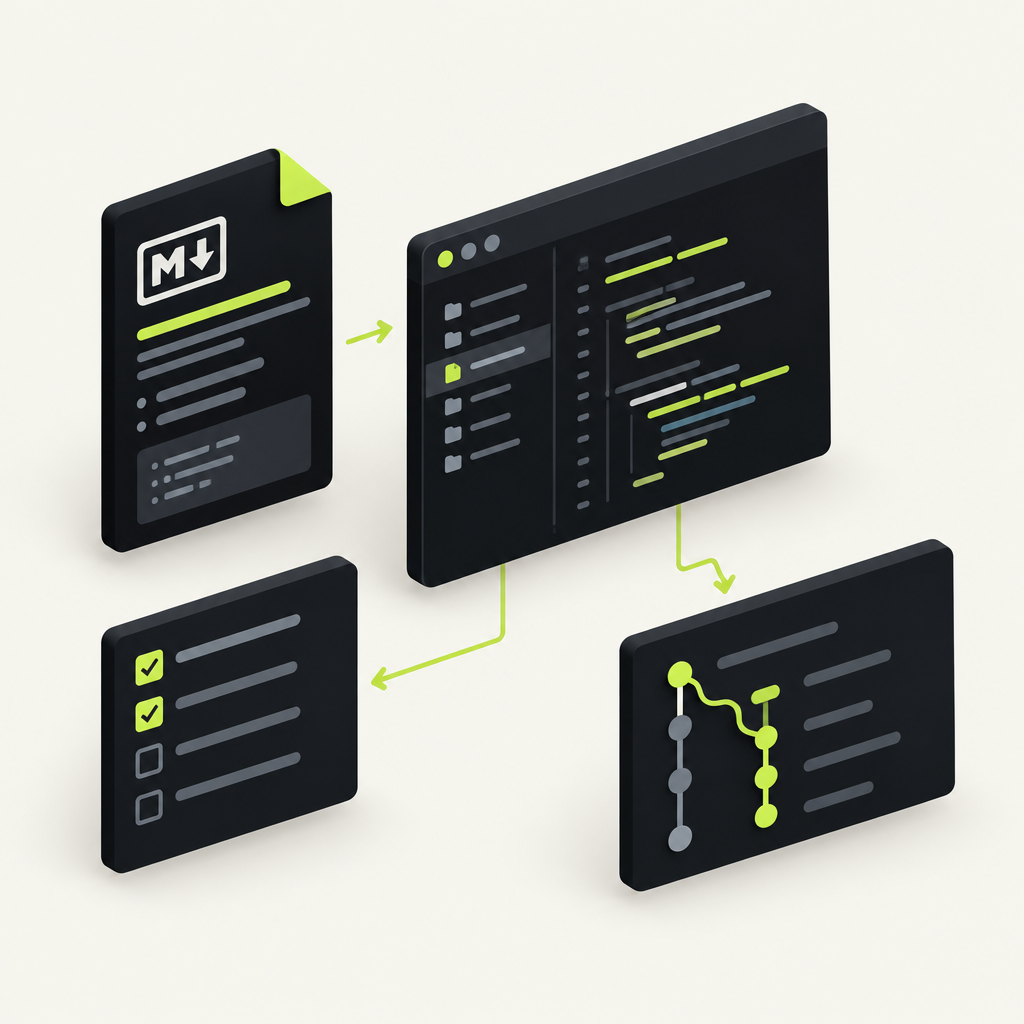
With DocStar, your coding agent can document your API, keep those docs in step with your code and publish them as a docs site, llms.txt, an MCP server and a CLI. The file that tells the agent to do this on every change is AGENTS.md. This guide explains what AGENTS.md (and Claude's CLAUDE.md) is, how agents read it, and the few lines that put your API docs on autopilot in DocStar.
What is AGENTS.md?
AGENTS.md is a plain Markdown file in your repository that tells AI coding agents how to work on your project: how to build and test it, which conventions to follow, and what to do after a change. Think of it as a README written for agents instead of people. It has no required fields; agents read it before they start work.
The format is described at agents.md as "a simple, open format for guiding coding agents" and, as of November 2026, it is stewarded by the Agentic AI Foundation under the Linux Foundation. Codex, Cursor, Gemini CLI, GitHub Copilot's coding agent, Windsurf, Zed, Devin and many others list support for it.
AGENTS.md vs CLAUDE.md
CLAUDE.md does the same job for Claude Code. As of November 2026, Claude Code's docs say it reads CLAUDE.md, not AGENTS.md, and recommend a CLAUDE.md that starts with @AGENTS.md so both tools read the same instructions without duplicating them.
| AGENTS.md | CLAUDE.md | |
|---|---|---|
| Read by | Codex, Cursor, Gemini CLI, Copilot agent and many more | Claude Code |
| Location | Repo root, plus optional nested files | ./CLAUDE.md or ./.claude/CLAUDE.md |
| Format | Plain Markdown, any headings | Plain Markdown, can import other files |
| Best practice | Your single source of agent rules | One line: @AGENTS.md, then Claude-only extras |
How agents read your instructions
An instruction file works in three simple steps:
The agent loads it at the start of a task. Before it touches code, the agent reads the file at the repo root.
The closest file wins. In a monorepo you can add an
AGENTS.mdinside a package. Per agents.md, agents read the nearest file in the directory tree, and your chat prompt overrides everything.It follows the rules on every change. "Run the tests before committing", "use pnpm", "update the API docs in the same change": whatever you write becomes part of each task.
That last point is why AGENTS.md matters for documentation. A rule in the file turns "remember to update the docs" from a hope into a standing step of every change the agent makes.
Why AGENTS.md matters for your API docs
API docs go stale. A developer renames a field or adds a parameter, and the docs get updated later, by someone else, or never.
In DocStar, stale docs cost more than a confused reader. The same published docs feed four things: your docs site, your llms.txt, the MCP server AI agents use to call your API, and the DocStar CLI. If the docs say customer_id and the code now expects customerId, an agent calls your API with the wrong field and the call fails.
AGENTS.md is how you make the coding agent fix the docs while it is still holding the change. DocStar gives you two ways to do it.
How AGENTS.md works in DocStar
Option 1: GitHub Sync, with docs in the same pull request
With DocStar GitHub Sync, your API docs live in the repo next to the code: OpenAPI files in api-docs/ and Markdown pages in docs/. Two small files tell the agent what to do:
docstar.md, DocStar's format guide, in the repo root. It holds the rules for thedocs/andapi-docs/folders.One line in
AGENTS.md, straight from our help docs:
- Whenever any endpoint is added, changed, renamed or removed, read `docstar.md` in this repo and follow it to update `api-docs/` in the same change.
Now the agent updates the endpoint's OpenAPI file in the same commit as the code. The spec change shows up in the pull request diff, so docs get reviewed like code. On push, the DocStar GitHub Action sends the changed files to your collection, and your docs site, MCP tools and CLI commands update with no manual import or copy-paste.
Option 2: A standing rule that uses the DocStar MCP
If your team edits docs in DocStar instead of the repo, add this block to AGENTS.md (or CLAUDE.md) with your real IDs:
## API docs (DocStar)
Docs: <collection URL> (org <orgId>, collection <collectionId>)
When an API changes, update its endpoint in DocStar with the DocStar MCP (https://mcp.docstar.io/mcp). Save as draft; publish only when asked.
Every time the agent changes an endpoint, it updates the matching doc in DocStar as a draft, and a person publishes it.
Let your agent set it all up in one prompt
You don't need to write any of this by hand. Doing GitHub Sync manually is about six steps: find the collection ID, write the specs, create an API token, add the GitHub secret, download the workflow and add docstar.md. Most people stop partway. With the DocStar MCP connected, it is one prompt.
Step 1: Connect your coding agent to DocStar
Add DocStar from your assistant's connector directory if it's listed there. If not, add it to Claude Code, Cursor, Codex or another assistant as a custom remote MCP server:
https://mcp.docstar.io/mcp
The first time the agent needs your workspace, you sign in to DocStar in your browser. There is no API key to copy, and the agent gets the same workspaces and permissions your account has. Full steps: Connect your AI assistant.
Step 2: Give it one prompt
Open your API's repository in your coding agent and paste:
Use the DocStar MCP to set up DocStar GitHub Sync for this repo. Read my latest code for the API, not an old OpenAPI file, and write an OpenAPI file in api-docs/ for every endpoint with a clear description, every parameter, a full JSON body example, and success and error responses. Add docstar.md and the DocStar line to AGENTS.md, and make CLAUDE.md import AGENTS.md. Store the API token as a GitHub secret without showing it in chat. Show me your plan before you change anything.
Step 3: What the agent does
From that one prompt, the agent:
Creates (or picks) an API collection in your DocStar workspace.
Reads your routes and writes an OpenAPI file per endpoint in
api-docs/, with a stableoperationIdso later edits update the same endpoint.Generates a DocStar API token and saves it as the
DOCSTAR_API_KEYGitHub secret, without printing it.Adds the DocStar workflow,
docstar.mdand the AGENTS.md rule.After the first sync, hands you your collection's MCP URL.
It asks before changing anything, and new endpoints arrive as drafts unless they are marked published (x-docstar-published: true).
[Screenshot: Coding agent showing its GitHub Sync plan before writing files]
Step 4: Review and publish
Your job is the part only a person should do: check the plan, decide which endpoints stay private, fix naming and tone, and approve the pull request. If you want users to call your API with their own accounts through your MCP server, you enter your OAuth app's details in the collection's MCP tab. Then publish.
Keep it current
Once the rule is in AGENTS.md, keeping docs current is part of normal coding. Ask for a feature and the agent updates api-docs/ in the same change. For a one-off catch-up, prompt it directly:
I just changed the orders endpoints in this branch. Read docstar.md and update their OpenAPI files in api-docs/ to match the code. Show me the diff.
Your MCP server keeps up too. DocStar generates a skill, a short quickstart assistants read before using your API, and it follows your docs as they change. Endpoint tools with an empty description follow the endpoint's docs as well. See Build an MCP server for your app and How to Write MCP Tool Descriptions That AI Agents Actually Understand.
Be clear on the limits. The agent still has to do the work. If a developer changes code without an agent, or the agent skips the docstar.md rule, the docs drift and nothing catches it. DocStar does not watch your repo or compare code with docs. Pull request review is your safety net. More on this in How to Keep Your API Docs in Sync with Your Code.
Prefer to write it yourself?
Download docstar.md into the repo root, add the AGENTS.md line above, generate the workflow file for your collection ID, create an API token in DocStar and save it as the DOCSTAR_API_KEY repository secret, then commit and push. Every push that changes docs/ or api-docs/ syncs from then on. The GitHub Sync guide has the exact commands.
What to put in your AGENTS.md
A good file is short and specific. For an API product, cover:
Build and test commands, exactly as you run them.
Code conventions the agent can't infer.
The docs rule: the DocStar line, so docs change with the code.
What needs a human: publishing, secrets, anything destructive.
Keep long API guidance out of AGENTS.md. Put it in your DocStar MCP server's skill and instructions, where every assistant that uses your API (not just your own coding agent) will read it.
Why teams choose DocStar
One source, four outputs. Publish once and get a docs site,
llms.txtwith Markdown copies of every page, an MCP server and a CLI.Agent-first setup. One prompt sets up GitHub Sync, writes the specs and wires the secret.
Docs reviewed like code. Spec changes land in the same pull request as the code.
Safe by design. The agent asks first, changes start as drafts, and your permissions apply.
Control over how agents use your API. Up to 20 endpoint tools, a skill, instructions and per-user sign-in.
FAQ
What is AGENTS.md used for?
AGENTS.md gives AI coding agents project instructions: how to build, test and follow your conventions. With DocStar, it also tells the agent to update your API docs in the same change as the code.
Should I use AGENTS.md or CLAUDE.md?
Use AGENTS.md as the single source, and add a CLAUDE.md that imports it with @AGENTS.md so Claude Code reads the same rules. DocStar's rule works in either file.
Does DocStar update my docs automatically when code changes?
DocStar publishes automatically when docs change: on push, GitHub Sync sends changed files from api-docs/ and docs/ to your collection. Updating the docs is the coding agent's job, driven by the AGENTS.md rule. DocStar doesn't watch your repo for code changes.
Do I need an API key to connect my agent to DocStar?
No. Add https://mcp.docstar.io/mcp, sign in to DocStar in your browser once, and the agent works with your permissions. GitHub Sync itself uses an API token, which the agent stores as a GitHub secret.
Will draft docs reach my MCP server?
No. Only published content reaches your MCP server, so agents calling your API see only what you've approved.
Get started free
Add one line to AGENTS.md and your API docs change in the same pull request as your code, so the agents calling your API never use an outdated contract. Your AI sets it up in one prompt. Get started free.
Keep reading

How to Add AI Docs Search to Your App with DocStar
Add AI docs search to your app with the DocStar Search SDK. Your coding agent wires up Cmd+K search and Ask AI through the DocStar MCP in one prompt.
What Is OpenAPI? A Plain-English Guide
What is OpenAPI? A plain-English guide to the API spec, plus how DocStar turns it into API docs, an MCP server and a CLI, with your AI agent doing the writing.