
DocStar vs Fern: API Docs, CLI and MCP Servers Compared
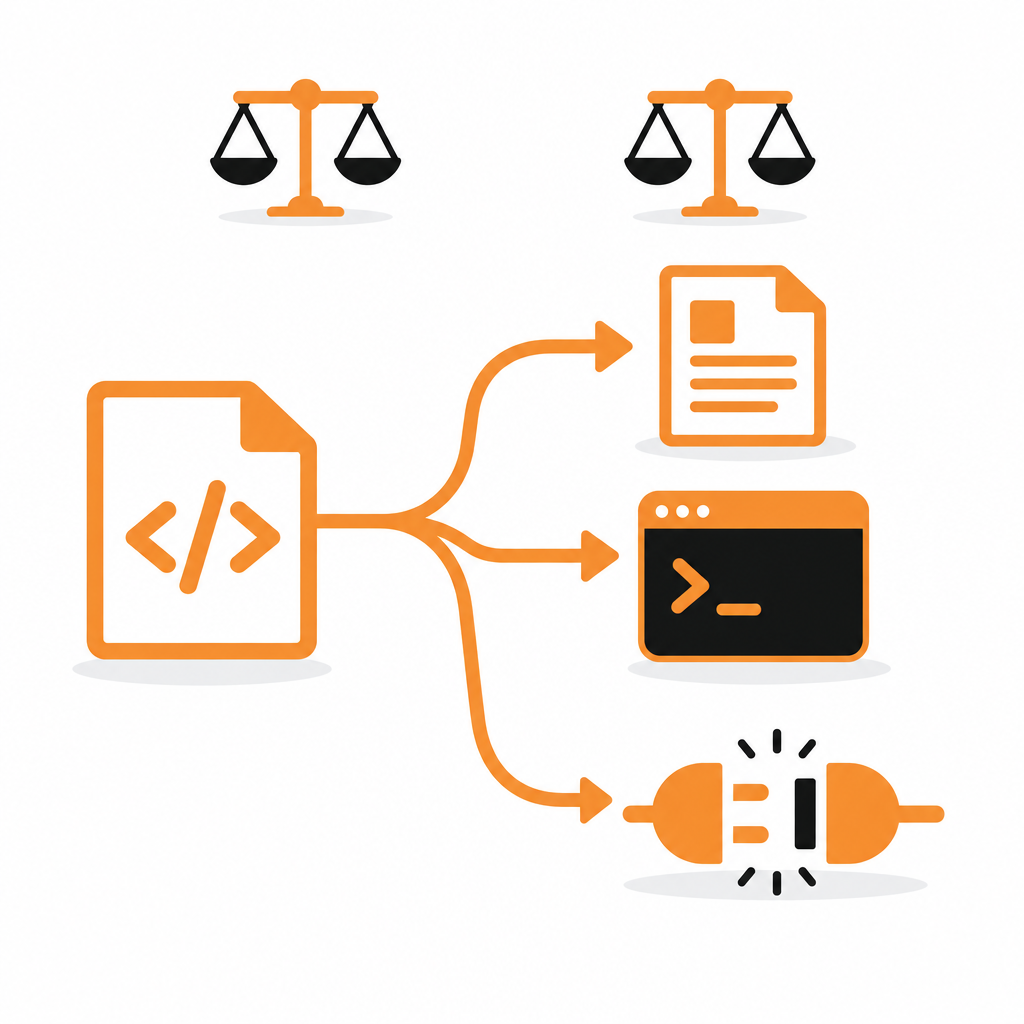
Fern and DocStar both promise more than a docs site. Fern starts from an API spec in your repo and centres on SDK generation. DocStar starts from your code and centres on making your API usable by people and AI agents: docs, a hosted MCP server that calls your API, and a CLI, all from one source.
If you're weighing a Fern alternative, here's how the two compare as of October 2026.
The short answer: choose DocStar if you want API docs without maintaining a spec, AI assistants that can act on your API for signed-in users, and published, predictable pricing: free to start, $25 a month for 10 editors.
DocStar vs Fern at a glance
| DocStar | Fern | |
|---|---|---|
| Starting point | Your code, read by your coding agent, or an OpenAPI, Swagger or Postman import | An API definition kept in a repository |
| Editing | Real-time collaborative editor for the whole team, plus GitHub sync | Docs-as-code; visual edits become pull requests |
| Hosted MCP server | Searches docs, reads endpoint contracts and calls your API with per-user OAuth or API keys | Docs-site server with one tool that answers questions from your docs |
| MCP that calls your API | Hosted for you, on your own domain if you like | Run or deploy the generated CLI as an MCP server yourself |
| CLI for your users | Available now: every published endpoint is a command, read live from your docs | CLI generator in early access |
| Paid pricing | Published: Pro $25/month with 10 members | Docs Enterprise is custom-priced; SDKs priced separately |
Where the difference shows
1. No spec to write or maintain
Fern builds everything from an API definition. If yours is missing, partial or out of date, that's work before you see a single docs page.
On DocStar you paste one prompt into Claude Code, Cursor or Codex, opened in your repo. The agent reads your routes, finds auth, parameters, bodies and responses, shows you the plan and creates the docs as drafts for you to approve. When routes change, DocStar flags the drift and drafts the fix. Already have OpenAPI, Swagger or Postman? Import it. More on DocStar API docs.
2. A hosted MCP server that acts
Fern's docs-site MCP server answers questions about your docs. To have an assistant actually call your API with Fern, you run or deploy a generated CLI as an MCP server yourself.
DocStar hosts that for you. Every API collection gets an MCP server that searches your docs, reads the exact endpoint contract and makes the real call. Users connect it in Claude, ChatGPT, Cursor or VS Code and sign in with OAuth, so each call runs with their own permissions. Reads and writes are separate tools, key endpoints can get their own named tools, and the server can run on your domain. New to MCP? Read What Is an MCP Server?
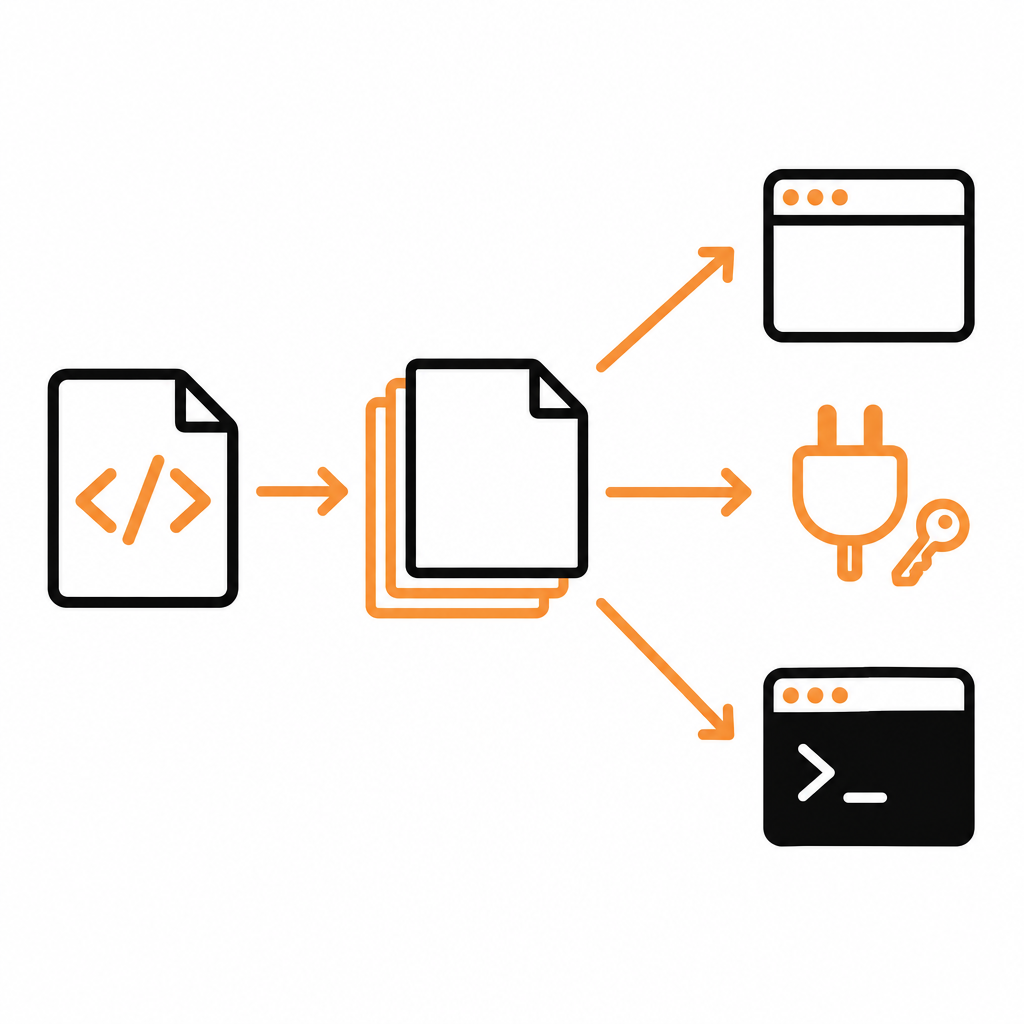
3. A CLI that's ready today
docstar-cli turns every published endpoint into a command, such as docstar-cli acme orders create-order, with no setup and nothing to build or release. It reads your docs each time it runs, so new endpoints work as soon as you publish. Users sign in or save an API key once, and with white-label the CLI carries your name.
4. One editor for the whole team
With docs-as-code, non-engineers contribute through pull requests. On DocStar, product, support and engineering edit the same page live, with drafts and versioned publishing, and guides, FAQs, a changelog and a blog sit next to the reference on one domain.
5. Prices you can see
DocStar publishes its pricing: Free with unlimited pages and a custom domain, and Pro at $25 a month with 10 members. Fern's paid docs plan is custom-priced Enterprise, with SDKs priced separately. See DocStar pricing.
Try DocStar with your own API →
Why DocStar is the better pick
- Docs from code, not from a spec. Your coding agent writes and updates them.
- AI assistants that act. A hosted MCP server with per-user OAuth, nothing to deploy.
- A CLI available now, generated from the same published docs.
- The whole team writes, in a real-time editor.
- Published pricing, starting free.
When Fern might fit: if generated client SDKs in many languages are your main requirement. You can also pair the two: publish your docs on DocStar and feed DocStar's OpenAPI file to an SDK generator.
For another comparison, see DocStar vs Mintlify.
Moving from Fern to DocStar
- Import your OpenAPI file for the reference.
- Bring guides across as Markdown; rebuild any custom MDX components as DocStar blocks.
- Publish. Your MCP server and CLI are live at the same moment.
FAQ
Is DocStar a good Fern alternative?
Yes, for API docs, MCP and CLI. DocStar gives you all three from one source, without maintaining a spec, and hosts an MCP server that calls your API for signed-in users.
Does DocStar generate SDKs?
No. DocStar serves a current OpenAPI file for each API, which you can pass to the SDK generator of your choice.
Does Fern's MCP server call my API?
As of October 2026, Fern's docs-site MCP server answers questions from your docs. Fern's generated CLI can run as an MCP server that calls your API, but you run or deploy it yourself. DocStar's hosted server does this for you, with OAuth sign-in.
How much does DocStar cost?
Free with unlimited pages and a custom domain. Pro is $25 a month with 10 members, plus $5 per extra user.
Can I get API docs and a CLI from OpenAPI with DocStar?
Yes. Import OpenAPI 3, Swagger 2 or a Postman collection and publish; every endpoint is then available as a docstar-cli command and as a tool on your MCP server.
Try DocStar free
Paste one prompt into your coding agent and get API docs, a hosted MCP server and a CLI. Start free on DocStar.
Keep reading

MCP Server Authentication Explained: OAuth, API Keys and Sign-In
How MCP server authentication works: OAuth 2.1, protected resource metadata, client registration, bearer tokens, API keys, consent and common mistakes.
How to Turn a Postman Collection into an MCP Server
Turn a Postman collection into a hosted MCP server for Claude, Cursor and ChatGPT. Import it, review auth, publish and connect. No OpenAPI spec needed.