
MCP Server Authentication Explained: OAuth, API Keys and Sign-In

An MCP server that only reads public docs can be open to anyone. The moment it touches user data or calls an API, it has to answer three questions: who is connecting, what are they allowed to do, and whose permissions does each call run with?
This guide explains how MCP server authentication works in the official spec, where API keys fit, and common mistakes. It is vendor-neutral until the last section, on DocStar. Spec details are from the MCP authorization specification, version 2026-07-28, the latest version as of October 2026. New to MCP? Start with What Is an MCP Server?
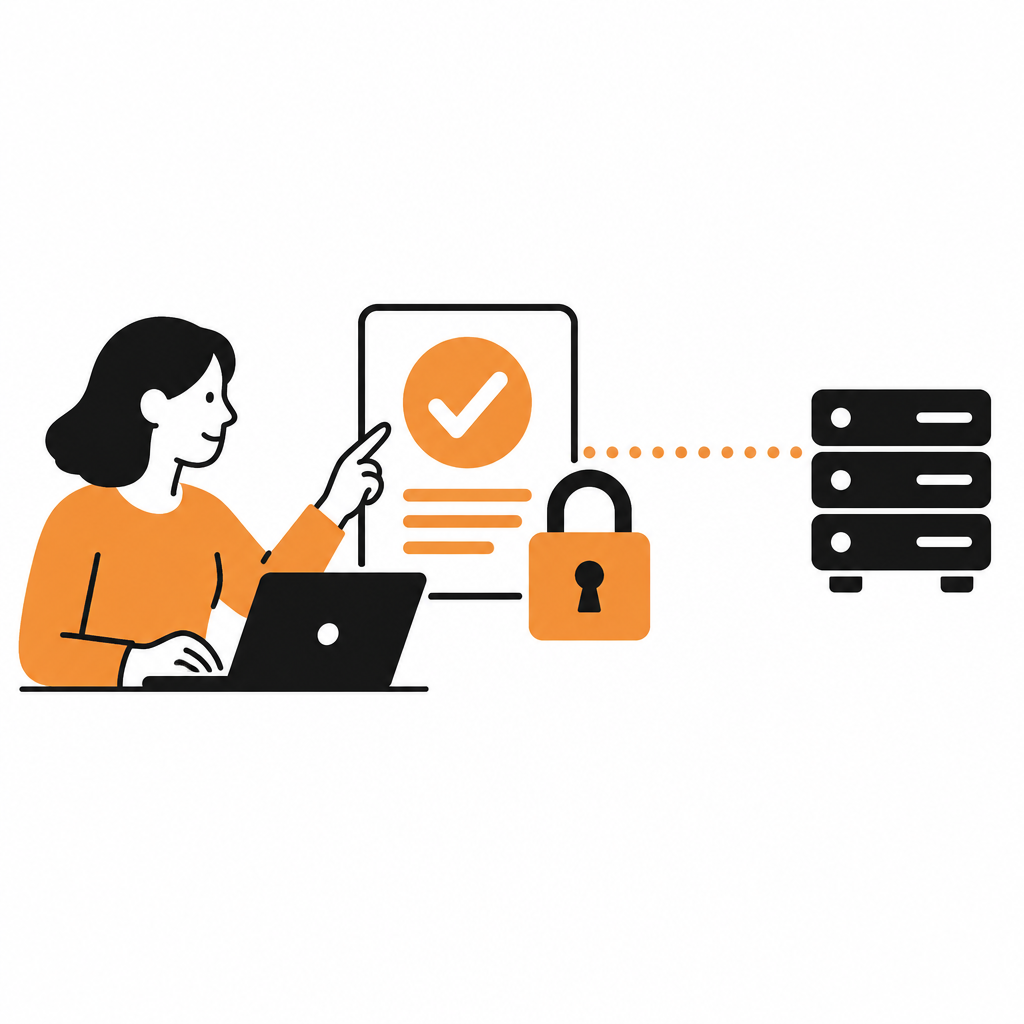
Two hops, two sets of credentials
Most confusion comes from mixing up two separate connections:
Client to MCP server. Claude, ChatGPT or Cursor connects to your MCP server. This is what the MCP authorization spec covers.
MCP server to your API. The server calls your product's API to do the work. That needs its own credential.
The spec is strict that a token issued for hop 1 is not reused for hop 2.
What the MCP spec requires
Authorization is optional, and it is for HTTP
Authorization is optional. When used, HTTP-based servers should follow the spec; STDIO servers (local processes) should read credentials from the environment instead.
Roles
A protected MCP server is an OAuth 2.1 resource server. The MCP client is an OAuth client acting for the user. A separate authorization server signs the user in and issues tokens. It can live with the MCP server or be a separate service.
Discovery: protected resource metadata
MCP servers must implement OAuth 2.0 Protected Resource Metadata (RFC 9728). When a client calls without a token, the server returns 401 Unauthorized, ideally with a header pointing to its metadata:
HTTP/1.1 401 Unauthorized
WWW-Authenticate: Bearer resource_metadata="https://mcp.example.com/.well-known/oauth-protected-resource", scope="files:read"
The metadata lists at least one authorization server in authorization_servers. If the header is missing, clients fall back to the well-known URL. The client then reads the authorization server's own metadata (RFC 8414 or OpenID Connect Discovery) to find its endpoints.
Client registration
The client needs a client ID first. The spec's priority order:
Pre-registration, if the client already has credentials for that server.
Client ID Metadata Documents, if the authorization server advertises
client_id_metadata_document_supported. The client ID is an HTTPS URL pointing to a JSON document with the client's name and redirect URIs. Support for this was added in the 2025-11-25 version.Dynamic Client Registration (RFC 7591) as a fallback. In 2026-07-28 it is deprecated and kept only for backwards compatibility.
Asking the user to enter client details, if nothing else works.
The sign-in flow
The user signs in through an authorization code flow with required protections:
PKCE is mandatory, with the
S256method when the client can use it. If the authorization server's metadata doesn't listcode_challenge_methods_supported, the client must refuse to continue.The
resourceparameter (RFC 8707) names the MCP server in both the authorization and token requests, so the token is bound to that server.Clients record the expected issuer and check the
issvalue in the response (RFC 9207) to block mix-up attacks.
Bearer tokens on every request
The client sends Authorization: Bearer <token> on every HTTP request. Tokens must never go in the URL query string. The server must check that the token was issued for it as the audience, and return 401 for invalid or expired tokens.
Scopes and step-up
Servers should name the scopes an operation needs in the WWW-Authenticate header. If a token lacks a scope at runtime, the server responds 403 with error="insufficient_scope", and the client can re-authorize with the combined set. The spec's security guidance recommends starting with a minimal scope set and asking for more only when a privileged tool is used.
Token passthrough is forbidden
"Token passthrough" means an MCP server accepts a token from the client and forwards it unchanged to a downstream API. The spec says MCP servers must not accept tokens that were not issued for them, and must not pass through the token they received. If your server calls an upstream API, it acts as a separate OAuth client there, with a separate token.
This matters for proxies. If your MCP server fronts an existing OAuth provider with one fixed client ID, the spec's security guidance requires a per-client consent screen before forwarding to that provider. It must name the requesting client, show the scopes and show the redirect URI. Without it, an attacker can ride on an earlier consent cookie and steal an authorization code (the "confused deputy" problem).
Where API keys fit
The spec standardizes OAuth, but plenty of APIs use keys. Common patterns:
Header in the client config. The user adds
Authorization: Bearer <key>to their MCP settings. Simple, but the key sits in a config file, and not every client can send custom headers.Stored once on the server. The user provides the key a single time and the server applies it to later calls. The key stays out of prompts and transcripts.
Environment variables for local servers. For STDIO servers, the spec's own recommendation.
In the prompt or URL. Avoid both. Prompts end up in chat history, and a URL with a secret in it is a credential anyone can copy.
Read tools, write tools and consent
Split reads from writes. A read-only tool is easy for clients to allow freely. A tool that can delete deserves a confirmation.
Use tool annotations. MCP defines
readOnlyHint,destructiveHint,idempotentHintandopenWorldHint. They are hints only: clients must treat them as untrusted unless the server is trusted, so your API still has to enforce permissions.Keep a human in the loop. The spec says there should always be a way for a person to deny a tool call, and clients should confirm sensitive operations.
Filter tools by scope. A server may return only the tools the caller's granted scopes allow.
Common MCP auth mistakes
| Mistake | Why it hurts | Fix |
|---|---|---|
| Forwarding the client's token to your API | Breaks audience checks and audit trails; forbidden by the spec | Validate tokens issued for the MCP server; use a separate upstream token |
| Skipping audience validation | Tokens meant for another service work on yours | Check the audience and send the resource parameter |
| Putting tokens or keys in URLs | URLs get logged, shared and cached | Use the Authorization header |
| Requesting every scope up front | One leaked token unlocks everything | Start minimal; step up with insufficient_scope |
| No consent screen on a proxy | Confused deputy attacks | Per-client consent naming the client and redirect URI |
| One shared service account | Every user gets the same power; logs show no real person | Per-user sign-in |
| Building new on Dynamic Client Registration | Deprecated in 2026-07-28 | Support Client ID Metadata Documents |
How DocStar handles MCP authentication
Every DocStar API collection gets a hosted MCP server. Here is what it gives you for auth, per our MCP server guide.
Public docs stay open. Anyone can connect and search published docs. The first time an assistant calls your API, the user signs in.
Sign-in for API calls. Enter your OAuth app's authorization URL, token URL, client ID and secret, plus a token validation URL that is checked on every MCP request. Add DocStar's redirect URIs to your OAuth app. The secret is stored only on the MCP server.
Calls run as the user. Each request uses that user's own permissions, and the assistant never sees the token. Your audit logs show the real person.
Require sign-in when connecting. One switch blocks even doc search until the user signs in, for internal or partner-only docs.
A consent page before any connection, so users know what they are authorizing.
API keys. A key tool lets users enter a key once instead of pasting it into prompts.
Separate read and write tools. A read-only tool sends only GET requests; a call tool handles POST, PUT, PATCH and DELETE. Hints are sent explicitly, and endpoint tools can be marked read-only, destructive, idempotent or open-world.
Rules for the assistant. Add instructions such as "always confirm before deleting".
The full walkthrough is in Securing Your DocStar MCP Server.
FAQ
Does every MCP server need OAuth?
No. Authorization is optional. A public-docs server can stay open, and local STDIO servers should use environment credentials. Add OAuth once the server touches user data.
What is the difference between Dynamic Client Registration and Client ID Metadata Documents?
With Dynamic Client Registration, the client registers with each authorization server for a new client ID. With Client ID Metadata Documents, the client ID is an HTTPS URL to a JSON file the client hosts, so no registration is needed. In 2026-07-28, the first is deprecated.
Can my MCP server pass the user's token straight to my API?
No. The spec forbids token passthrough. The MCP server should validate a token issued for itself, then use a separate credential for your API.
Are API keys acceptable for MCP?
Yes. Keep them in headers or server-side storage, never in prompts or URLs, and prefer per-user keys over one shared key.
Which version of the MCP spec does this cover?
Version 2026-07-28, checked in October 2026. Earlier versions differ, notably in client registration, so check which version your clients support.
Want per-user sign-in on your API's MCP server without building one? Start free with DocStar.
Keep reading
How to Turn a Postman Collection into an MCP Server
Turn a Postman collection into a hosted MCP server for Claude, Cursor and ChatGPT. Import it, review auth, publish and connect. No OpenAPI spec needed.
How to Generate a CLI from Your OpenAPI Spec
Generate a CLI from your OpenAPI spec for developers and AI coding agents. Compare open-source and commercial generators with DocStar's no-codegen CLI.