
How to Generate a CLI from Your OpenAPI Spec
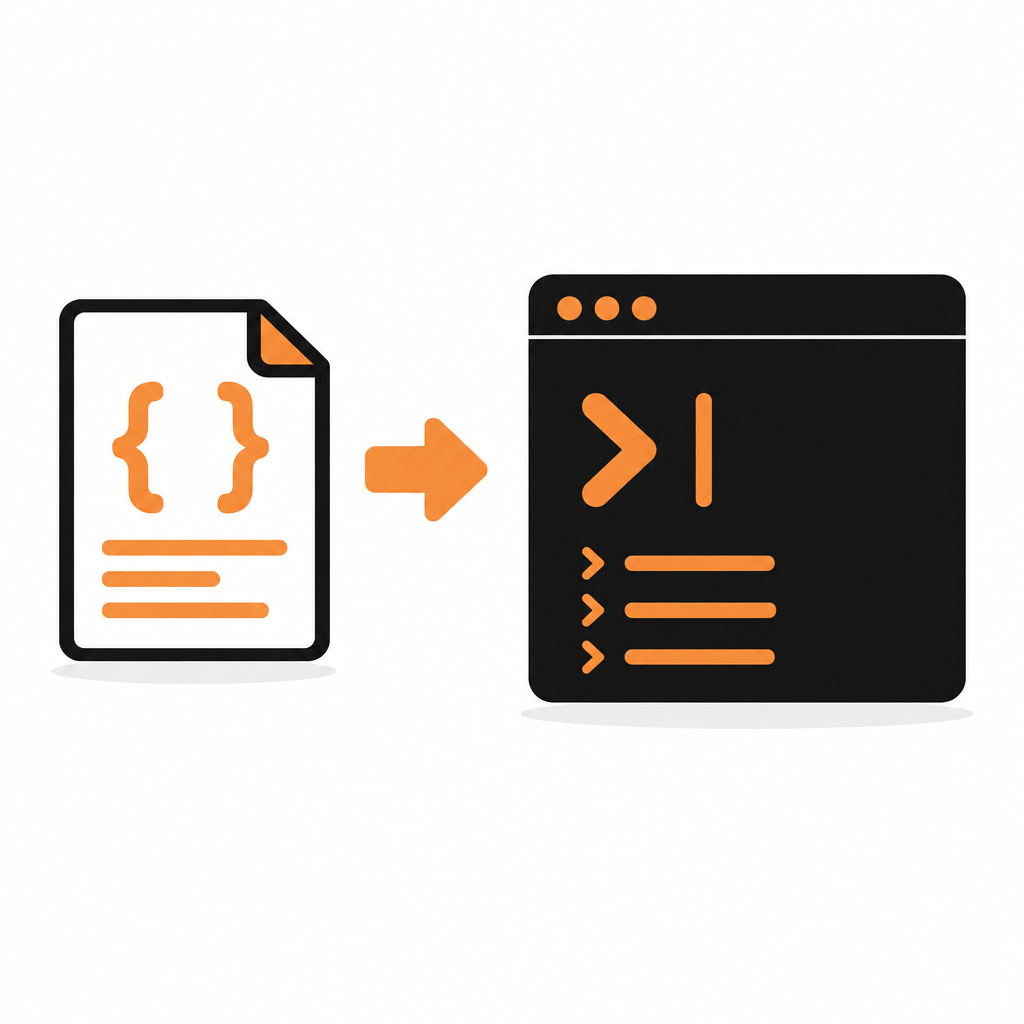
AI coding agents spend most of their day in a terminal. They run tests, read files and call tools through shell commands. Give an agent a command like acme orders list --status open and it can explore your API with --help and get a clean answer. Ask it to hand-write an HTTP request from memory and it may guess the URL, miss a header or invent a field.
That is why more API teams want to generate a CLI from OpenAPI. This guide compares the main ways to do it, then walks through the DocStar route step by step.
Why a CLI helps AI agents (and people)
A good API CLI gives an agent three things a raw HTTP call does not:
- Discovery.
--helpat each level lists resources, actions and flags, so the agent can find the right command without reading your whole reference. - Validation. Required parameters are enforced before a request goes out.
- Stored credentials. The key is saved once, not pasted into every prompt or transcript.
People benefit too: testing an endpoint becomes one line.
Your options for OpenAPI to CLI
There are three broad approaches.
Open-source generators
openapi2cli is a Python package that generates a CLI file from an OpenAPI spec, given as a URL or a local file. Its README says it was built for AI agents, and you can run it once with uvx without installing anything. The generated CLI reads auth from an environment variable and can print JSON for scripting.
specli (from Vercel Labs, on npm) takes a different path. Its exec command runs operations straight from a spec file or URL, with no generated code, and can preview a request with --curl or --dry-run. Its compile command bundles a spec into a standalone executable, which requires Bun.
Both are quick to try. Packaging, distribution and auth handling for a production CLI are up to you.
Commercial generators
Speakeasy generates a Go CLI, built on Cobra, that wraps a generated Go SDK. Its docs list an agent mode that is detected automatically in environments such as Claude Code, Cursor and Codex, plus shell completions and release tooling with GoReleaser and install scripts.
Fern has a CLI generator in early access. It produces a single statically linked Rust binary from an OpenAPI spec. When the spec changes, Fern opens a pull request against your CLI repo, and on release it can publish to npm, Homebrew and GitHub Releases.
Both give you a polished, branded binary, and a second artifact to version, release and support. Check each vendor's current plans.
Generate commands from your published docs
The third option skips code generation. docstar-cli reads any API documented and published on DocStar and turns each published endpoint into a command, with its method, URL, headers, body and required parameters taken from the docs. It reads the docs each time a command runs, so there is no SDK to build, no generated code to commit, and nothing to re-run when the docs change.
The trade-off is plain: your API has to be documented on DocStar. If you already publish your API reference there, the CLI comes with it.
Trade-offs at a glance
| openapi2cli | specli | Speakeasy | Fern | docstar-cli | |
|---|---|---|---|---|---|
| Input | OpenAPI spec | OpenAPI spec | OpenAPI spec | OpenAPI spec | Published DocStar docs |
| Output | Generated Python CLI | Runs from the spec, or a compiled binary | Go CLI wrapping a Go SDK | Rust binary | Commands read live from the docs |
| Code to maintain | Generated file | None with exec |
Generated repo | Generated repo | None |
| Staying in sync | Regenerate | Point at the current spec | Regenerate and release | Pull request on spec change | Automatic on publish |
| Runs on | Python 3.9+ | Node.js or Bun (compile needs Bun) |
Compiled Go binary | Static binary, no runtime | Node.js 18+ |
| Best for | Quick personal tooling | Trying a spec instantly | A branded, shipped binary | A branded, shipped binary | Teams already publishing docs |
Step by step: a CLI from your OpenAPI spec with DocStar
1. Import your OpenAPI spec
DocStar imports OpenAPI 3 and Swagger 2.0 files (.json or .yaml), plus Postman collections. Click the collection name at the top of the left sidebar, choose Import collection, drop in your file and click Import. DocStar creates a new collection with your endpoints. See Import Content for details.
Imported pages and endpoints start as drafts, so you can review them first.
2. Review the endpoints
The CLI uses exactly what the docs say, so this step matters:
- Check base URLs and auth settings on the imported endpoints.
- Give every endpoint a clear, verb-first name, such as
Create Order. - Make sure required parameters are marked and described.
- Add a full JSON body example for each write endpoint.
3. Publish
Publish the module pages and endpoints you want in the CLI. Only published endpoints become commands. Drafts and internal notes never do. Your published docs also become your public API reference.
4. Install the CLI
You need Node.js 18 or later.
npm install -g docstar-cli
docstar-cli --version
5. Run your first command
Every published DocStar collection works straight away, with no setup. Commands follow the same shape: collection slug, module, endpoint.
docstar-cli acme                         # list the modules in the "acme" collection
docstar-cli acme orders                  # list the endpoints in a module
docstar-cli acme orders create-order --help
acme is the collection's slug, which you choose when you create the collection. It is not the docs domain. The CLI reads that endpoint's contract from your published docs, asks for any required parameter you left out, and calls the API.
6. Add sign-in or an API key
If your DocStar MCP server uses OAuth sign-in, users sign in once and every call runs as them:
docstar-cli login acme
For key-based APIs, pass --authkey on a call or save the key once:
docstar-cli config set acme authkey YOUR_KEY
The key name must match the header or parameter name in your docs. Credentials stay in ~/.docstar on the user's machine. docstar-cli auth status acme shows what a collection needs and whether it is set up. The full command reference is in the DocStar CLI help.
7. Hand it to your AI agent
Agents can use the commands directly in a shell. To give them as MCP tools instead, register the modules you want with docstar-cli init acme, then run them as a local MCP server over stdio:
{
  "mcpServers": {
    "docstar": {
      "command": "docstar-cli",
      "args": ["mcp"]
    }
  }
}
Each tool is named <collection>__<module>__<endpoint>, for example acme__orders__create-order. If you want a hosted server your users connect to with one URL, every published DocStar API collection also gets a hosted MCP server.
Keeping the CLI in sync with your API
A CLI that lags behind the API is worse than none, because agents trust it. Decide how updates flow:
- Generated code (openapi2cli, Speakeasy, Fern): regenerate when the spec changes, then rebuild and release. Automate it in CI so it cannot be forgotten.
- Runtime from the spec (specli
exec): keep the spec URL current. - DocStar: update the endpoint in DocStar and publish. The next command anyone runs reads the new version. There is no release step.
For more on how the command structure stays stable over time, see how DocStar turns API docs into commands.
FAQ
Can I generate a CLI without writing code?
Yes. specli's exec runs commands straight from a spec, and docstar-cli reads commands from your published DocStar docs at run time. Neither asks you to commit generated code.
Do I need an OpenAPI spec to use docstar-cli?
No. The CLI reads your published DocStar docs, however they got there: an imported OpenAPI or Postman file, endpoints written in the editor, or a coding agent documenting your routes.
How do AI coding agents use an API CLI?
They run commands in a shell, read --help to find the right one, and parse the response. With docstar-cli they can also use docstar-cli mcp.
Can I ship the CLI under my own name?
Generators like Speakeasy and Fern produce a binary you brand and release. With DocStar white-label, your users run a CLI with your name, generated from the same docs.
Are my API keys sent to DocStar?
No. docstar-cli keeps credentials in ~/.docstar on your machine and sends them only to the API you call.
Try it
Import your OpenAPI spec, publish it, and run your first command a few minutes later. Start free on DocStar.
Keep reading

MCP Server Authentication Explained: OAuth, API Keys and Sign-In
How MCP server authentication works: OAuth 2.1, protected resource metadata, client registration, bearer tokens, API keys, consent and common mistakes.
How to Turn a Postman Collection into an MCP Server
Turn a Postman collection into a hosted MCP server for Claude, Cursor and ChatGPT. Import it, review auth, publish and connect. No OpenAPI spec needed.