
DocStar CLI: Turn Your API Docs into Runnable Commands
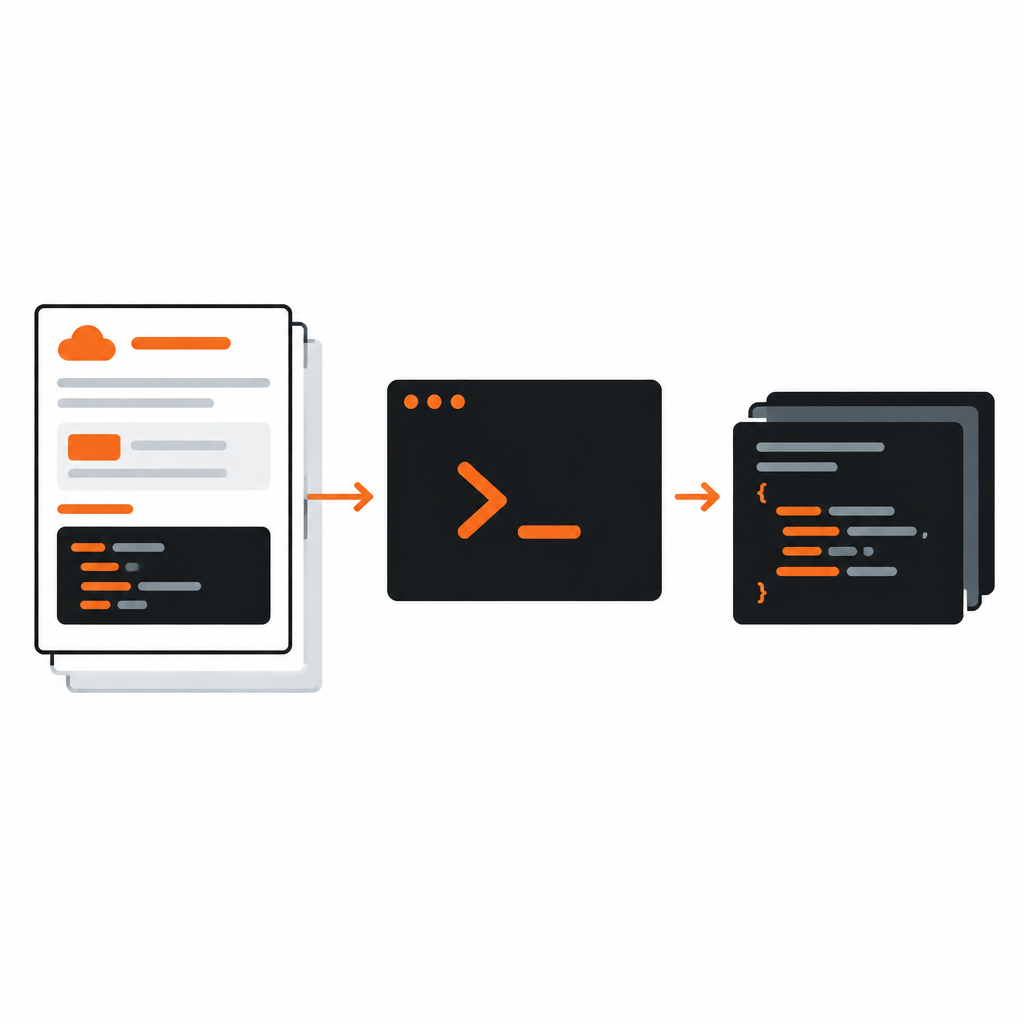
Good API docs tell a developer what to call. Great ones let them call it, right where they already work.
The DocStar CLI takes any published DocStar API docs site and turns its endpoints into commands you can run from the terminal, and into tools an AI assistant can use. There is no SDK to generate and no client library to maintain. If the endpoint is documented, it is runnable.
One hierarchy, everywhere
The CLI mirrors how your docs are organized, in three levels:
- Collection: a docs site, identified by its slug.
- Module: a top-level page that groups related endpoints, like "Pages" or "Webhooks".
- Endpoint: a single documented API operation.
That gives you commands that read like a sentence:
docstar-cli <collection> <module> <endpoint>
The same three levels name the tools when an AI assistant uses the CLI over MCP: <collection>__<module>__<endpoint>. Learn the structure once, and it works in the terminal, in scripts and in agents.
Slugs make it stable
Every collection now has a slug, a short, readable identifier that never changes once it is set. The CLI uses it to find your docs, so renaming your site, moving to a custom domain or restructuring pages does not break a single command. Slugs are checked for uniqueness when you create a collection, and a few reserved names are blocked so they can't clash with DocStar routes.
Getting started
Point the CLI at a collection by its slug with the init command. It reads your published docs and generates the commands for that collection. A few details worth knowing:
- Custom domains work. If your docs live on your own domain, the CLI follows it.
- Sub-paths work. Docs hosted under a path, like
yourcompany.com/docs, are fetched correctly. - Root endpoints work. Endpoints that sit directly under a collection, without a module, are generated too, so small APIs don't need an artificial grouping.
Because the CLI reads from your published docs, it is always as current as your last publish. Update an endpoint, publish, and the commands follow.
Keys and sign-in, handled for you
Most APIs need credentials, and credentials are where tooling usually gets awkward. The CLI treats them as a first-class concern:
- Sign in once. The CLI can sign you in, then reuse that session for later calls, so you are not asked again for every command.
- Manage API keys. Store a key for a collection once and the CLI applies it when a command needs it. If a call fails because a key is missing or wrong, the CLI says so instead of asking repeatedly.
- Write keys to your project. The
key emitcommand writes a key straight into your project's env file, ready for your app or scripts, so a secret never has to be copy-pasted through a chat window or a shell history.
None of this changes what your docs contain. It just means the person running the command can get from "I found the endpoint" to "I got a response" without detours.
Why it helps docs teams
- Docs become the source of truth for tooling. There is no second spec to keep in sync. What you document is what can be run.
- Fewer "how do I call this?" questions. The answer is a command a developer can paste.
- Agents get the same access as people. Coding assistants can run the same endpoints through MCP, with the same names.
- Nothing to ship. You do not publish a package or version a client. You publish your docs.
CLI or MCP server?
They solve neighboring problems, and they share the same docs underneath.
- Use the CLI when a person or a script is at a terminal and wants to run an endpoint.
- Use the MCP server when an AI assistant should search your docs and call your API in conversation.
Many teams turn on both. Publish your docs once and developers can use them in whichever way suits the moment.
Try it
Publish an API collection in DocStar, note its slug, and run init against it. Your first endpoint is one command away. Start with DocStar and see your docs run.
Keep reading

What's New in DocStar: October 2026
October 2026 release notes: MCP servers with sign-in and API keys, the DocStar CLI, collection slugs, a redesigned API reference, Markdown for every page, a BlockNote-based editor…
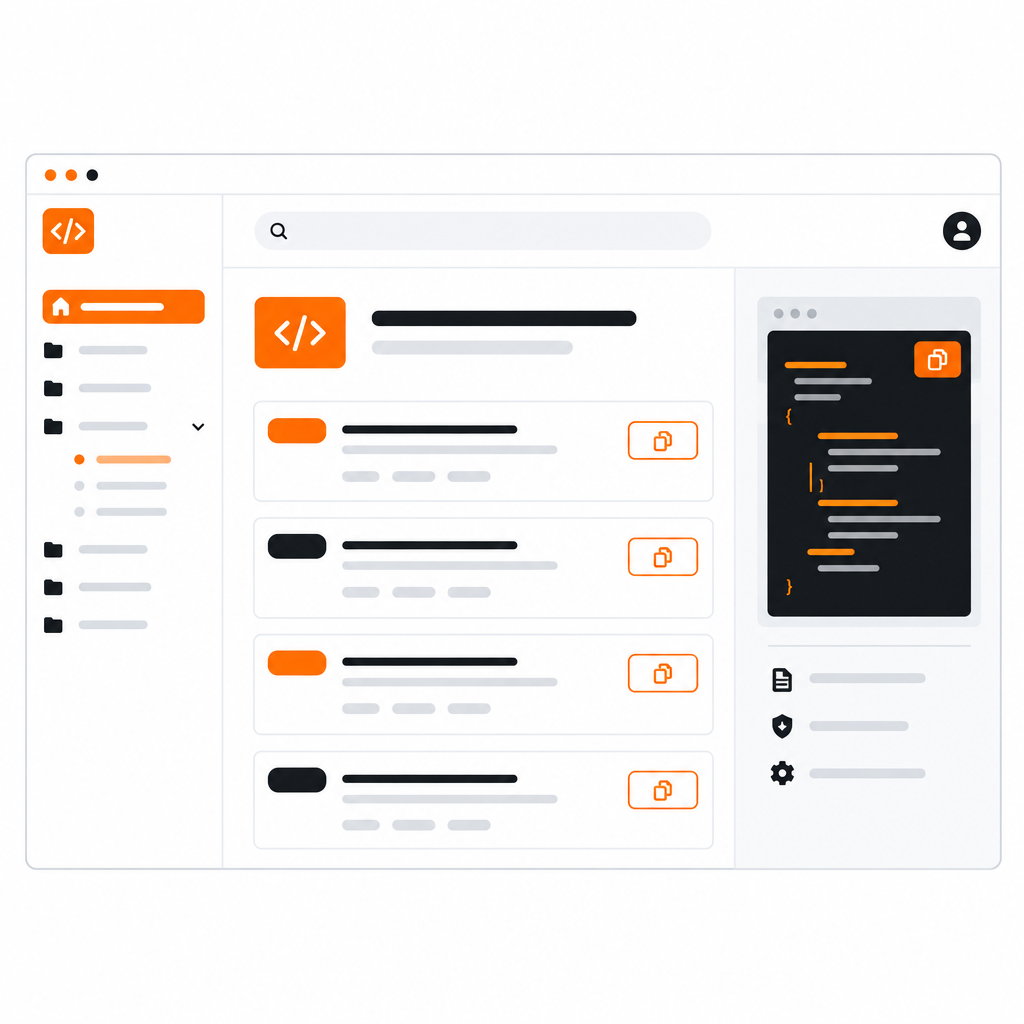
The New DocStar API Reference: Built for Developers and AI Agents
A redesigned API reference with a cleaner layout, a default-selected endpoint, a Copy Prompt button for AI assistants, and a Markdown version of every page.