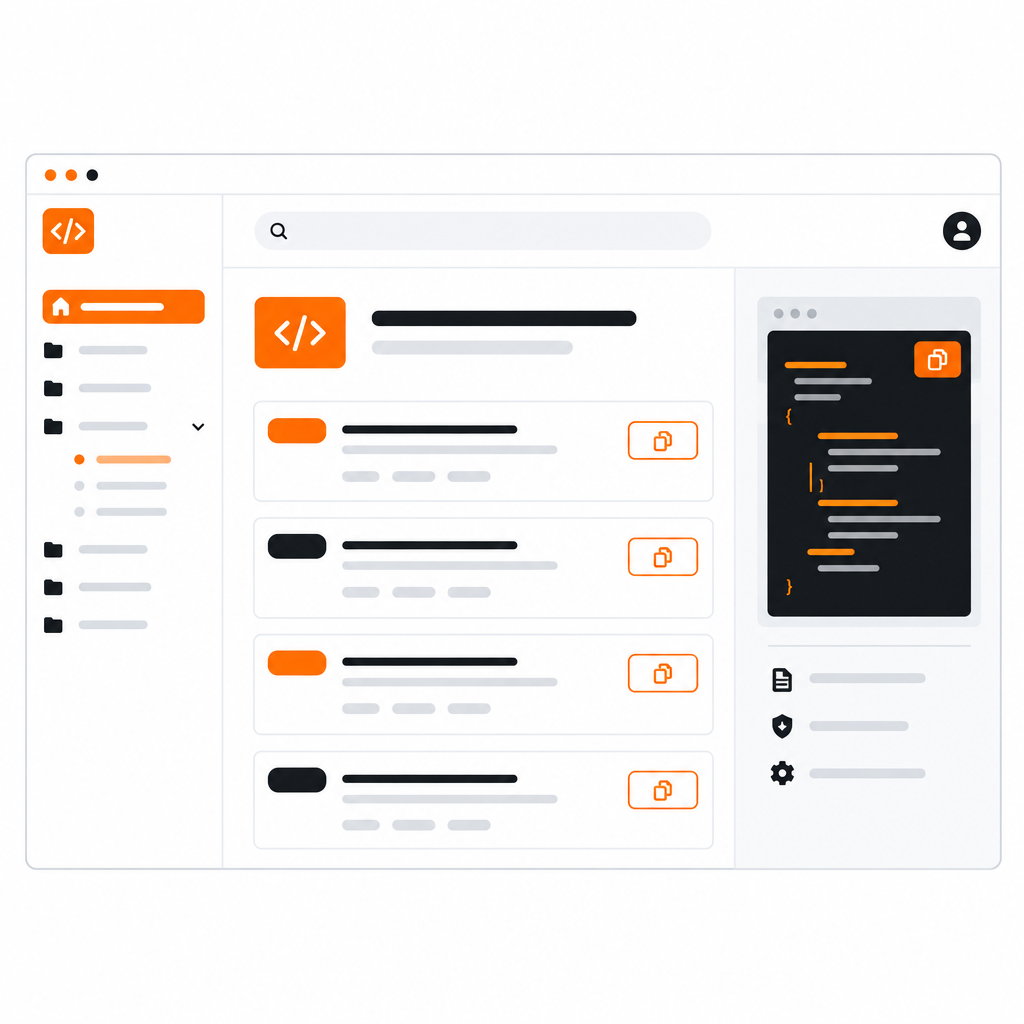
An API reference has two kinds of readers now. One is a developer scanning for the endpoint they need. The other is an AI assistant that needs the same answer without the clutter. We rebuilt DocStar's API reference for both.
#A cleaner reading experience
The API documentation UI has been completely redesigned. The goals were simple: make the endpoint you want easy to find, and make what you read easy to trust.
- A better layout. Navigation, endpoint details and examples are arranged so the important information is visible first, with less scrolling and fewer competing elements.
- An endpoint selected from the start. Open an API docs site and an endpoint is already showing, so the page never starts out empty. Readers see a real request and response within a moment of arriving.
- Richer descriptions. Endpoint descriptions on public pages render with proper formatting, so explanations, lists and notes read the way you wrote them.
- Polished themes. New border colors and refined styling keep the reference readable in both light and dark themes.
#Copy a prompt, hand it to your assistant
Many developers now start by asking an assistant, not by reading. So the reference includes a Copy Prompt button.
One click copies a ready-made prompt for the collection. Paste it into Claude or another assistant and it tells the assistant how to use your docs: connect through the collection's MCP server, or use the DocStar CLI to run endpoints. The assistant gets accurate instructions without the reader having to explain anything.
The button replaces the earlier "Ask AI" button. Instead of sending readers to a chat box, it equips whichever assistant they already use.
AI tools read plain text far better than styled web pages, so every published page now has a clean Markdown version. DocStar converts your published content to Markdown and serves it at its own address, with headings, lists, tables and code intact and the layout stripped away.
This also powers the collection's llms.txt, which lists your pages for AI crawlers with short summaries. Publish a page and both the Markdown and the index update automatically. For the full picture, read Is Your Documentation Readable by AI?
Docs on a custom domain also got friendlier. Root-level aliases mean a collection can answer at the top of your domain, not only under a sub-path, which suits docs sites that are the whole site.
- Developers find the endpoint they want faster and can copy a working prompt in one click.
- AI assistants get clean Markdown and a clear map of your docs, so they answer from what you actually published.
- Docs teams change nothing. Write and publish as before, and the new reference does the rest.
Open any published DocStar API docs site to try the new reference, or publish your own and see how it looks for your readers.