
DocStar vs GitBook: API Docs, MCP Servers and Pricing Compared
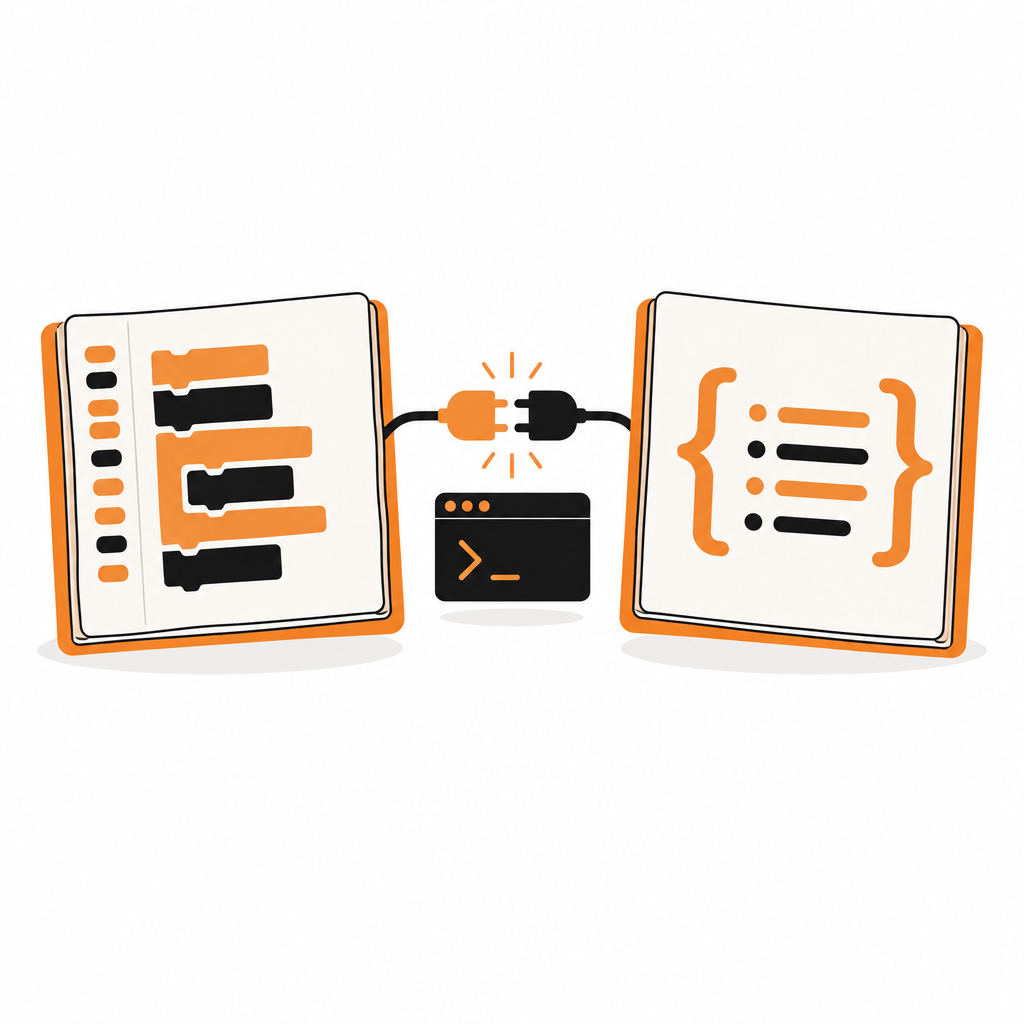
GitBook is a popular home for product docs and knowledge bases. But when the thing you're documenting is an API, and you want developers and their AI agents to actually use it, GitBook starts to show its limits: the reference needs an OpenAPI spec first, its MCP server can only read your docs, and pricing grows with every site and every editor.
DocStar is built for exactly that case. Here's how the two compare, as of October 2026.
The short answer: choose DocStar if your API is the product. You get API docs written from your code, a hosted MCP server that calls your API for signed-in users, and a CLI, all from one source, starting free and $25 a month for 10 editors.
DocStar vs GitBook at a glance
| DocStar | GitBook | |
|---|---|---|
| Built for | API docs that people and AI agents use | Product docs and knowledge bases |
| API reference source | Your coding agent reads your code, or import OpenAPI, Swagger or Postman | OpenAPI spec |
| Hosted MCP server | Searches docs, reads endpoint contracts and calls your API with per-user OAuth or API keys | Read-only access to published docs |
| CLI for your users | Every published endpoint becomes a command | Not listed |
| Real-time collaborative editing | Every plan, including Free | Essential plan and up |
| Custom domain | Free plan | Essential plan and up |
| llms.txt and markdown pages | Yes | Yes |
| Price for 10 editors on one site | $25/month | $185/month ($65 per site + $12 per user, billed annually) |
Where the difference shows
1. The API reference writes itself
With GitBook, the API reference comes from an OpenAPI spec, so someone has to write and maintain one first.
With DocStar, you paste one prompt into Claude Code, Cursor or Codex. The agent reads your routes, finds auth, parameters, bodies and responses, shows you the plan, and creates the docs as drafts. You review and publish. When the code changes, DocStar flags the drift and drafts the fix. Have a spec already? Import OpenAPI 3, Swagger 2 or a Postman collection in a minute. See the import guide.
2. An MCP server that does the work
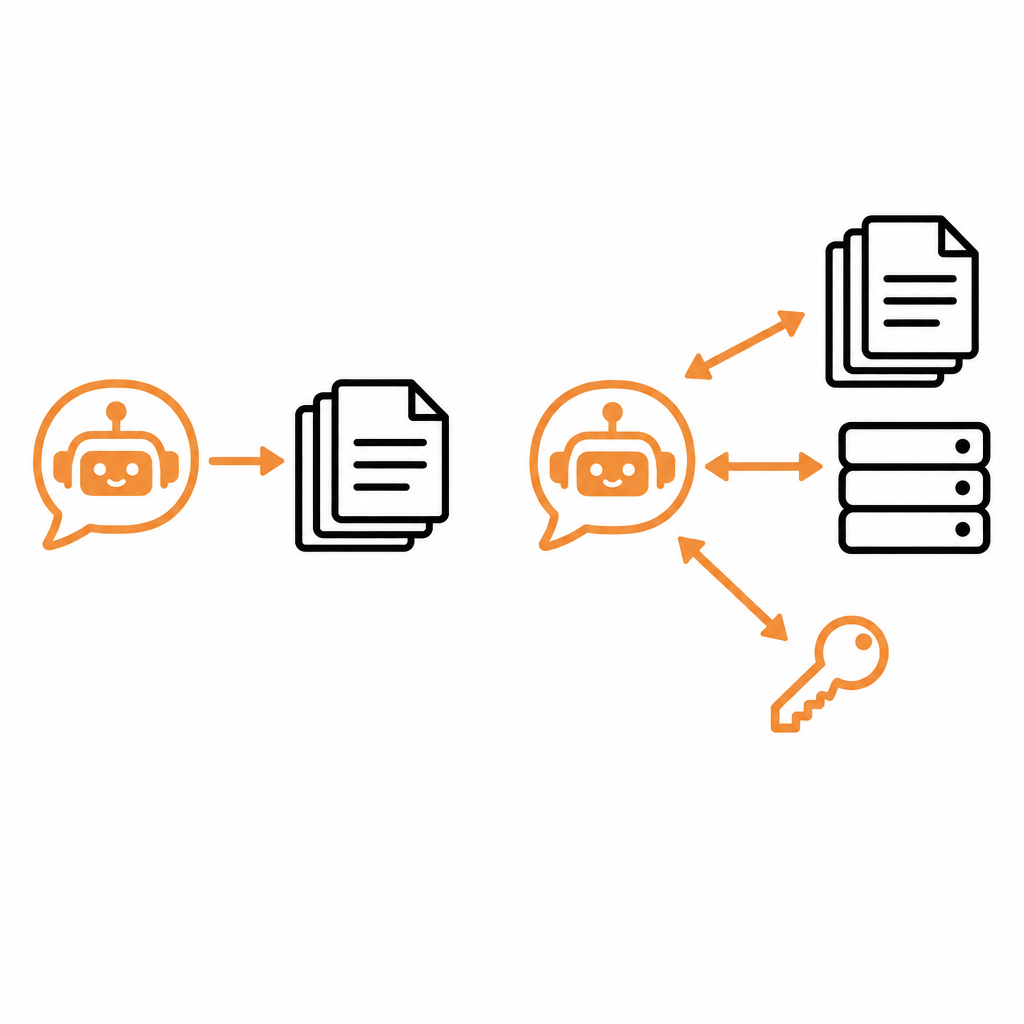
GitBook's MCP server for published docs gives AI tools read-only access to your content. An assistant can answer questions about your product, then the user still has to go and do the task.
DocStar's hosted MCP server lets the assistant do the task. Agents search your docs, read the exact endpoint contract and make the real API call, signed in as the user through OAuth, so every call runs with that user's own permissions. Reads and writes are separate tools, so assistants can ask before changing data. You can give key endpoints their own named tools, like create_refund, and serve the server from your own domain.
3. A CLI for every endpoint
Every published DocStar endpoint is also a terminal command through docstar-cli, for example docstar-cli acme orders create-order. No setup, nothing to generate: the CLI reads your current docs each time. Coding agents can run it directly in a shell, and with white-label it carries your name.
4. Pricing that doesn't grow per site
GitBook charges per site plus per user. Ten editors on one Essential site cost $185 a month, billed annually, and every extra site adds $65. DocStar Pro is $25 a month with 10 members included and unlimited pages. See DocStar pricing.
Try DocStar with your own API →
Why DocStar is the better pick for API docs
- No spec required. Your coding agent documents the API from your code.
- Assistants can act, not just answer. A hosted MCP server with per-user OAuth turns your docs into working tools in Claude, ChatGPT, Cursor and VS Code.
- One source, every format. Docs site, MCP server, CLI, llms.txt and OpenAPI stay in sync.
- Everyone writes together. Real-time collaboration on every plan, including Free.
- A flat team price. $25 a month for 10 editors.
When GitBook might fit: if your docs are mostly product guides or an internal wiki with no API at the centre, or your team works in GitLab, GitBook is a reasonable choice.
Still comparing? See Best API Documentation Tools in 2026 or DocStar vs Mintlify.
Moving from GitBook to DocStar
- Import your OpenAPI file, or let your coding agent rebuild the reference from your code.
- Bring guides across as Markdown. If you use GitBook's Git Sync, they're already Markdown files in your repo.
- Publish on your domain. Your MCP server and CLI go live at the same moment.
FAQ
Is DocStar a good GitBook alternative for API docs?
Yes. DocStar is built for API docs: your coding agent writes the reference from code (or you import OpenAPI or Postman), and every project gets a hosted MCP server that calls your API and a CLI.
Does GitBook's MCP server call my API?
As of October 2026, GitBook's MCP server for published docs gives read-only access to your content. DocStar's MCP server reads your docs and also calls your API as the signed-in user.
Is DocStar cheaper than GitBook?
For teams, yes. DocStar Pro is $25 a month with 10 members. GitBook Essential is $65 per site per month plus $12 per user per month, billed annually: $185 a month for 10 users on one site.
Can I keep using Git with DocStar?
Yes. DocStar syncs Markdown from GitHub, and the collaborative editor is there for everyone who doesn't work in Git.
Do I need an OpenAPI file to use DocStar?
No. Your coding agent can read your routes and write the docs. If you have OpenAPI, Swagger or a Postman collection, import it instead.
Try DocStar free
Paste one prompt into your coding agent and get API docs, a hosted MCP server and a CLI from your code. The Free plan includes unlimited pages and a custom domain. Start free on DocStar.
Keep reading

MCP Server Authentication Explained: OAuth, API Keys and Sign-In
How MCP server authentication works: OAuth 2.1, protected resource metadata, client registration, bearer tokens, API keys, consent and common mistakes.
How to Turn a Postman Collection into an MCP Server
Turn a Postman collection into a hosted MCP server for Claude, Cursor and ChatGPT. Import it, review auth, publish and connect. No OpenAPI spec needed.