Agent Skills vs MCP: What's the Difference?
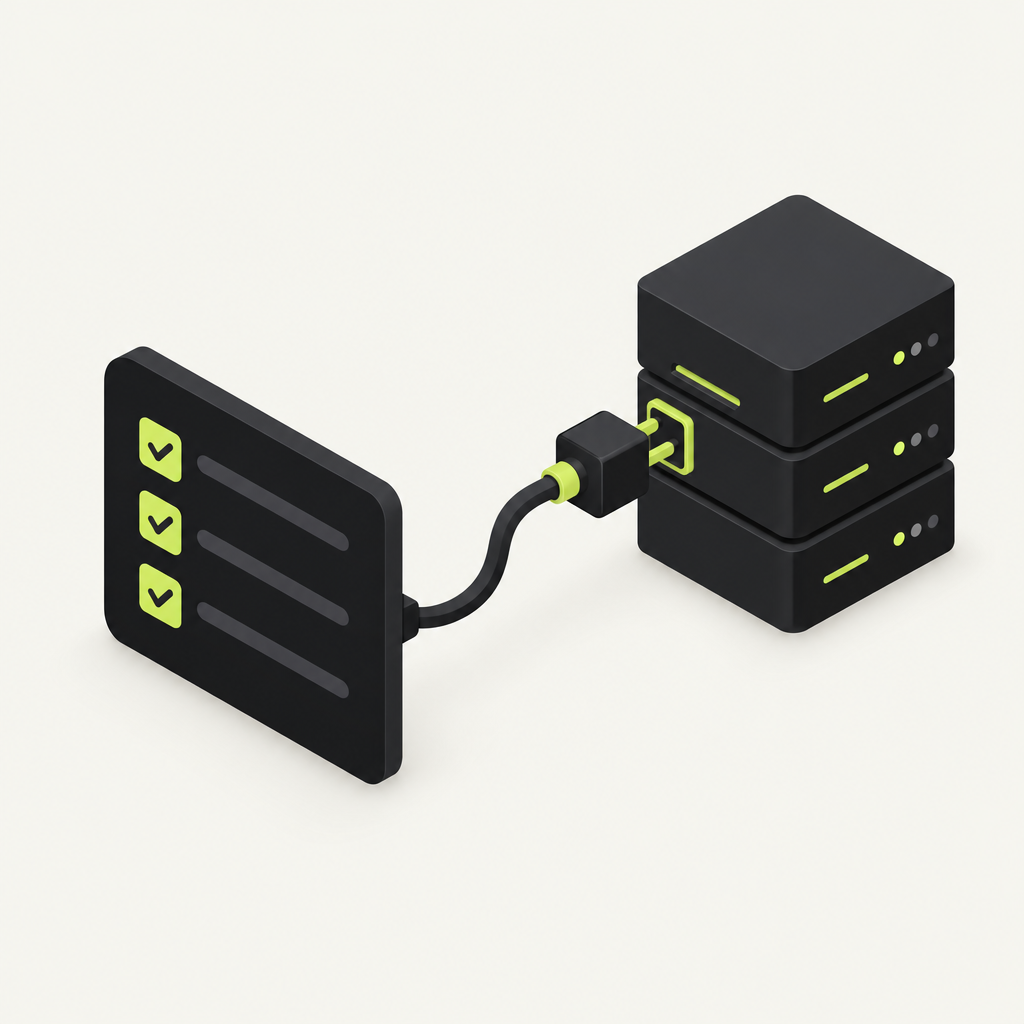
With DocStar, every API you document gets a hosted MCP server that ships with both: MCP tools that let AI agents call your API, and a generated skill that teaches them how to use it well. That is the short answer to "agent skills vs MCP". MCP gives an agent the ability to act (search your docs, call your endpoints). An agent skill gives it the know-how (which call comes first, which rules apply, what to confirm). They solve different problems, and the best agent experiences use both.
This guide explains the difference in plain English, shows where each one fits, and walks through how DocStar gives you tools and a skill from a single collection, set up by your own AI agent in one prompt.
Agent skills vs MCP: the quick definitions
Agent Skills are, in the words of the open standard at agentskills.io, "a lightweight, open format for extending AI agent capabilities with specialized knowledge and workflows" (as of November 2026). A skill is a folder with a SKILL.md file: YAML frontmatter with a name and a description, then Markdown instructions, plus optional scripts/, references/ and assets/ folders. The format was originally developed by Anthropic and released as an open standard.
MCP (Model Context Protocol) is the standard way AI assistants such as Claude, ChatGPT, Cursor, VS Code and Codex connect to other apps. An MCP server exposes tools the assistant can call, such as "search the docs" or "create an order". If you want the longer version, read What Is an MCP Server?.
So: a skill is knowledge the agent reads. An MCP server is a connection the agent uses.
How they work, side by side
| Agent skill | MCP server | |
|---|---|---|
| What it is | Instructions (plus optional files and scripts) | A live connection exposing tools |
| What it gives the agent | Know-how: steps, rules, order of calls, gotchas | Ability: read data and take actions in another system |
| How it loads | Name and description at startup; full instructions only when a task matches | The client connects; tools are listed and called on demand |
| Auth | None needed for the instructions themselves | Often needed: OAuth sign-in or API keys |
| Changes over time | Whenever someone edits the file | Whenever the server's tools or the API behind it change |
| Typical failure without the other | Agent knows the steps but can't act | Agent can act but calls the wrong endpoint, in the wrong order |
One detail matters here: progressive disclosure. Per the Agent Skills spec (as of November 2026), agents load only each skill's name and description at startup (about 100 tokens), read the full SKILL.md when a task matches, and open bundled files only as needed. That keeps skills cheap to have around. MCP tools, by contrast, are how the agent actually reaches your API.
Why "skills vs MCP" is the wrong fight
Most of the debate frames these as rivals. In practice they cover each other's blind spots:
MCP without a skill: the agent can see 40 endpoints but has no idea that you must list projects before creating a task, or that
amountis in cents. It guesses, and the call fails.A skill without MCP: the agent knows exactly what to do, but has no authenticated way to do it, so it writes code for a human to run instead.
This is the same lesson behind tool-call accuracy being a docs problem: agents are only as good as what they are told. Tools give reach, the skill gives judgment, and both come from the same source of truth: your API docs.
How DocStar gives you both from one collection
This is where DocStar is different. You don't build an MCP server in one place and maintain a skill file somewhere else. You document your API in a DocStar collection, and DocStar gives that collection its own hosted MCP server, with everything assistants need:
Tools. By default, assistants reach your API through a general "call any API" tool: they search your docs, find the endpoint and call it. You can also give up to 20 of your most important endpoints tools of their own.
Skill. Every DocStar MCP server ships with a skill: a short quickstart guide that assistants load before they use your API. DocStar generates it from your docs, and it follows your docs and tools as they change.
Instructions. Short rules assistants receive every time they connect, such as "Always use the v2 endpoints". Keep them under 2,000 characters.
Sign-in. For API collections, you can let assistants call your API as the signed-in user, so each person acts with their own account.
Your users add one URL (like https://mcp.docstar.io/connector/your_collection_slug) to Claude, ChatGPT, Cursor or VS Code, and they get the tools and the skill together. Only published content is visible: drafts never reach your MCP server.
Generated skill or your own?
DocStar's generated skill is a solid default because it stays in step with your docs. Write your own when you know things the docs don't say. Our help docs suggest a good skill covers:
What your API is for, in two or three sentences.
The usual order of calls, such as "list projects, then create a task".
Rules and limits, such as rate limits or required fields.
Which endpoints are safe to call freely and which to confirm first.
Once you write your own, it no longer follows doc changes, so it becomes something to maintain. You can reset to the generated version at any time. Use the skill for longer guidance and the instructions for rules that must always apply.
Let your AI agent set up tools and the skill
You don't need to click through settings to get any of this. DocStar's main workflow is agent-first: connect Claude Code, Cursor, Codex or another assistant to the DocStar MCP (https://mcp.docstar.io/mcp), sign in to DocStar in your browser the first time (no API key to copy), and ask for the work in plain language. See Connect your AI assistant.
Then give it one prompt from inside your code repo:
Use the DocStar MCP to turn my app's API into an MCP server. Read my latest code for the API, not an old OpenAPI file, and document each endpoint with a clear description, every parameter and a full JSON body example. Pick the 10 endpoints our users need most as tools. Then write the server's skill: what the API is for, the usual order of calls, required fields and limits, and which endpoints to confirm before calling. Show me your plan before you change anything.
Here is what the agent does, per our MCP server guide:
Reads your code and documents each endpoint in a DocStar collection.
Gets your MCP URL, which DocStar creates for the collection.
Picks up to 20 important endpoints as tools.
Writes the skill and adds your instructions.
Asks before it changes or publishes anything. Every edit starts as a draft, and your DocStar permissions apply to the agent too.
[Screenshot: Coding agent showing its plan for tools and the skill in DocStar]
What only you should decide
The agent does the writing. You make the judgment calls:
What stays private. Which endpoints should never be tools, or should require confirmation.
Naming and tone. Tool names and the skill's wording are what other people's agents will read.
Sign-in details. If your API needs a logged-in user, entering your OAuth app details is a step for a person.
Publishing. Review the drafts, then publish. Nothing goes live before that.
For tips on the wording itself, see How to Write MCP Tool Descriptions That AI Agents Actually Understand.
Keep it current
Agents break when the skill or tools describe an API that no longer exists. With DocStar:
The generated skill follows your docs automatically. DocStar's generated skill follows your docs and tools as they change, so updating an endpoint's docs is enough.
Your agent updates the docs with the code. Add a line to your repo's AGENTS.md telling the coding agent to update the endpoint's docs in DocStar whenever an API changes (what AGENTS.md is). If you use GitHub Sync, the OpenAPI files live in your repo and change in the same pull request as the code, and the push publishes them.
Custom skills need a nudge. If you wrote your own skill, ask your agent to refresh it when behaviour changes:
Read the latest changes in this repo's API and update the skill on our DocStar MCP server if the order of calls, required fields or limits changed. Show me the diff first.
To be clear about the limits: the agent has to do this. DocStar doesn't watch your repo or compare code with docs on its own, so make the AGENTS.md rule part of how your team ships.
Prefer to do it by hand?
You can. Open your collection's Settings, then the MCP tab, to copy the MCP server URL and add instructions. Endpoint tools and the skill are managed through the MCP Server module of the DocStar API (Upsert Endpoint Tool, Update MCP Skill, Reset MCP Skill), which is exactly what your agent calls for you, so the agent route is usually faster.
Why teams choose DocStar
One source, every surface. The same API docs feed your docs site, your MCP server, its skill and the DocStar CLI.
A skill you don't have to start from scratch. Every MCP server ships with a generated skill that follows your docs.
Per-user sign-in. Agents call your API as the signed-in user, not with a shared key.
Agent-first, human-approved. Your AI does the setup; you review drafts and publish.
No server code. DocStar hosts the MCP server for you.
FAQ
Are agent skills replacing MCP? No. A skill tells an agent how to do something; MCP lets it actually do it against a live system. Skills reduce wrong calls; MCP makes calls possible. DocStar ships both with every MCP server.
Does every DocStar MCP server include a skill? Yes. DocStar generates a skill from your docs for every MCP server, and it follows your docs and tools as they change. You can replace it with your own and reset it later.
What's the difference between the skill and the instructions in DocStar? The skill is a longer quickstart guide assistants load before using your API. Instructions are short rules (under 2,000 characters) that assistants receive every time they connect.
Can my AI agent write the skill for me? Yes. Connect it to the DocStar MCP and ask, for example, "Write the skill for my Orders API MCP server and explain which endpoint to call first." It asks before saving anything.
Can I use a skill with an MCP server that isn't on DocStar? Yes, skills and MCP are independent standards. The advantage of DocStar is that the tools, the skill and your docs come from one collection, so they stay in step.
Get started free
Document your API once and give every AI agent the tools to call it and the skill to call it well. Get started free and ask your AI agent to set it up.
Keep reading
How to Test If AI Agents Can Use Your API Docs
Test whether AI agents can use your API docs: connect a coding agent to your DocStar MCP server, run real tasks, read MCP Logs, and let the agent fix the gaps.
How to Write a Setup Guide AI Agents Can Follow
Learn what a setup guide for AI agents needs: call order, rules, confirm-first actions and checks, and how your coding agent writes and maintains it in DocStar.