Good documentation shouldn't feel like a chore, and it shouldn't stop at a website. This is how DocStar takes you from a blank page to docs that your customers, your teammates and their AI assistants can all use.
The flow has five steps: organize, write, brand, publish and connect.
#1. Organize with collections
Everything starts with a collection, one documentation project or site. When you create one you choose its type:
- API docs for endpoints, examples and a try-it experience.
- Help docs for guides, FAQs and knowledge bases.
- Blog for posts and announcements.
Inside a collection, pages and subpages form the sidebar tree. Drag to reorder, nest as deep as you need, and map out the structure before you write a word. Each collection also gets a permanent slug, a readable identifier that stays the same even if you rename the site.
#2. Write in a block editor
The editor is block-based, so a page is made of headings, text, code, tables, callouts, link cards and embeds. Teammates can edit the same page at the same time, and you can import or export Markdown whenever you like. See A Better Editor.
AI helps with the heavy lifting: draft a page, summarize a long one, generate FAQs from your content or rewrite for tone. See Write Less, Ship More.
Your docs should look like part of your product:
- Themes, fonts and colors that match your brand.
- Custom header and footer for your navigation and links.
- Custom domains and paths, like
docs.yourcompany.com or yourcompany.com/docs.
- Redirects that keep old links working when pages move.
More in Your Docs, Your Brand.
Publishing is one click. Each publish creates a new live version, and DocStar updates search, generates SEO details and refreshes the sitemap for you. You decide who sees what: public docs for customers, or private collections for your team, optionally restricted further by network rules.
Prefer automation? Everything in the app is available through the DocStar API, and webhooks and GitHub sync let docs move with your releases. See Make Your Docs Part of Your Stack.
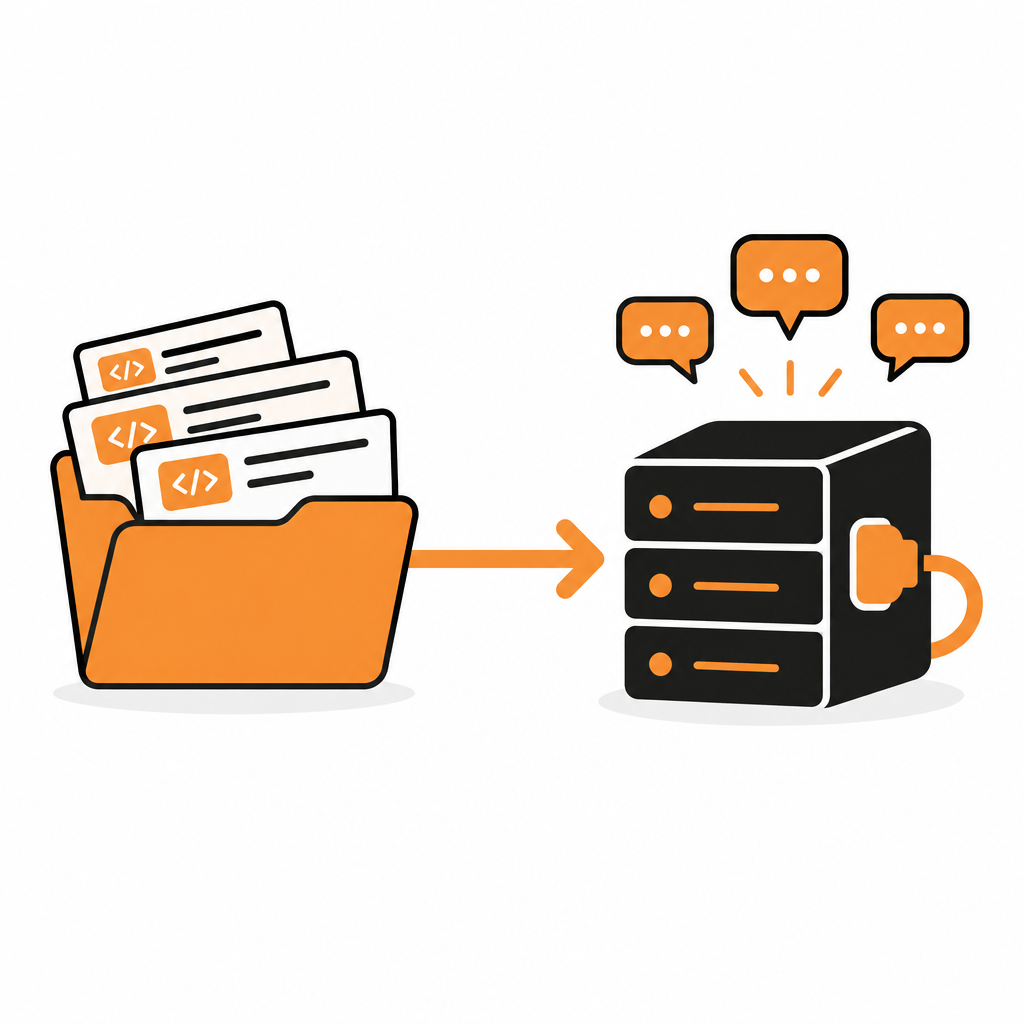
This is the step most platforms skip. Once published, your docs are ready for machines too:
No extra setup, no second source of truth. The same pages serve people and AI.
- One source of truth for product knowledge.
- A better experience for developers and customers who find answers fast.
- Fewer support tickets, because answers are findable by people and assistants.
- A professional presence, on your domain, in your brand.
Create your first collection, write a page and publish it. Get started free.