Your documentation is part of your product. A reader who moves from your app to your docs should feel like they never left. DocStar lets you carry your brand across every page without touching a stylesheet.
#Why branding your docs matters
- First impressions count. A polished docs site says you care about details.
- Consistency builds trust. Docs that match your product feel official and current.
- Familiarity helps people find things. Known colors, fonts and navigation make a new page easier to read.
All of this lives in your collection's settings. There is no code to write.
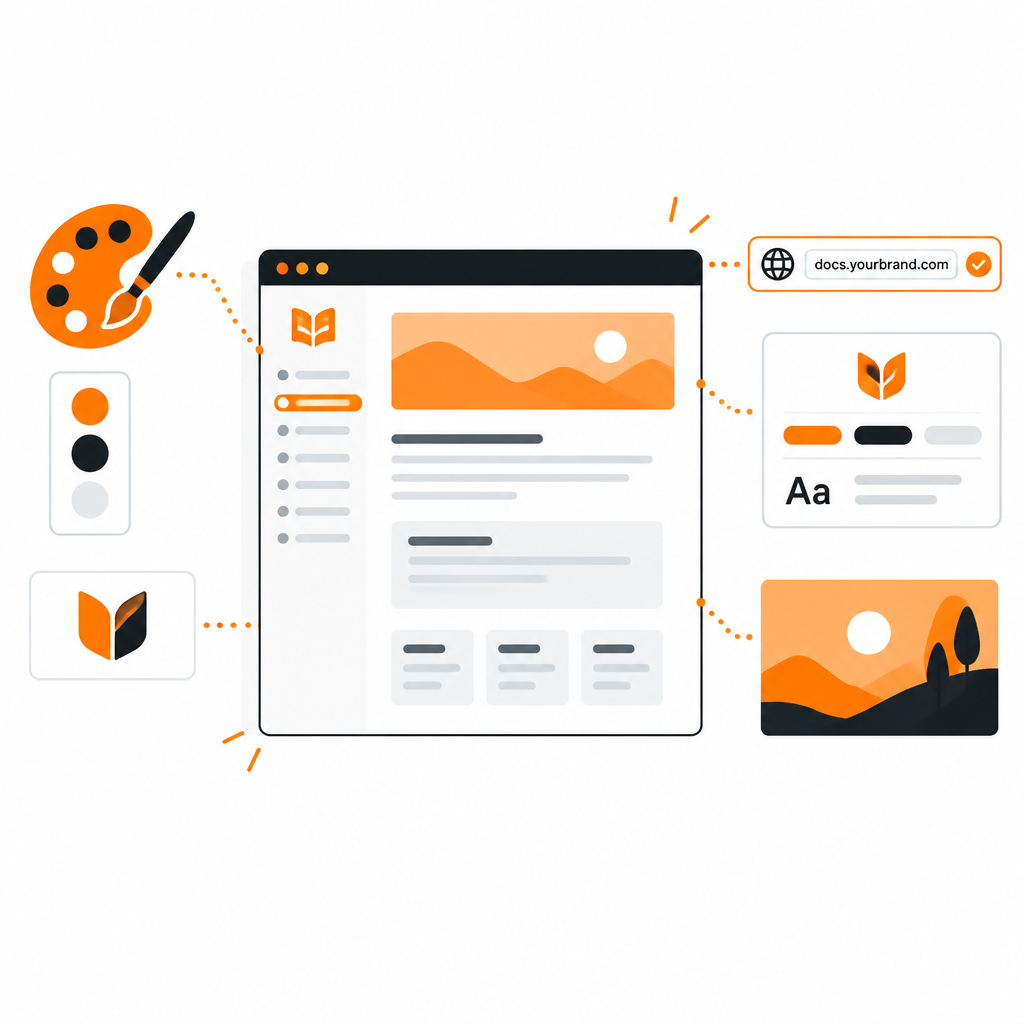
- Theme color and radius. Set your brand color and the roundness of buttons and cards.
- Fonts. Choose separate fonts for titles and body content.
- Light, dark or system. Pick a default theme and let readers' preferences apply, with borders and surfaces tuned for each.
- Logo and title. Add your logo, favicon and the default title shown across the site.
- Header and footer. Add your own navigation, links and legal text. You can write the HTML yourself or generate a starting point with AI.
- Call-to-action links. Put your sign-up or contact link where readers will see it.
- Languages. Offer translated versions of published content.
Publish on a domain you own, such as docs.yourcompany.com, or on a path such as yourcompany.com/docs. Collections can also answer at the root of a domain, so a docs site can be the whole site. Redirects keep old links working. See Clean URLs and Redirects.
The same applies to AI. A collection's MCP server can run on your own domain too, such as mcp.yourcompany.com, so assistants connect to your brand, not ours.
Branding is also how you sound. A few habits help:
- Write a short style note: formal or friendly, how you address the reader, words you avoid.
- Use AI to rephrase drafts into that voice, then edit by hand.
- Keep FAQs and changelogs in the same voice as your guides.
#Branding blogs and help centers
The same settings apply to every collection type. A blog, a help center and an API reference can share one theme, header and footer, or each can have its own.
- Set your brand color, fonts and logo.
- Choose a default theme (light, dark or system) and check both.
- Add a header and footer with your navigation.
- Point your domain at the collection.
- Open a few pages on a phone and a laptop before you announce.
Start with DocStar and make your docs unmistakably yours.