URLs are tiny, but links live for years. They are in other people's blog posts, support tickets, Slack threads and AI chat history. When a docs link breaks, trust breaks with it.
DocStar gives you three layers of control so links stay readable and stay working.
- Readability.
/api/authentication tells you what you'll find. /page?id=123 doesn't.
- Shareability. People copy and paste links that make sense.
- Search. Descriptive slugs help search engines and AI crawlers understand a page.
- Longevity. Docs change, and links should survive it.
#1. Page slugs you control
Every page has a URL name you can edit. DocStar suggests one from the title, makes sure it is unique among its siblings, and lets you change it any time. Keep them short and descriptive, like authentication rather than authentication-guide-v2-final.
#2. Collection slugs that never change
Every collection has its own slug, set once and then fixed. It is checked for uniqueness when you create it, and a few reserved names are blocked so they can't collide with DocStar's own routes.
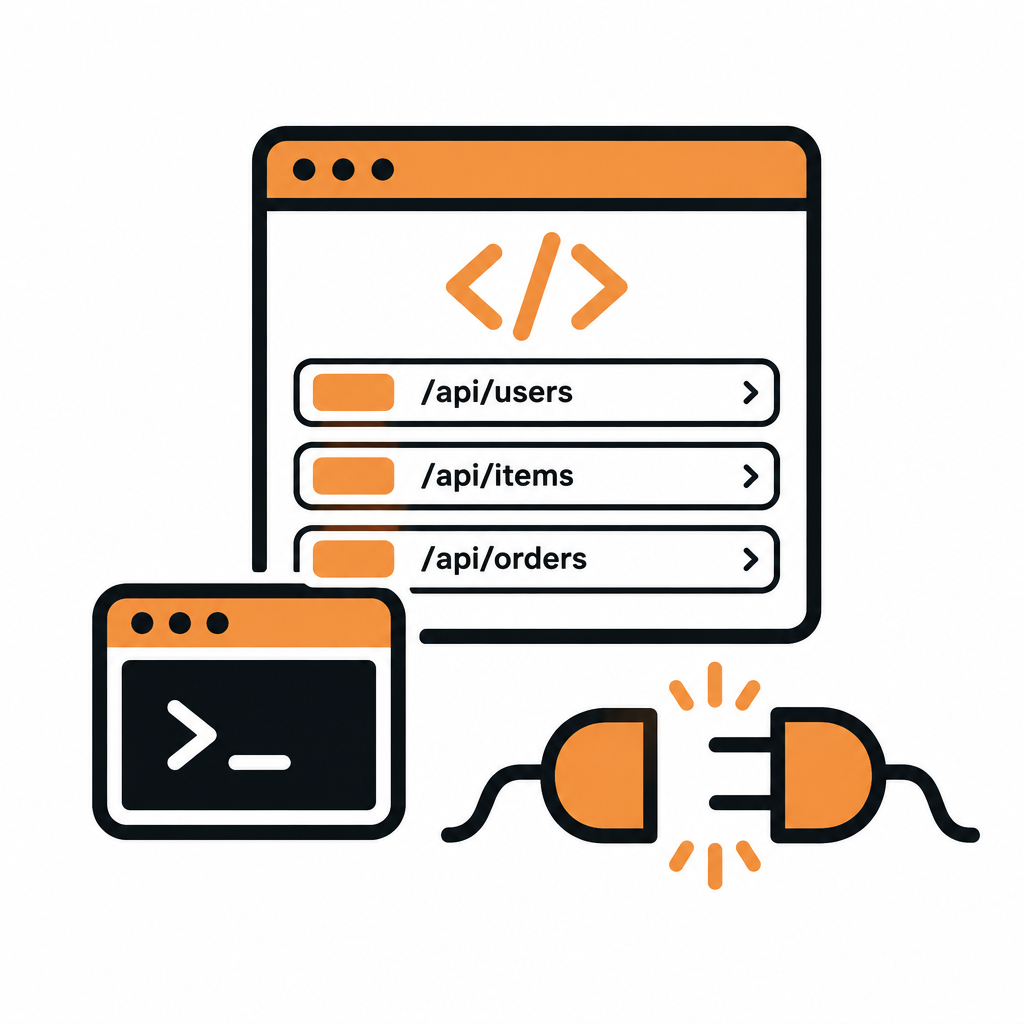
Because the slug is permanent, anything built on it keeps working: the collection's MCP server URL and the DocStar CLI both identify your docs by it. You can rename the site or change domains without breaking them.
#3. Redirects that appear on their own
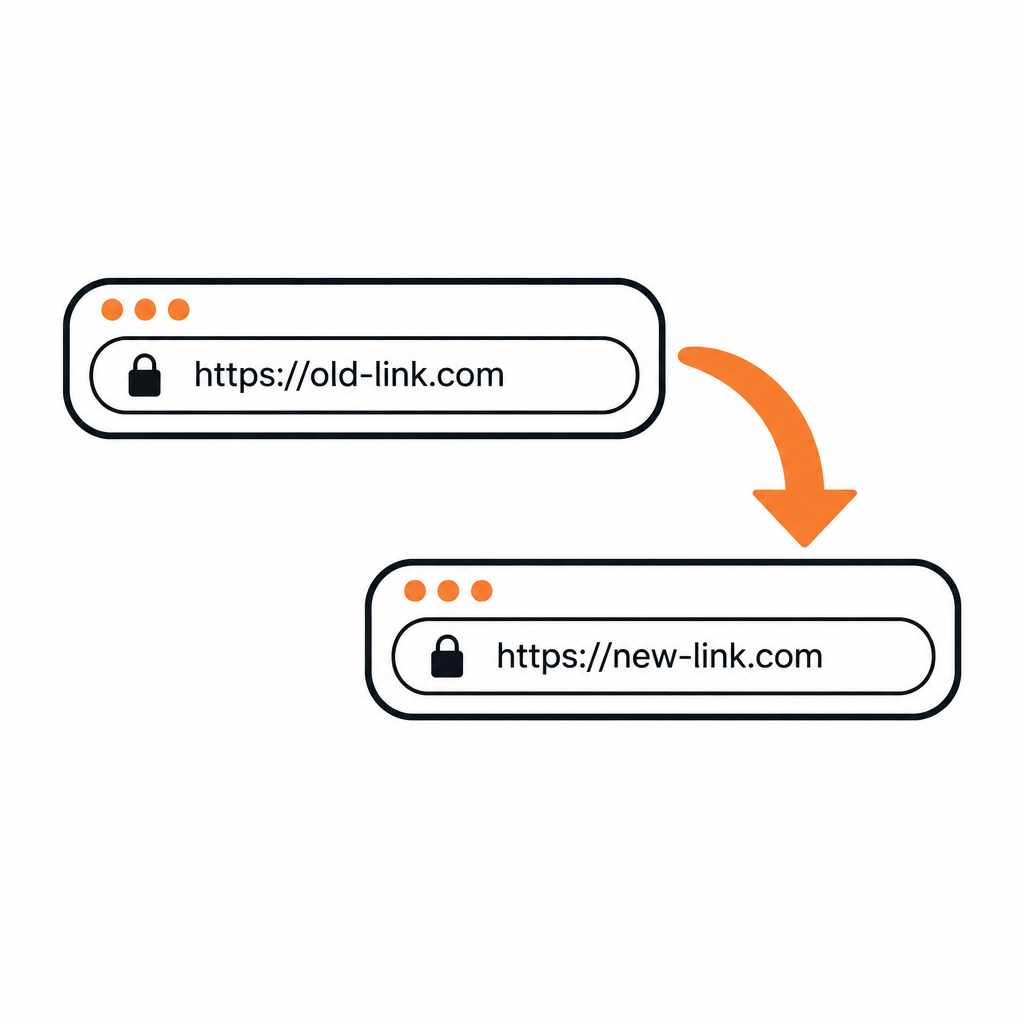
When you rename or move a page, DocStar creates a URL mapping, a redirect from the old address to the new one, so existing links keep working. You can also manage mappings yourself:
- List, add, edit and remove redirects for a collection.
- Point an old URL at its new home when you restructure a section.
- Review mappings after a big reorganization to make sure nothing is orphaned.
When you change a slug by hand, you choose whether to keep the old URL redirecting. No server config, no .htaccess.
URLs also depend on where your docs live. DocStar supports your own domain, a path such as yourcompany.com/docs, and root-level aliases so a collection can answer at the top of a domain. Pair this with branding and your docs look like they belong to you.
- Pick a clear collection slug before you share the site. It is permanent.
- Use short, descriptive page slugs.
- When you rename or move pages, keep redirects on.
- After a big restructure, scan your URL mappings.
Get started with DocStar and keep your links working for good.