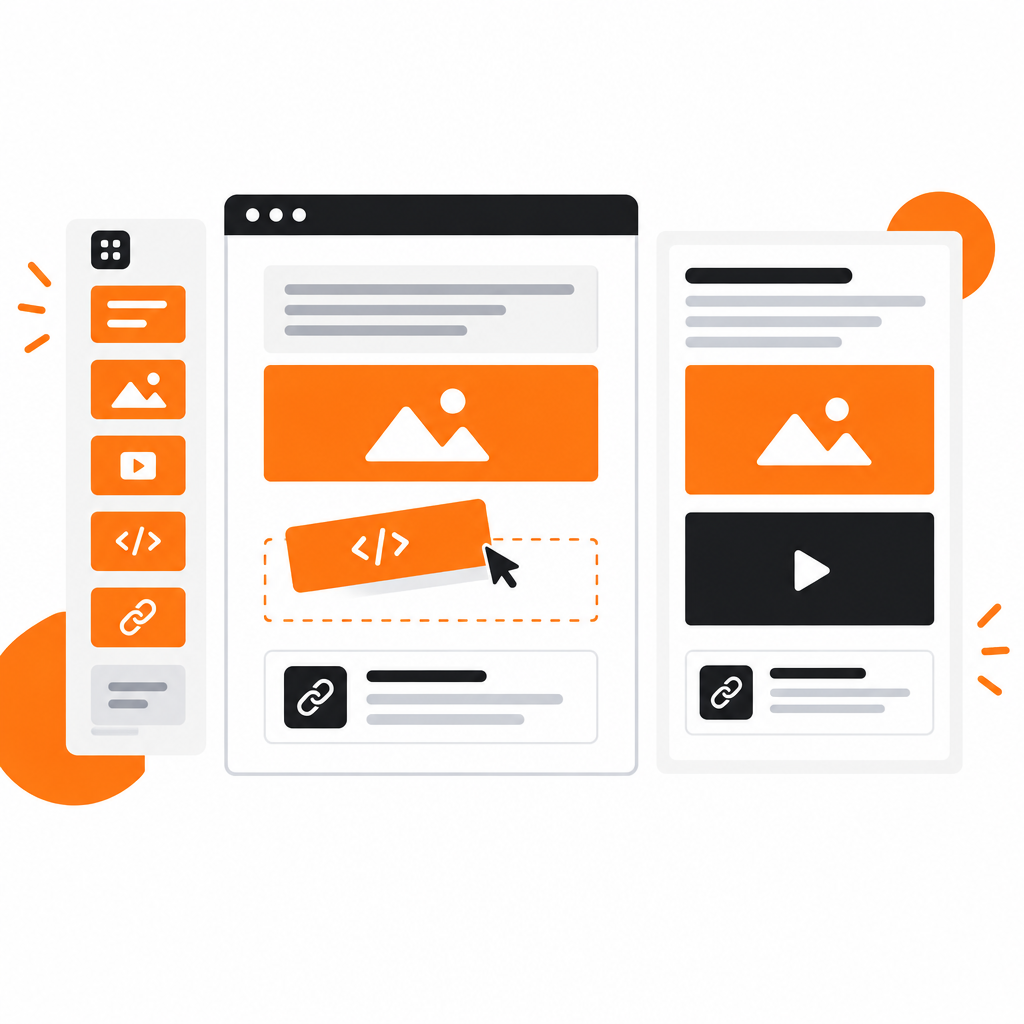
The editor is where your docs actually get written, so it is where small annoyances cost the most. This month we rebuilt DocStar's document editor on BlockNote and used the move to fix the things writers noticed most.
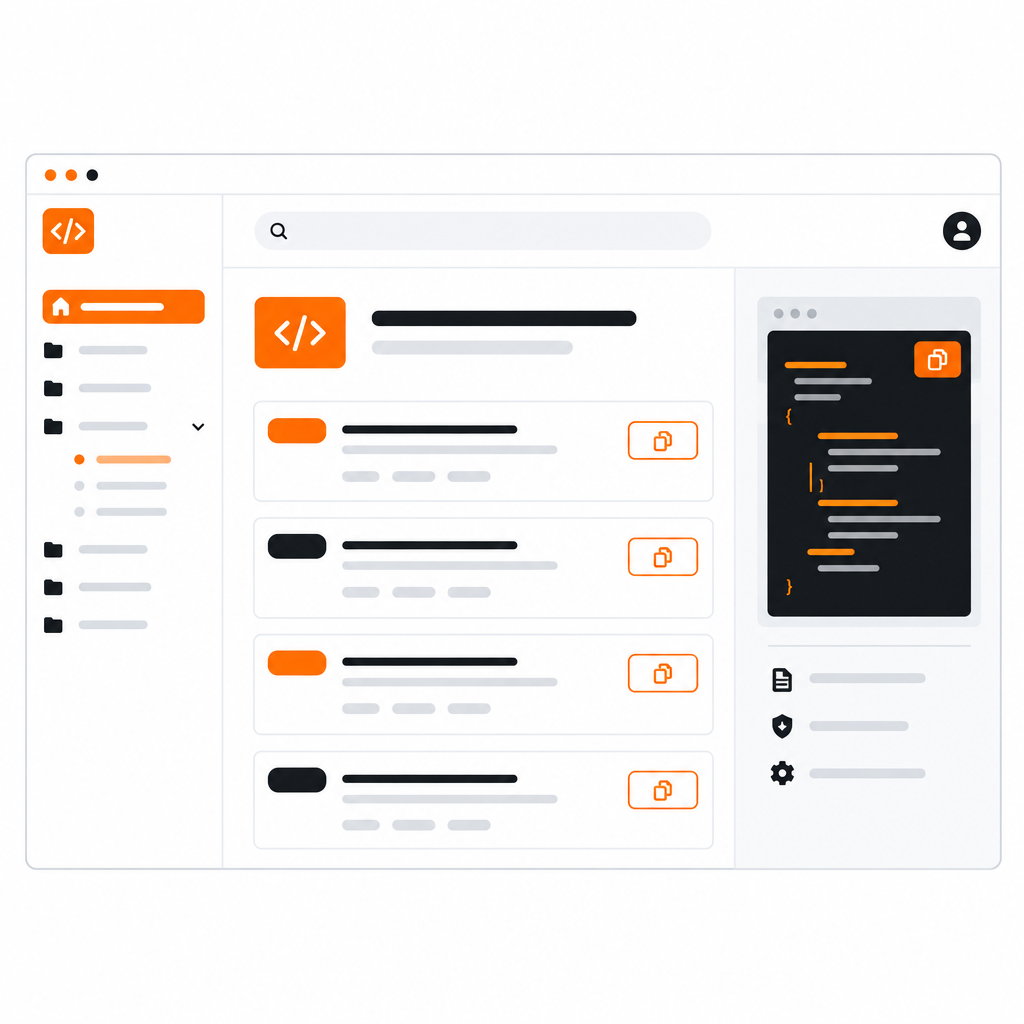
Sometimes a page needs something DocStar doesn't have a block for: a signup widget, a video player, a live chart. The new HTML embed block takes a snippet of HTML or a script and renders it right in the page. Embed code is stored safely, so pasting a snippet does not mangle it.
Linking to another page should look like a link to another page. The redesigned Link to Page picker lets you search your collection and drop in a card that shows the target page's title, so readers can see where they are going. Cards survive Markdown export and import.
Alert blocks call attention to a warning, tip or note. They now round-trip through Markdown too, so an alert you write in the editor is still an alert after an export and re-import.
#Markdown in, Markdown out, nothing lost
Many teams keep some docs as Markdown in a repository and others in the editor. The two need to meet without losing information.
DocStar's Markdown handling is now lossless for custom blocks: link cards, alerts and embeds are written to Markdown in a form DocStar can read back. The same conversion powers the Markdown API, which lets scripts and AI assistants read a page as Markdown, replace it, or make a small edit.
Pasting is where documents go wrong. We fixed the common cases:
- Google Docs colors. Colors that don't belong to your theme are dropped when you paste, so text stays readable in light and dark mode.
- Pasted images. Images that arrive as raw data are uploaded to storage, instead of bloating the page.
- Headings. A page keeps a single H1, so pasted content doesn't break your outline.
- Spacing. Blocks get consistent, comfortable spacing, so pasted text looks like it belongs.
#Collaboration still works
Live editing is unchanged: your team can write in the same document together, with edits merged as they type. Older documents were migrated to the new format, so existing pages open as before.
The editor works alongside DocStar's AI tools. Draft a first version, summarize a long page, generate FAQs from your text or ask for a tighter rewrite, then edit the result like any other content. Read more in Write Less, Ship More.
Open any page in DocStar and type / to see the blocks. Start with DocStar and write your next doc in the new editor.