FAQs are often the first place a reader looks, and the first place docs go stale. A list of questions written once and never revisited doesn't answer the questions people ask today.
DocStar treats FAQs as living content: easy to create, easy to review, and easy for both people and AI assistants to find.
#The problem with old-school FAQs
- They go stale. Nobody owns the list, so it drifts from the product.
- They get cluttered. Duplicates and near-duplicates pile up.
- They're hard to scan. One long list buries the answer people need.
#How DocStar keeps FAQs useful
#Draft from your own content
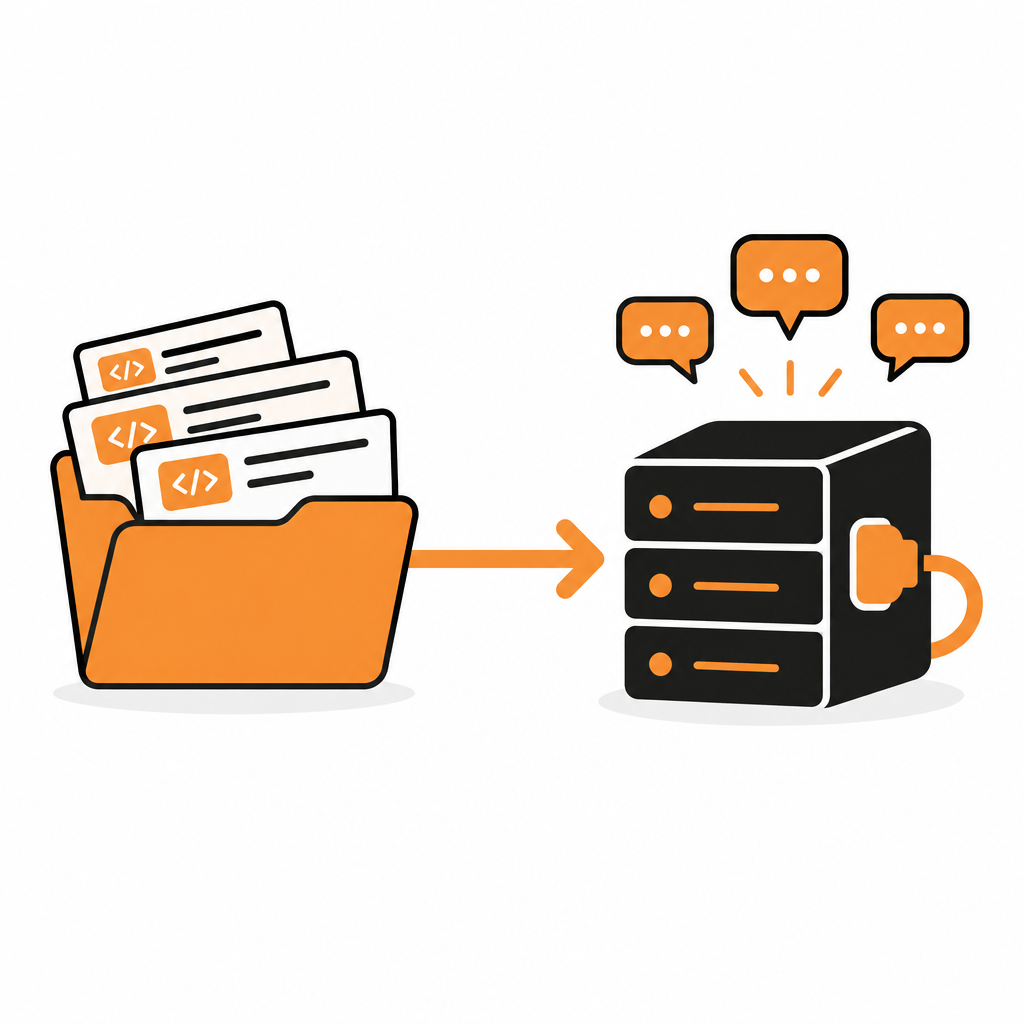
Give DocStar a page or a block of text and it generates draft questions and answers from it. You start from what you've already written, not a blank list. For bigger sets, generation can run in the background and return when it is ready.
Before a new FAQ goes in, a similarity check compares it with what you already have, so you add to your knowledge base instead of repeating it.
#Approve before publishing
Generated FAQs are drafts. A teammate reviews and approves each one, so nothing reaches readers that you haven't read.
Tag FAQs by topic, such as billing, authentication or errors, so readers can filter to the group they need.
Approved FAQs appear on your public docs and are included in the content AI tools can read.
#Answers people and AI can find
Readers ask questions in their own words: "Why is my token invalid?" "How do I reset my API key?" DocStar's search is semantic, so it matches meaning, not only exact words.
The same search powers your collection's MCP server. An assistant can look up your answer and quote the page it came from, so customers get accurate answers even when they never open your site.
- After a release, generate FAQs from the changed pages.
- Let the similarity check flag overlaps.
- Approve the good ones and edit the rest.
- Review reader feedback on your pages and add FAQs where people struggled.
Over time, your FAQ becomes a map of what your customers actually ask.
A good FAQ isn't a list. It's a loop: write, review, publish, learn. DocStar makes each step light enough to keep doing.
Try DocStar and turn your FAQs into something that stays current.