All articles
August 12, 2025

Lock the Gates: How to Give VIP Access to Your Docs
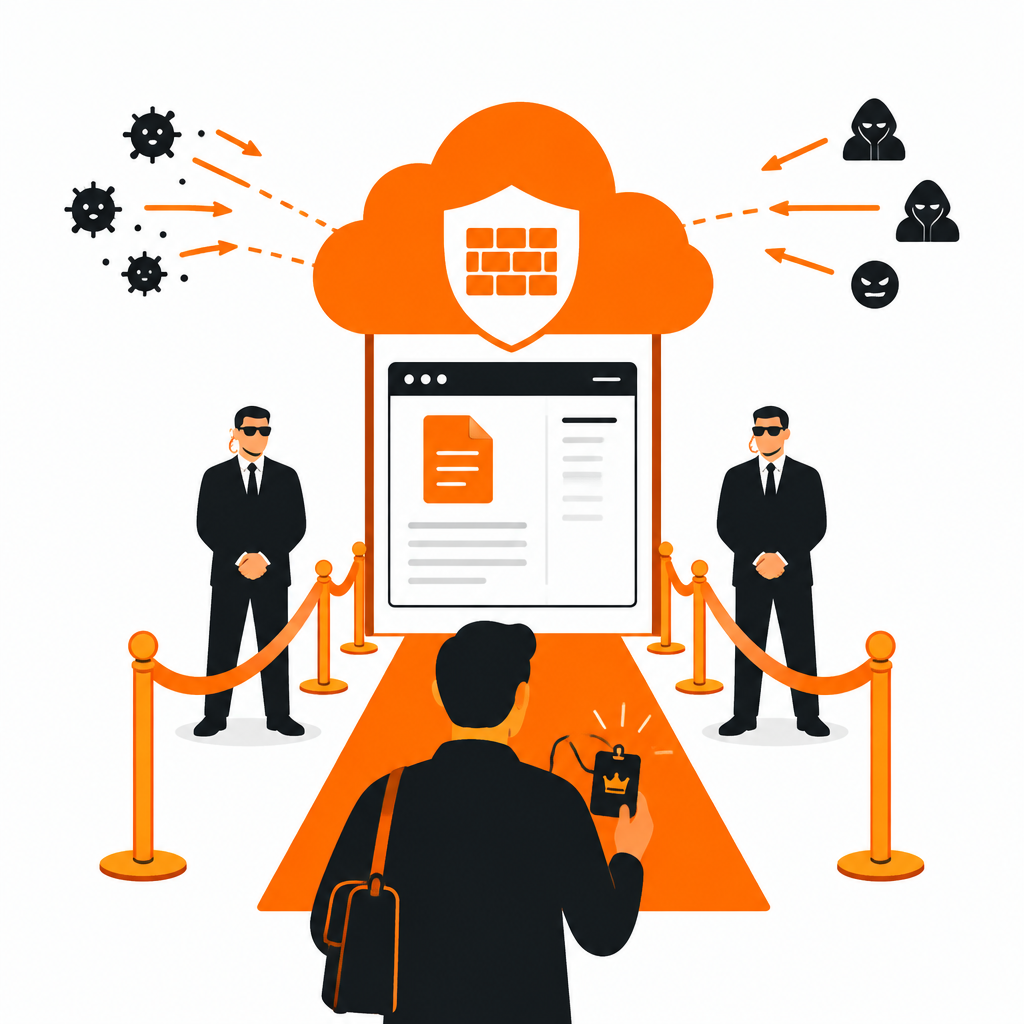
vip-access-cover.png

Want your documentation open only to the people you choose? With DocStar and Cloudflare you can let in your team, selected clients or a single IP address, and keep everyone else out.

This guide uses a custom domain on DocStar and a firewall rule in Cloudflare.

#

What you need

  • A DocStar collection you want to restrict.
  • A domain managed in Cloudflare.
  • The IP addresses or ranges to allow.
#

Step 1: Connect your custom domain

  1. Open Custom Domain in your DocStar settings.
  2. Add the domain or subdomain you want, for example:
docs.example.com
  1. In Cloudflare, add a CNAME record that points at the target DocStar gives you:
  • Type: CNAME
  • Name: docs
  • Target: the value shown in DocStar
  • Proxy status: Proxied (orange cloud on)

Keeping the proxy on is what lets Cloudflare apply the firewall rule in the next step.

#

Step 2: Allow only your guest list

  1. Log in to Cloudflare and open your domain.
  2. Go to Security, then WAF, then Custom rules, and create a rule.
  3. Use this expression:
(http.host eq "docs.example.com" and not ip.src in {203.0.113.0/24 198.51.100.10})

Here is what it says:

  • http.host eq "docs.example.com" targets only your docs site.
  • ip.src in {...} is the list of allowed addresses or ranges.
  • not ip.src in {...} matches everyone else.
  1. Set the action to Block, or Managed Challenge if you prefer a CAPTCHA.
  2. Click Deploy.

Replace the example addresses with your own.

#

Step 3: Test it

  • From an allowed IP, the docs open normally.
  • From another network, such as your phone on mobile data, you should see a Cloudflare block page.
#

Good to know

  • Mix public and private. Keep one collection open and restrict another by giving it its own subdomain.
  • Add multiple clients. Put each client's IP or range in the list.
  • Dynamic IPs. If an allowed address changes often, you must update the rule. Stable office networks and VPN exit addresses work best.
  • Not just the site. An IP rule protects the web pages. If you also expose an MCP server, turn on Require sign-in when connecting so assistants can't read private docs. See Securing Your MCP Server.

Tip: If your team works from changing networks, consider an identity-based tool such as Cloudflare Access in addition to IP rules.

private docsCloudflareIP allowlistcustom domaindocs security