Remote vs Local MCP Server: What's the Difference?
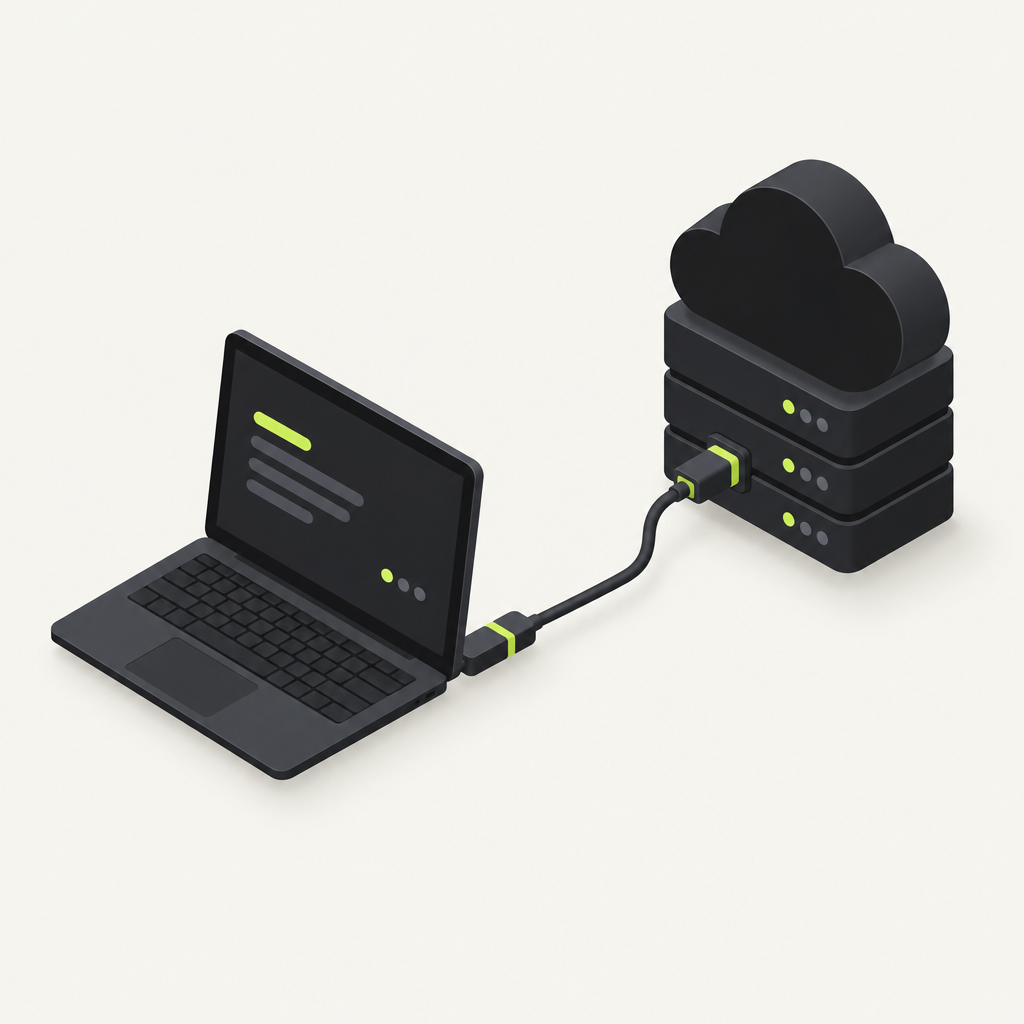
With DocStar, your API gets a remote MCP server the moment you publish its docs, so this question has a short answer for most SaaS teams. A local MCP server runs on the user's own machine: the AI app launches it as a subprocess and talks to it over standard input and output (stdio). A remote MCP server runs on a server you host and is reached over the internet at a URL, using the Streamable HTTP transport. Local suits tools that touch one person's files. Remote suits products with many users.
Below we explain how each one works, when to pick which, and how DocStar gives your API a hosted remote MCP server that your coding agent sets up from one prompt.
Remote vs local MCP server at a glance
The Model Context Protocol (MCP) defines two standard transports. The definitions below follow the MCP specification version 2026-07-28 (as of November 2026).
| Local MCP server | Remote MCP server | |
|---|---|---|
| Where it runs | On the user's computer | On a server, reached by URL |
| Transport | stdio: the client launches the server as a subprocess and exchanges messages over stdin and stdout | Streamable HTTP: each message is an HTTP POST to a single MCP endpoint |
| How users add it | Install a package and a runtime, then add a command to a config file | Paste one URL into Claude, ChatGPT, Cursor or VS Code |
| Who it serves | One user, one machine | Many users at once |
| Sign-in | Usually a key pasted into a local config | OAuth sign-in per user, in the browser |
| Updates | Every user has to update their copy | You update the server once and everyone gets it |
| Best for | Local files, local databases, dev tools | SaaS APIs and product docs |
How a local MCP server works
In the stdio transport, the AI app (the MCP client) starts the server as a child process on the same machine. The server reads requests from standard input and writes replies to standard output. Nothing is exposed to the network, which is why local servers are a good fit for things like reading a project folder or querying a database on a laptop.
The catch is distribution. Every user needs the right runtime, has to install your package, has to edit a JSON config file and has to keep it updated. For a product with thousands of customers, that is a support queue, not an integration.
How a remote MCP server works
In the Streamable HTTP transport, the server runs as its own process and can handle many client connections. It exposes one MCP endpoint, and the client sends every request as an HTTP POST to it. Users connect by adding the URL to their AI app.
Running a remote server yourself also means owning the security work. The spec says servers must validate the Origin header to block DNS rebinding attacks and should authenticate every connection. In practice you also need per-user sign-in, token checks, logging and monitoring. That is the part most teams don't want to build.
Which one does your product need?
Ask who the server is for.
Pick local when the tool works on one person's machine: their files, their shell, a database on their laptop.
Pick remote when the tool calls your product's API for your customers. They shouldn't install anything, each of them should sign in as themselves, and you should be able to fix a tool once for everyone.
If you run a SaaS product with an API, you want a remote MCP server. The question is whether you build and operate it, or let DocStar host it.
How remote MCP servers work in DocStar
DocStar gives every docs and API collection its own hosted MCP server. You document your API in a DocStar collection, publish it, and the collection's MCP server is ready. The URL looks like https://mcp.docstar.io/connector/your_collection_slug. Your users add that one URL to Claude, ChatGPT, Cursor or VS Code and use your product in plain language.
Here is what that server includes, with no server code on your side:
Built-in tools that DocStar keeps in line with your docs: search your published docs, read your API reference, and call any endpoint (GET, and POST/PUT/PATCH/DELETE). There is also a feedback tool that sends bug reports from assistants to your team.
Endpoint tools. Give up to 20 of your most important published endpoints their own named tool, such as
create_payment, with safety hints (read-only, destructive, idempotent, open-world) so assistants know when to ask first.Per-user sign-in. For API collections, you add your OAuth app's details and users sign in with their own account the first time an assistant calls your API. Your token validation URL is checked on every MCP request.
A skill and instructions. A generated quickstart guide assistants load before using your API, which you can rewrite, plus short rules assistants receive every time they connect.
Branding and a custom domain. Assistants show your product's name, website and icon, and you can serve the server on a domain like
mcp.yourcompany.com.Usage and Logs. See calls, success rates and response times per tool, and open any call to see what the assistant sent, the request to your API and the response. Secrets are masked and calls are kept for two weeks.
Only published content reaches the server. Drafts never do.
For the full setup reference, see Build an MCP Server for Your App.
Let your coding agent set up your remote MCP server
You don't need to click through any of this. The main way to do it in DocStar is to hand the job to the coding agent you already use.
1. Connect your agent to DocStar. Add DocStar to Claude Code, Cursor, Codex or another assistant from its connector directory, or as a custom (remote) MCP server with this URL: https://mcp.docstar.io/mcp. You sign in in the browser, so there is no API key to copy. See Connect Your AI Assistant.
2. Give it one prompt. Open your API's repository and paste:
Use the DocStar MCP to turn my app's API into an MCP server. First read https://docstar.io/mcp/quickstart.md and follow it step by step. Read my latest code for the API, not an old OpenAPI file, and document each endpoint with a clear description and a full JSON body example.
3. Let the agent do the work. It reads your code, documents your endpoints in a DocStar collection, gets your MCP URL, picks up to 20 important endpoints as tools, writes the skill, adds your instructions and sets your branding. It asks you before it changes or publishes anything.
4. Review and publish. Your job is judgment: check that only public endpoints are documented (never admin or internal routes), that tool names and descriptions read well, and which actions should be confirmed first. If your API needs a signed-in user, enter your OAuth app's details in the collection's MCP tab and add the redirect URIs it shows to your OAuth app. That part needs you, because it involves your secrets.
5. Share the URL. Your customers add it to their AI app. No install, no config file, no runtime.
[Screenshot: Coding agent showing its MCP setup plan before making changes in DocStar]
If you already have an MCP server idea but no clear list of tools, our guide on how to turn your API into an MCP server without writing server code walks through the choices.
Keep it current
A remote MCP server is only as good as the docs behind it. When a developer renames a field and the docs change later, or never, the agent calls your API with the old field and the call fails. With DocStar the same docs feed your docs site, llms.txt, the MCP server and the CLI, so stale docs now break agents, not just confuse people.
DocStar's GitHub Sync keeps the docs in your repository, next to the code: OpenAPI files in api-docs/ and Markdown pages in docs/. Ask your agent:
Set up DocStar GitHub Sync for this repo.
With the DocStar MCP connected, the agent adds the workflow, writes docstar.md into the repo, adds a line to AGENTS.md (or CLAUDE.md) telling it to update api-docs/ in the same change whenever an endpoint is added, changed, renamed or removed, and stores the API token as a GitHub secret without showing it in chat. From then on:
Docs change in the same pull request as the code, so reviewers see spec changes in the diff.
Publishing is automatic. On every push that changes
api-docs/ordocs/, a GitHub Action sends the changed files to DocStar, and your docs, MCP tools and CLI update.
One honest limit: the agent still has to make the update. If someone changes code without an agent, or the agent skips the docstar.md rule, the docs drift and nothing catches it automatically. DocStar doesn't watch your repo for you. To spot problems early, check MCP Logs for failed calls, and turn on MCP failure alerts so you hear about errors by webhook, Slack or email.
Prefer to set it up yourself?
You can. Create an API collection, add and publish your endpoints, then open the collection's settings, go to the MCP tab and copy the MCP server URL. From the same tab you can add endpoint tools, edit the skill and instructions, set branding and add sign-in.
Why teams choose DocStar for remote MCP servers
No server to run. DocStar hosts the server, the tools and the sign-in. You never write or deploy MCP server code.
One source for everything. The same collection gives you public API docs, an MCP server and CLI commands, so they never disagree.
Built for many users. Each customer signs in with their own account, and you see every call in Usage and Logs.
Agent-first setup. Your coding agent documents the API from your code and sets up the server, and you review before anything goes live.
New to the idea? Start with What Is an MCP Server?, then read MCP Server Authentication Explained for how sign-in works.
FAQ
Is a DocStar MCP server local or remote?
Remote. DocStar hosts it and gives you a URL such as https://mcp.docstar.io/connector/your_collection_slug, or your own custom domain. Users add the URL to their AI app; nothing runs on their machine.
Can a remote MCP server act as each of my users?
Yes. For API collections, add your OAuth app's details in the MCP tab. The first time an assistant calls your API, the user signs in with their own account, and DocStar checks the token on every MCP request.
Which AI apps can connect to a remote MCP server?
DocStar's help docs name Claude, ChatGPT, Cursor and VS Code. Any assistant that supports custom remote MCP servers can add the URL.
Do drafts show up in my MCP server?
No. Only published content is visible to your MCP server. Drafts never reach it.
When should I still build a local MCP server?
When the tool needs the user's own machine, such as their files or a local database. For your product's API, a hosted remote server is simpler for you and your users.
Get started free
Give your API a remote MCP server without writing server code. Connect your coding agent to DocStar, paste one prompt, review and publish. Get started free.
Keep reading
What Are MCP Tool Annotations?
MCP tool annotations tell AI clients which tools only read, which can delete, and when to ask first. Learn the four hints and how to set them in DocStar.
How to Test If AI Agents Can Use Your API Docs
Test whether AI agents can use your API docs: connect a coding agent to your DocStar MCP server, run real tasks, read MCP Logs, and let the agent fix the gaps.