 DocStar
What Is Agentic Engine Optimization (AEO)? A DocStar Guide for Docs Teams
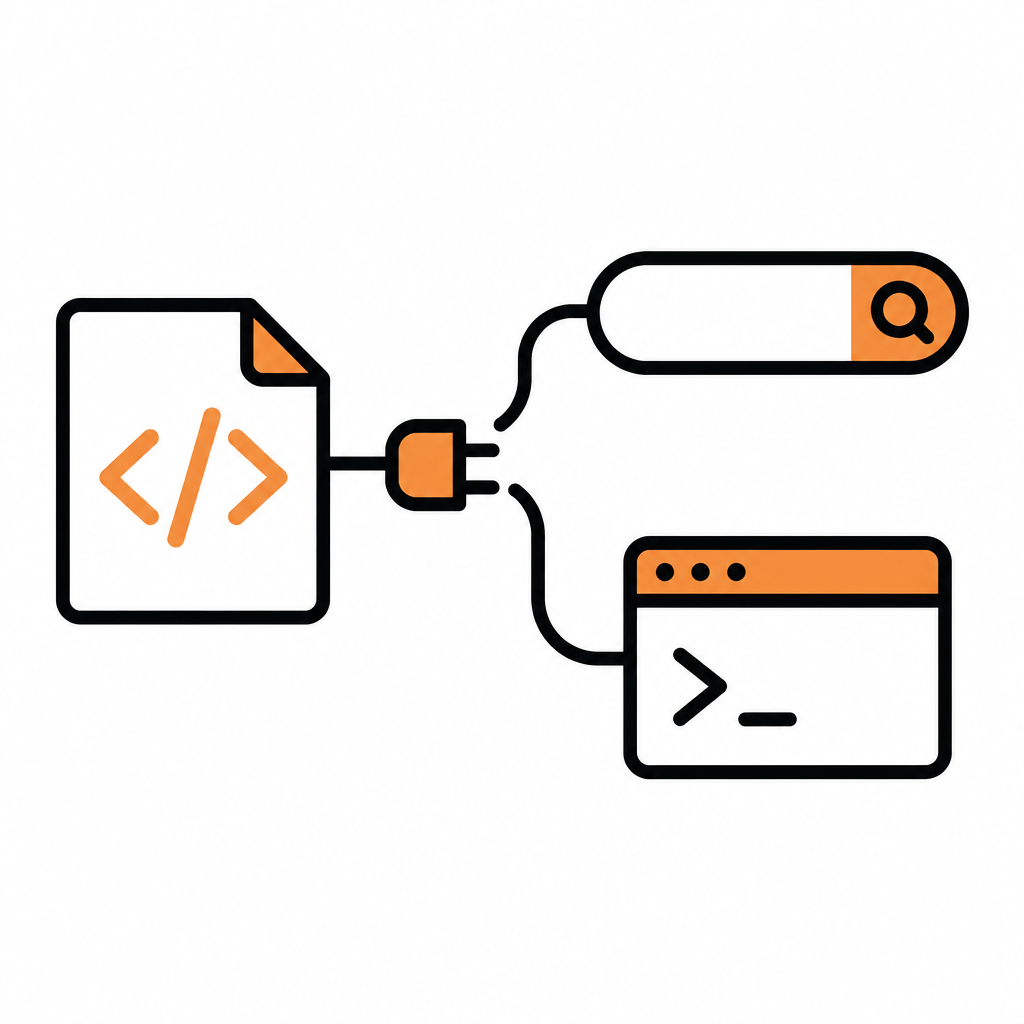
Agentic engine optimization (AEO) is the practice of making your documentation easy for AI agents to find, read and act on, not just easy for people to browse. In practice that means clean Markdown copies of every page, an llms.txt index, a sitemap, accurate meta data, stable URLs, and an MCP server agents can query live. DocStar gives every published collection all of these, and your own AI agent can do the optimization work for you.
This guide explains what AEO means for docs teams, how it differs from classic SEO, and how to run it in DocStar with one prompt to Claude Code, Cursor or Codex.
What is agentic engine optimization?
Classic SEO helps a search engine rank a page so a person clicks it. AEO (you'll also see GEO, "generative engine optimization", and "answer engine optimization" used for close cousins of the same idea) assumes the reader is often an AI: a coding agent pulling your API reference mid-task, an assistant answering a customer's question, or an AI search engine summarizing your product.
Those readers behave differently from people:
They don't need your navigation, layout or scripts. They want the content, in a format they can parse.
They often read many pages at once, so they need an index of what exists.
They act on what they read. If your docs are vague, the agent's tool calls are wrong (we covered this in Tool-call accuracy is a docs problem too).
They are happiest when they can ask a live source instead of guessing from a stale crawl.
So AEO for docs comes down to one goal: every page an agent needs is discoverable, clean, current and callable.
How AEO works: the signals that matter
| Signal | What it does for agents | Classic SEO equivalent |
|---|---|---|
llms.txt |
A plain-text index of your docs so an AI knows what exists and where | Sitemap and navigation |
| Markdown copy of each page | The content without layout clutter, read more reliably than HTML | Crawlable HTML |
sitemap.xml and robots.txt |
Helps search engines and AI crawlers find every published page | Same |
| Meta title, description, tags | Short, accurate summaries an AI can quote | Same |
| Stable URLs with 301 redirects | Links in AI answers and agent memory keep working | Same |
| An MCP server | Agents search your published docs live, and for API docs call your API | No equivalent |
The first five are about being read. The last one is about being used: an agent connected to your MCP server doesn't depend on whatever it learned from an old crawl. For the basics of that, see What Is an MCP Server?.
How AEO works in DocStar
With DocStar, most of the AEO checklist is handled the moment you publish. Here's what every published collection gets, as described in our help docs on SEO, sitemap and llms.txt:
llms.txt, generated for you. DocStar builds it from your published pages. For a docs collection it lists each page with its link and a short summary. For an API collection it also tells AI agents how to discover your modules and endpoints.
A Markdown version of every page. Add
.mdto any published page URL to get raw Markdown. The links inllms.txtpoint to these Markdown versions.A sitemap that maintains itself.
sitemap.xmllists every published page and updates as you publish or unpublish. On a custom domain,robots.txtis served for you and points crawlers to the sitemap.AI meta data. Publish a page with no meta description or tags and DocStar writes a title, description and tags with AI in the background. You can also click Generate with AI in SEO Configuration, then edit.
An AI SEO Score. Published pages with at least 1,000 characters get a score out of 100 with suggestions, and Chat with AI to Apply Suggestions helps you fix them.
Automatic 301 redirects. Rename a page's URL or move it in the sidebar, and DocStar redirects the old URL so links in search results and AI answers keep working.
Copy page for AI tools. Readers of published docs pages get a Copy page button that copies the page as Markdown, with Open in ChatGPT, Open in Claude and Open in Perplexity. API docs also show Copy prompt for AI.
A hosted MCP server per collection. Docs and blog collections let assistants search and read your published pages. API collections also let them read your API reference and call your API. Only published content is visible; drafts never reach your MCP server.
One rule worth knowing: search engines index your docs when they are served from your own domain. Pages on the default DocStar link are marked noindex, so connect a custom domain (CNAME or Cloudflare Worker) if you want search and AI search traffic.
Let your AI agent do the AEO work
The files above are automatic. The part that still takes effort is the content itself: missing descriptions, vague page summaries, long slugs, thin pages. That's exactly the work an AI agent is good at, and with DocStar it can do it directly in your workspace.
Step 1: Connect your agent to DocStar
Add the DocStar MCP server to Claude Code, Cursor, Codex or another assistant: https://mcp.docstar.io/mcp. The first time the agent needs your workspace, you sign in to DocStar in your browser. There's no API key to copy, and the agent works with the same workspaces, collections and permissions you have. Full steps are in Connect your AI assistant.
Step 2: Give it one prompt
Use the DocStar MCP to make our Help Docs collection agent-ready. List every page, then for each published page check: does it have a clear meta title, a 140-160 character meta description and 4-6 tags? Is the opening paragraph a direct answer an AI could quote? Is the slug short and readable? Is it under 1,000 characters and too thin to be useful? Draft fixes for the pages that need them, keep my tone, and don't touch anything marked internal. Show me the list of changes and ask before you save anything.
Step 3: What the agent does
[Screenshot: Coding agent showing its AEO audit plan for a DocStar collection]
The agent finds the right workspace and collection, reads your pages, and comes back with a plan: which pages lack meta data, which intros bury the answer, which slugs are long, which pages are thin. It drafts the meta descriptions, rewrites intros so the first two sentences answer the page's question, and proposes shorter slugs. Because DocStar redirects old URLs automatically when a slug changes, renaming doesn't break existing links. The agent asks before it changes anything, and content edits stay unpublished until you publish them.
Step 4: You review and publish
Your role is judgment, not typing:
What stays private. Decide which collections stay unpublished (internal, team-only) or go behind a password. Password protection covers the
.mdversions too, and protected pages can't be read by search engines or AI crawlers. Page names and links can still appear insitemap.xmlandllms.txt, so keep sensitive details out of titles.Naming and tone. Approve slugs and titles that match how your customers search.
Accuracy. Read the drafts. AI output is a starting point.
Then publish. On publish, the page joins your sitemap, llms.txt, Markdown copies and MCP server with no extra step.
Step 5: Check what agents see
Ask the agent to verify its own work from the outside:
Fetch our llms.txt and three of the pages you changed with .md added to the URL. Confirm the new descriptions and intros are live, and tell me if anything looks wrong.
Keep it current
AEO isn't a one-time project. Docs drift as your product changes, and an agent reading stale docs gives stale answers. The simplest fix is to make docs updates part of the same workflow as code changes. Add this to your repo's AGENTS.md or CLAUDE.md with your real IDs:
## Docs (DocStar)
Docs: YOUR_COLLECTION_URL (org YOUR_ORG_ID, collection YOUR_COLLECTION_ID)
When a feature or API changes, update the matching DocStar page with the DocStar MCP (https://mcp.docstar.io/mcp). Keep the first paragraph a direct answer and the meta description accurate. Save as draft; publish only when asked.
Now when your coding agent ships a change, it also drafts the docs update in DocStar for you to review. Because llms.txt, the sitemap, the Markdown copies and your MCP server are all built from published pages, the moment you publish, every AI reader sees the new version.
For API teams, GitHub Sync can keep your API collection in step with OpenAPI files in your repo; see Make Your Docs Part of Your Stack.
Prefer to do it yourself?
Every step works in the DocStar app too. Open a page, click the gear icon, and in SEO Configuration fill in the meta title, description and tags or click Generate with AI. After publishing, click Generate SEO Score and follow the suggestions. Use Rename URL for shorter slugs. Connect a custom domain under your collection's settings so pages can be indexed.
Why teams choose DocStar for AI-ready docs
AEO is built in, not bolted on.
llms.txt, Markdown copies, sitemap,robots.txt, AI meta data and 301 redirects come with every published collection.Read and use. Each collection gets its own hosted MCP server, so agents can search your docs live and, for API docs, call your API.
Agent-first editing. Your own AI assistant can audit and improve your docs through the DocStar MCP, with browser sign-in and your permissions.
One workspace. API docs, help docs, FAQs, changelog and blog together, so every content type gets the same AI-ready treatment.
You stay in control. The agent asks before changing anything, and nothing reaches readers or AI until you publish.
FAQ
Is AEO different from SEO?
They overlap. Good meta data, sitemaps and stable URLs help both. AEO adds what AI agents specifically need: an llms.txt index, clean Markdown copies and a live source like an MCP server. DocStar gives you both sets of signals from the same published pages.
Does DocStar create llms.txt automatically?
Yes. DocStar generates llms.txt from your published pages. On a custom domain it's at https://your-domain.com/llms.txt. For API collections it also explains how agents can discover your modules and endpoints.
Will AI agents see my draft pages?
No. llms.txt, the sitemap, Markdown copies and your collection's MCP server only include published content. Drafts never reach your MCP server.
Do I need a custom domain for AEO?
For search engines, yes: pages on the default DocStar link are marked noindex. Connect your own domain to get indexed. Agents connected to your collection's MCP server can still search your published docs.
Can my AI agent publish changes on its own?
It works with your permissions and asks before it changes anything. We recommend keeping a human review step and publishing yourself, which is exactly the workflow above.
Get started free
Make your docs the source AI agents trust. Create a DocStar workspace, connect your coding agent to the DocStar MCP, and run your first AEO audit today.
Keep reading
What Is OpenAPI? A Plain-English Guide
What is OpenAPI? A plain-English guide to the API spec, plus how DocStar turns it into API docs, an MCP server and a CLI, with your AI agent doing the writing.
MCP vs Function Calling vs Plugins: What's the Difference (and Where DocStar Fits)
MCP vs function calling vs plugins explained: how each lets AI use your tools, and how DocStar turns your API docs into one MCP server for every assistant.