
How to Document a REST API with DocStar: Let Your AI Agent Draft It
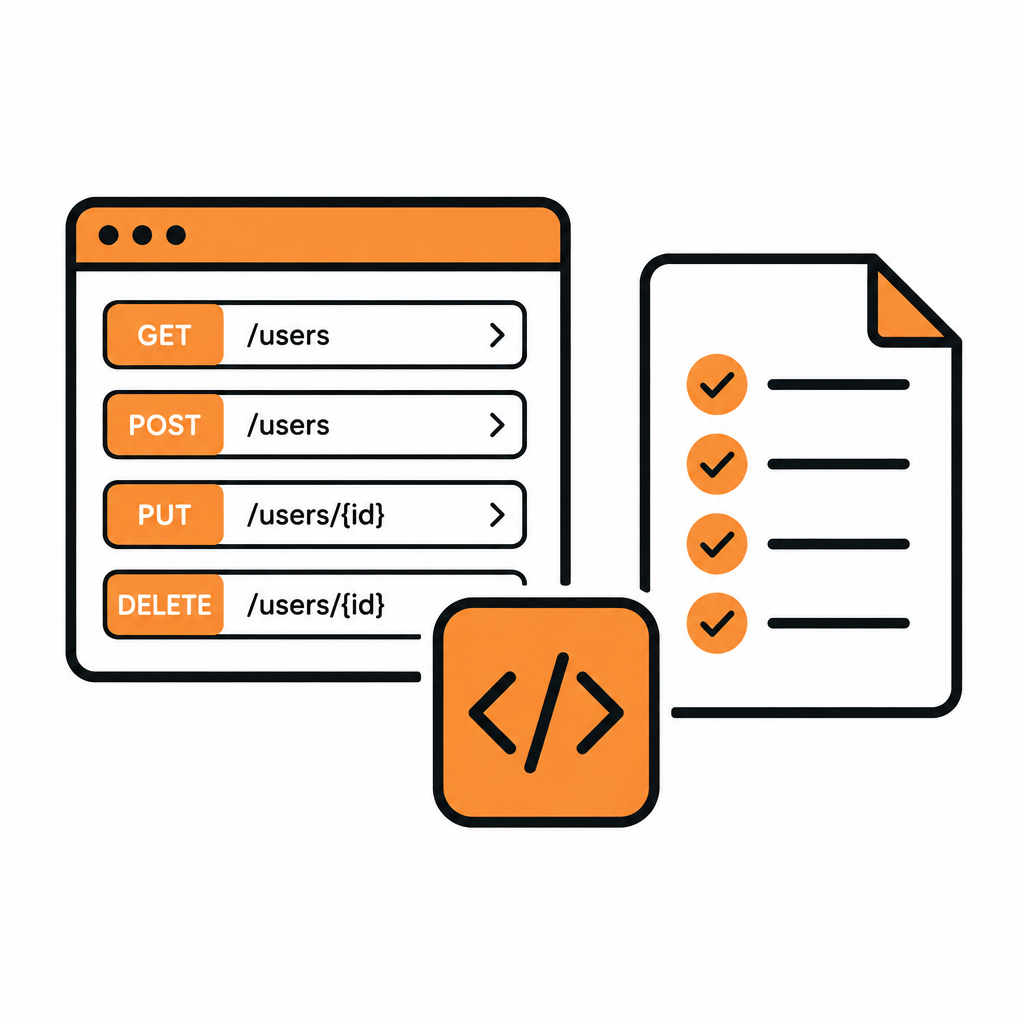
Documenting a REST API used to mean days of copying routes, parameters and example bodies into a docs tool. With DocStar, your AI coding agent does that part. Connect Claude Code, Cursor or Codex to DocStar, point it at your code, and it documents every endpoint as a draft: method, URL, auth, parameters, a full body example and sample responses. You review, test and publish an interactive API reference, and the same docs also give you a hosted MCP server and a CLI.
This guide walks through the agent-first way to document a REST API with DocStar, what good endpoint docs need, and where your review matters most.
What good REST API documentation includes
Whether a person or an agent writes it, every endpoint needs the same parts. This is the checklist your agent works to, and the one you review against:
| Part | What readers need |
|---|---|
| Purpose | One or two sentences on what the endpoint does and when to use it |
| Method and URL | GET, POST, PUT, PATCH or DELETE, plus the full path |
| Parameters | Query params and path variables, each with a description |
| Authentication | How to authorize the call |
| Headers | Required headers such as Content-Type |
| Request body | A complete, realistic example and what each field means |
| Responses | Real success and error examples |
| Try it | A way to send the request and see a live response |
DocStar has a home for each of these in its endpoint editor, and a TRY button on every published endpoint.
Step 1: Connect your coding agent to DocStar
DocStar runs an MCP server for documentation work. Add it to your agent as a remote MCP server:
https://mcp.docstar.io/mcp
Or connect DocStar from your assistant's connector directory if it's listed there. The first time the agent needs your workspace, you sign in to DocStar in your browser. No API key to copy, and the agent only works with the collections your account can access. See Connect Your AI Assistant.
Step 2: Ask it to document your API from the code
Open the agent in your API's repository and ask in plain words:
Use the DocStar MCP. Read our API routes and document every public endpoint in a new DocStar API collection called "Payments API". For each endpoint, write a clear description, every parameter and header, a full JSON body example with every accepted field, and sample success and error responses.
The agent reads your routes and finds the auth, parameters, bodies and responses. It shows you the plan, including the collection slug, and waits for your OK. The slug is permanent and becomes part of your MCP URL and CLI commands, so pick something short like your product name.
[Screenshot: Coding agent showing its plan to document endpoints in a DocStar API collection]
Already have an OpenAPI 3.x, Swagger 2.0 or Postman file? Ask the agent to import it first and then check each endpoint against your code. Our guide to going from OpenAPI to an MCP server shows that flow.
Step 3: Review the drafts
Everything the agent creates is a draft, so nothing is public yet. Open the collection in DocStar and review it like a pull request. The agent gets the structure right fast; your job is the judgment calls:
Names. Action names readers scan for, like Create order or List invoices.
Descriptions. Not "The order ID", but "ID of the order, returned by Create order. Starts with
ord_." The same words are what AI assistants read when they call your API through your MCP server, so clear descriptions pay off twice.Body fields. Switch the body from Raw to Body Description to see a description box for every JSON field. Check units and formats (cents or dollars, ISO 8601 dates) and which fields are optional.
What stays private. Internal or test-only endpoints can simply stay unpublished.
Secrets. Tokens and keys belong in environment variables, never in URLs or examples.
Want a change? Ask the agent ("make every description say when to use the endpoint") or edit directly. DocStar's editor is real-time and collaborative, so a writer and an engineer can work on the same page at once.
[Screenshot: DocStar endpoint editor with the Params, Authorization, Headers and Body tabs]
Step 4: Test every endpoint against the real API
Every endpoint in DocStar is also a working request, so you can check the docs against reality before anyone reads them.
Click Send. DocStar sends most requests through its own server, so you don't hit browser CORS limits. Requests to
localhostgo straight from your browser, so you can test an API running on your machine.Click Add to Sample Response to save a live response as an example readers will see.
Add error examples (
401,422) in the Sample Response tab.
Keep tokens and base URLs in an environment so nothing secret is hard-coded. See Environments and Variables.
Step 5: Add guides around the endpoints
An API reference needs a few regular pages next to it: a quickstart, an authentication guide, and pagination and error-code pages. Ask the agent to draft them from your code and README, then polish them in the editor. One API collection holds both endpoints and pages, so guides sit right next to the endpoints they explain.
Step 6: Publish an interactive API reference
Publish from the editor, or tell the agent to publish once you've approved the drafts. If DocStar spots something that looks like a secret, it shows a Sensitive Information Warning first. After that, later edits stay as drafts until you publish again.
Readers of the published reference get the URL, parameters, headers, body fields and sample responses, plus:
a TRY button to send the request and see the live response,
code snippets in languages such as Shell (cURL), Node, Python, Java, Go and PHP,
an optional variables panel from a public environment you share, so the first call uses the right base URL.
Read The New DocStar API Reference for what the reference looks like.
What you get on publish: docs that AI can use
Publishing in DocStar does more than render pages:
A hosted MCP server. Every API collection gets one, so Claude, ChatGPT, Cursor and other assistants can search your docs and call your endpoints, with per-user sign-in or API keys. Your agent can also pick the top endpoints as named tools and write the skill assistants read first. See Build an MCP Server for Your App.
A CLI. The DocStar CLI turns published endpoints into terminal commands (
docstar-cli <collection> <module> <endpoint>) with no SDK to regenerate.llms.txt and Markdown. A Markdown copy of every published page and an llms.txt file that AI tools read more reliably than HTML.
Custom domain and SEO. Put the reference on
docs.yourcompany.com, with meta tags and a sitemap generated for you.
Keep the docs current as the code changes
The same agent that wrote the docs keeps them up to date. When you change routes, ask:
Read the routes changed in this branch and update the matching endpoints in our DocStar API collection as drafts.
Review, publish, and the reference, MCP server and CLI all reflect the change. For a fully automated pipeline, combine webhooks, GitHub Sync and the DocStar API; see Make Your Docs Part of Your Stack.
Prefer to write it yourself?
You can do every step by hand too. In an API collection, click + (Add Page) and choose Endpoint, set the method and URL (writing :orderId in the path creates a path variable), and fill in Params, Authorization, Headers and Body. Pasting a curl command into the URL field fills in the method, URL, headers and body for you. The full reference is in Document an API Endpoint.
Why teams choose DocStar for REST API docs
Your agent writes the first draft. Documented from your actual code, not from memory or an old spec.
You stay in control. The agent asks before changing anything, and every change starts as a draft.
Document, test and publish in one place. The request you test is the request you publish.
AI-ready on day one. A hosted MCP server, CLI, llms.txt and Markdown copies come with every published API collection.
Everything else alongside. Guides, help docs, FAQs, changelog and blog in the same workspace, on your own domain.
Planning a bigger site? See How to Build a Developer Portal with DocStar.
FAQ
Can DocStar document my REST API from code?
Yes. Connect your coding agent to the DocStar MCP and ask it to read your routes and document every endpoint. It creates the docs as drafts for you to review and publish.
Do I need an OpenAPI spec?
No. The agent works from your code. If you do have an OpenAPI 3.x, Swagger 2.0 or Postman file, it can import that first and then check it against the code.
Will the agent publish without asking?
No. It shows you what it will create, change or publish and waits for your OK, and every change starts as a draft.
Can readers test my API from the published docs?
Yes. Every published endpoint has a TRY button. Share a public environment so readers start with the right base URL.
Does DocStar support GraphQL?
You can document GraphQL operations as endpoints, one per query or mutation. DocStar doesn't import GraphQL schema files.
Get started free
Connect your coding agent, point it at your code, and publish an interactive API reference, MCP server and CLI from the docs it drafts. Get started free with DocStar.
Keep reading

How to Launch a Help Center on Your Own Domain with DocStar
Launch a branded help center on your own domain with DocStar: import articles, add your logo, connect a CNAME, add FAQs and Ask AI, and get indexed by Google.
How to Build a Developer Portal with DocStar: API Docs, Guides and Changelog in One Place
Build a developer portal with DocStar: import your API, add guides and a changelog, use your own domain, and give AI assistants an MCP server and CLI.