
MCP vs API: What's the Difference (and How DocStar Gives You Both)
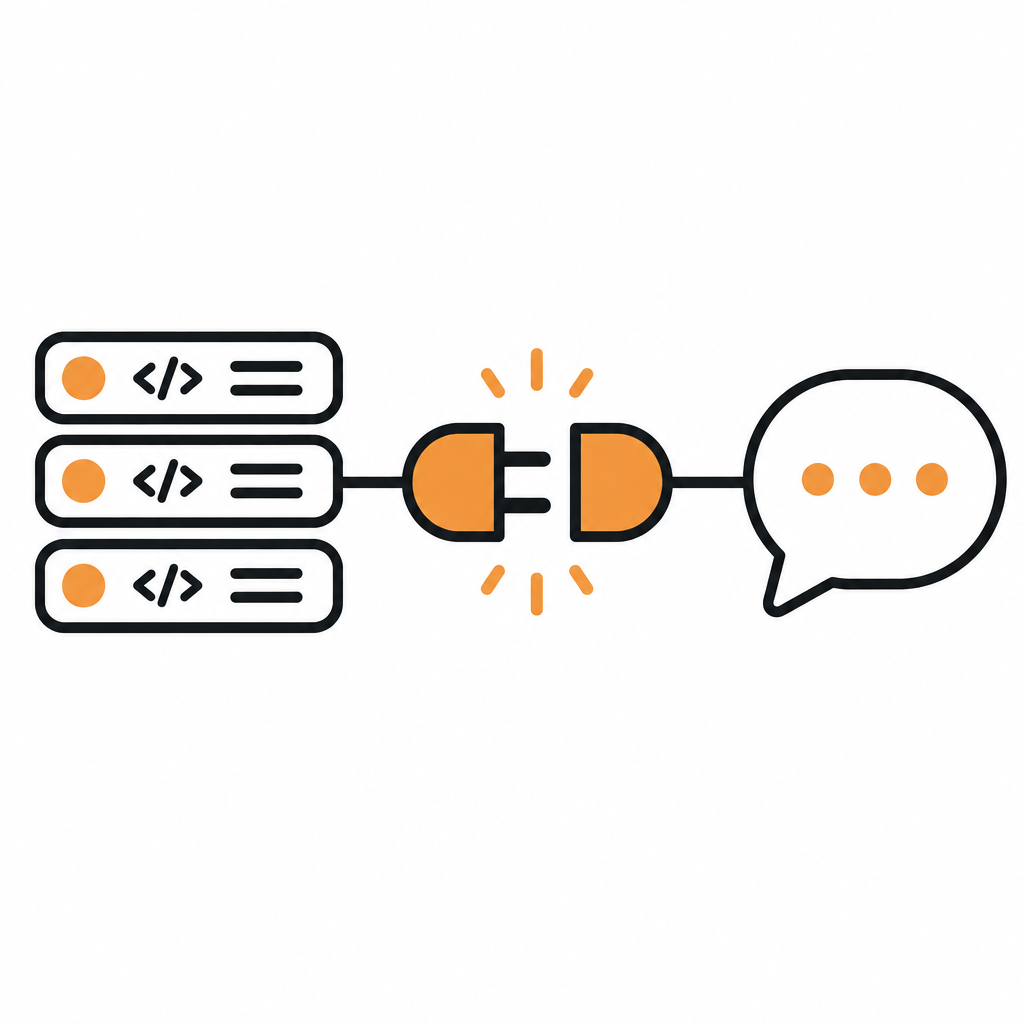
MCP vs API, in one line: an API is the set of endpoints your software exposes for other programs to call. MCP (Model Context Protocol) is an open standard that lets AI assistants such as Claude, ChatGPT and Cursor discover and use those capabilities as tools, in plain language, without custom integration code for each assistant. MCP doesn't replace your API. It sits on top of it.
With DocStar you don't have to choose. You document your API once in a DocStar collection, and that same collection gives you a public API reference, a hosted MCP server and a CLI. Even better, your AI coding agent can do the whole setup for you while you review. This guide explains the difference between MCP and an API, when you need each, and how to get both from your docs with DocStar.
MCP vs API: the short version
An API is a contract between two programs. A developer reads the docs, writes code that sends the right request to the right endpoint with the right auth, and handles the response.
MCP is a contract between an AI assistant and a server that offers it tools. The assistant connects to one URL, asks the server what it can do, and gets back a list of tools with names, descriptions and input schemas. When a user asks for something ("refund order 4512"), the assistant picks the tool, fills in the arguments and calls it. Under the hood, the MCP server usually calls your existing API.
| API (REST, GraphQL, etc.) | MCP server | |
|---|---|---|
| Built for | Developers writing code | AI assistants acting for a user |
| How it's discovered | A human reads the docs | The assistant asks the server for its tools at connect time |
| How it's called | Code you write and maintain | The assistant chooses a tool and fills in arguments |
| Integration effort | One integration per app or client | One URL works across MCP-compatible assistants |
| Auth | API keys, OAuth, etc., wired in your code | The user signs in once; the server sends the token to your API |
| Depends on | Your backend | Your API, plus good descriptions the AI can read |
The key point: an MCP server is only as good as the API docs behind it. If an endpoint has a vague description, missing parameters or no request example, the assistant will guess, and guesses produce wrong calls. That is why we built MCP into DocStar's documentation workflow instead of treating it as a separate project.
How an MCP server relates to your API
Think of three layers:
Your API does the real work: create the order, send the SMS, fetch the invoice.
Your API docs describe each endpoint: what it does, its parameters, auth and example requests and responses.
Your MCP server turns those descriptions into tools an AI assistant can find and call, and forwards the calls to your API.
If you build an MCP server by hand, you write and host layer 3 yourself and keep it in sync with layers 1 and 2 forever. With DocStar, layer 3 comes from layer 2: publish your API docs and the collection has its own MCP server. We cover the build-it-yourself route in more depth in What Is an MCP Server? and How to Turn Your API into an MCP Server Without Writing Server Code.
Do you need MCP if you already have an API?
Keep your API. You need it either way. Add MCP when:
Your customers use AI assistants and ask whether your product "works with Claude" or "works with ChatGPT".
You want your product usable in plain language, so a support lead can say "show me last week's failed payments" instead of opening a dashboard or writing a script.
You don't want to build N integrations. One MCP URL works across MCP-compatible assistants, so you aren't maintaining a separate plugin for each one.
Your own team works in coding agents like Claude Code, Cursor or Codex and wants them to use your API without copy-pasting docs into the chat.
If your API is purely internal and only ever called by your own services, a plain API is enough. For everything customer-facing, an MCP server is quickly becoming expected.
How MCP and your API work together in DocStar
In DocStar, every API collection can run its own hosted MCP server. You don't write server code, host anything or maintain a second copy of your endpoint definitions. Here is what the DocStar MCP server gives you, all driven by the API docs you already keep in DocStar (full guide):
| DocStar feature | What it does for your MCP server |
|---|---|
| One MCP URL per collection | Looks like https://mcp.docstar.io/connector/your_collection_slug. Users add it to Claude, ChatGPT, Cursor or VS Code. |
| Search, read and call | For API collections, assistants can search your docs, read your API reference and call your API. |
| Endpoint tools | Give up to 20 key endpoints their own named tool (for example create_payment). Everything else stays reachable through a general "call any API" tool. |
| Safety hints | Mark tools read-only, destructive, idempotent or open-world so assistants know when to ask before running them. |
| Skill | A short quickstart guide assistants load before using your API. DocStar generates it from your docs; you can write your own. |
| Additional instructions | Short rules sent every time an assistant connects, such as "Ask for the account id before creating an order". |
| Sign-in for API calls | Users sign in with their own account on your platform through your OAuth app, so calls run as them. |
| Custom domain | Serve the server on your own domain, such as mcp.yourcompany.com. |
Two more things matter here. First, only published content reaches your MCP server; drafts never do. Second, the same published docs also power the DocStar CLI, so developers and agents can run any endpoint from the terminal too. One source, three surfaces: API reference, MCP server and CLI.
Let your AI agent turn your API into an MCP server
This is the fastest way to go from "we have an API" to "we have an MCP server", and it's the way we recommend. Your coding agent does the work; you make the judgment calls.
Step 1: Connect your assistant to DocStar
Add the DocStar MCP server, https://mcp.docstar.io/mcp, to Claude Code, Cursor, Codex or another MCP-compatible assistant (or add DocStar from your assistant's connector directory, if it has one). The first time it needs your workspace, you sign in to DocStar in your browser. There's no API key to copy, and the assistant only sees the workspaces and collections your account can access. See Connect your AI assistant.
Step 2: Give it one prompt
Open the assistant in your API's repo and paste:
Use the DocStar MCP to turn my app's API into an MCP server. First read https://docstar.io/mcp/quickstart.md and follow it step by step. Read my latest code for the API, not an old OpenAPI file, and document each endpoint with a clear description and a full JSON body example. Pick the 10 most important endpoints as tools, mark which ones are read-only, and write a skill that explains the usual order of calls. Show me your plan before you change anything.
Step 3: Let the agent do the work
Here is what the agent does, following DocStar's documented workflow:
Reads your code for routes, parameters, auth and responses, so the docs match what your API does today.
Documents every endpoint in a DocStar API collection, with descriptions, parameters and request and response examples.
Gets your MCP URL for that collection.
Picks up to 20 endpoints as tools and sets their names, descriptions and safety hints.
Writes the skill and adds your additional instructions.
[Screenshot: Coding agent showing its plan for the DocStar MCP server]
It asks before it creates, changes or publishes anything, and every edit is saved as a draft. Nothing reaches your live docs, or your MCP server, until you publish (how this works).
Step 4: You review, decide and publish
Your role is the part only a person should do:
Decide what stays private. Which endpoints should never be tools? Which need a confirm-first warning in the skill?
Check naming and tone. Are tool names what your users would say? Does the skill describe the right first call?
Enter OAuth details if calls should run as the signed-in user: authorization URL, token URL, client ID and secret, and a token validation URL, then add DocStar's redirect URIs to your OAuth app. We explain the options in MCP Server Authentication Explained.
Publish when you're happy, or ask the agent to publish for you.
Then share the MCP URL with your users. Our guide on connecting your API to ChatGPT, Claude and Cursor has copy-ready setup steps you can hand to customers.
Keep your API and MCP server in sync
The classic problem with a hand-built MCP server is drift: the API changes, the MCP tool definitions don't, and assistants start making broken calls. DocStar avoids most of it by design:
Tools follow your docs. Leave a tool's description empty and it follows the endpoint's docs, so editing the docs updates the tool.
The generated skill follows your docs and tools as they change (until you replace it with your own, which you can reset at any time).
Your agent keeps the docs current. As part of setup, the agent can add a short DocStar section to your AGENTS.md or CLAUDE.md telling future sessions: when an API route, field, auth or error code changes, update the matching endpoint in DocStar and save it as a draft.
So the ongoing loop is simple. You ship a code change, then ask:
I changed the orders routes in this PR. Use the DocStar MCP to update the matching endpoints in our API collection, keep them as drafts, and show me what changed.
You review the drafts and publish. Your API reference, MCP server and CLI all update from the same docs.
Prefer to set it up yourself?
Everything the agent does is also in the DocStar app. Create an API collection (or import an OpenAPI or Swagger file or a Postman collection), document and publish your endpoints, then open the collection's settings and the MCP tab to copy your MCP URL, set tools, the skill, instructions and sign-in. Step-by-step guides: OpenAPI to MCP Server and How to Document a REST API with DocStar.
Why teams choose DocStar for MCP and APIs
One source of truth. The API reference your developers read is the same docs your MCP server and CLI run on.
No server code to host. Every API collection gets its own MCP server, created for you.
Agent-first setup. Your coding agent reads your code, documents the API and configures the MCP server; you review and publish.
Real API calls, not just doc search. Assistants can call your API as the signed-in user, with per-user sign-in through your OAuth app.
Safe by default. The agent asks first, changes start as drafts, and drafts never reach your MCP server.
Everything else in one workspace. Help docs, FAQs, changelog and blog live next to your API reference, on your own domain.
FAQ
Is MCP a replacement for REST APIs? No. MCP is a layer that lets AI assistants use your capabilities as tools. In DocStar, your MCP server calls your existing API, so you keep your API exactly as it is.
Do I need an OpenAPI spec to get an MCP server in DocStar? No. You can import an OpenAPI, Swagger or Postman file, but you can also have your coding agent read your code and document the endpoints directly in DocStar. The help docs recommend having it read your latest code rather than an old spec file.
How many tools can a DocStar MCP server have? You can give up to 20 published endpoints their own named tool. Every other published endpoint stays reachable through the general "call any API" tool.
Can users call my API as themselves through the MCP server? Yes. For API collections, add your OAuth app's details under Sign-in for API calls in the MCP tab. The first time an assistant calls your API, the user signs in with their own account. Anyone can still connect and read your docs.
Will draft endpoints show up in my MCP server? No. Only published content is visible to your MCP server, so you can let an agent draft freely and publish when you're ready.
Get started free
Your API already does the work. DocStar makes it usable by every AI assistant your customers use, from the same docs your developers read. Connect your coding agent to https://mcp.docstar.io/mcp, paste the prompt above, and review what it builds.
Keep reading
MCP vs CLI for AI Agents: When to Use Which (and Why DocStar Gives You Both)
MCP vs CLI for AI agents: how each works, when to use which, and how DocStar gives your API a hosted MCP server and a CLI from the same docs, set up by your agent.
How to Document a REST API with DocStar: Let Your AI Agent Draft It
Document a REST API with DocStar: your AI coding agent drafts every endpoint from your code, then you review, test and publish an interactive API reference.