What Is Docs-as-Code? A Plain-English Guide
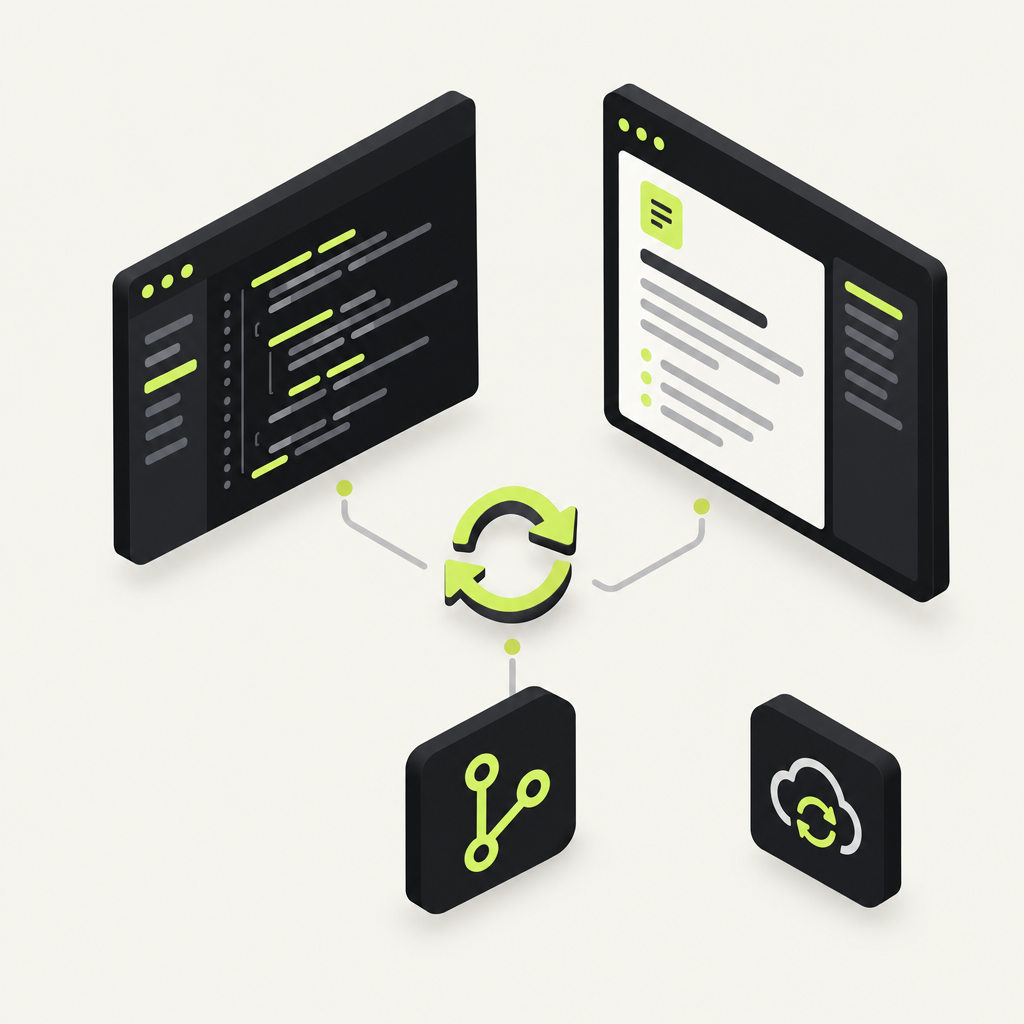
With DocStar, docs-as-code means your API docs live in your Git repository next to the code, change in the same pull request, and publish automatically on every push to your docs site, your MCP server and your CLI. And with the DocStar MCP connected, your AI coding agent sets the whole thing up from one prompt.
Docs-as-code is a way of writing documentation with the same tools and workflow you use for software: docs are plain-text files (Markdown, OpenAPI) stored in version control, changed through commits and pull requests, reviewed like code, and published automatically by a pipeline instead of copied into a separate tool by hand.
This guide explains how docs-as-code works, why it matters more now that AI agents read and call your API, and how to run it in DocStar with your AI agent doing most of the work.
How docs-as-code works
The idea is simple: treat docs like source code. In practice that means four things.
| Practice | Traditional docs | Docs-as-code |
|---|---|---|
| Where docs live | A separate docs tool or wiki | Text files in the same repo as the code |
| How they change | Someone edits them later, by hand | In the same commit and pull request as the code change |
| How they are reviewed | Rarely, after publishing | In the PR diff, before merge |
| How they are published | Copy, paste, import, click publish | A CI pipeline publishes on push |
The formats are usually Markdown for guides and OpenAPI (YAML or JSON) for API reference. If OpenAPI is new to you, our plain-English guide to OpenAPI covers it.
Why docs-as-code matters more in the age of AI agents
API docs go stale. A developer renames a field or adds a parameter, and the docs get updated later, by someone else, or never.
That used to mean a confused human reader. Today it means a broken agent. In DocStar, the same API docs feed four things:
your public docs site,
llms.txt and Markdown copies of every page that AI tools read,
the MCP server AI assistants use to call your API, and
the CLI generated from your published API docs.
So when the docs are wrong, an agent calls your API with the wrong field and the call fails. Keeping docs next to the code, and changing them in the same pull request, is the most practical way to stop that. It is the same reason teams now keep agent instructions in the repo, as we explain in What Is AGENTS.md?
How docs-as-code works in DocStar: GitHub Sync
DocStar's docs-as-code feature is GitHub Sync. It keeps a DocStar collection in sync with your GitHub repository:
OpenAPI files go in
api-docs/. A folder is a module, and a file on its own is a one-file module.Markdown pages go in
docs/. A folder is a section, with its ownpage.md.On every push, a GitHub Action sends the changed files to DocStar. Your docs site, MCP tools and CLI commands update with no manual import or copy-paste.
docstar.mdtells your coding agent the rules. It holds the folder structure and which endpoints to document (only the ones your users call, never private or admin ones). One line inAGENTS.md,CLAUDE.mdor.github/copilot-instructions.mdtells the agent to follow it whenever an endpoint is added, changed, renamed or removed, and to updateapi-docs/in the same change.
You can use one folder or both. Full details are in the GitHub Sync help guide.
That gives you the three things docs-as-code promises:
Updating docs is part of the code change. The agent edits the endpoint's spec in the same commit as the code.
Publishing is automatic. Push, and the Action publishes the changed files.
Docs are reviewed like code. Spec changes show up in the pull request diff, where your reviewers already are.
Let your AI agent set it up in one prompt
Set up by hand, GitHub Sync is about six steps: find the collection ID, write the OpenAPI files, create an API token, add it as a GitHub secret, download the workflow, and add docstar.md. Most people stop partway. With DocStar, you don't have to do any of them yourself.
Step 1: Connect your coding agent to the DocStar MCP
Add DocStar to Claude Code, Cursor, Codex or another assistant, either from its connector directory or as a custom MCP server with this URL:
https://mcp.docstar.io/mcp
The first time the agent needs your workspace, you sign in to DocStar in your browser. There is no API key to copy, and the agent works only with the workspaces and collections your account can access. See Connect Your AI Assistant.
Step 2: Give it one prompt
Open your repository in the agent and paste:
Set up DocStar GitHub Sync for this repo. Read my latest code, not an old spec, and write an OpenAPI file in api-docs/ for every endpoint my users call. Never add admin, internal or service-to-service routes. Add docstar.md and the line in AGENTS.md, store the DocStar API token as a GitHub secret without showing it to me, add the workflow, and give me the MCP URL when the first sync is done. Show me your plan and ask before changing anything.
Step 3: What the agent does
With the DocStar MCP connected, the agent:
creates the collection (or uses the one you name),
reads your routes and writes the OpenAPI files from the code,
generates the API token and saves it as the
DOCSTAR_API_KEYGitHub secret without printing it in chat,downloads the workflow into
.github/workflows/and addsdocstar.mdplus the instruction line,commits, pushes, and hands back your MCP server URL after the first sync.
It asks before it changes anything, and new endpoints stay drafts unless they are marked published (each operation needs x-docstar-published: true to go live).
[Screenshot: Coding agent showing its GitHub Sync plan before making changes]
Step 4: Your part: review and judgment calls
The agent does the typing. You make the calls only a person should make:
What stays private.
api-docs/becomes public documentation. Check that no admin route, internal hostname or secret slipped in.Naming and tone. Endpoint names and descriptions are what humans and AI assistants read first.
What goes live. Review the first pull request and the drafts in DocStar, then publish.
If you're moving existing docs from another tool first, see How to Migrate Your Docs to DocStar with Your AI Agent.
Keep it current
Once GitHub Sync is in place, keeping docs current is part of normal coding. Ask your agent for a change as usual:
Add a
currencyfield to the create-payment endpoint, and update its spec in api-docs/ in the same change.
Because of the line in AGENTS.md, the agent updates the OpenAPI file alongside the code even when you forget to ask. Your reviewer sees the spec change in the PR diff, you merge, and the Action publishes it. The docs site, the MCP tools and the CLI all pick up the new field.
Be clear about the limit. GitHub Sync works when the agent, or a developer, actually updates the spec. If someone changes code without an agent, or the agent skips the docstar.md rule, the docs can drift and nothing catches it automatically. DocStar does not watch your repo or compare code with docs. Docs-as-code makes the right habit easy; it doesn't replace it. For more habits that help, read How to Keep Your API Docs in Sync with Your Code.
Docs-as-code vs a docs editor: do you have to choose?
Not with DocStar. Docs-as-code suits API reference and developer guides that change with the code. Help articles, FAQs and changelogs are often written by support, product or marketing people who prefer a visual editor.
DocStar gives you both in one workspace: GitHub Sync for the collections that live in your repo, and a real-time collaborative block editor for the ones your writers own. Everything shares the same domain, branding, search and AI features, so readers never see the seam.
Prefer to set it up yourself?
You can. The GitHub Sync guide has four steps: add the workflow with one curl command, download docstar.md and add the instruction line, create an API token and save it as the DOCSTAR_API_KEY repository secret, then commit and push. Every push that changes api-docs/ or docs/ then syncs to your collection, and you can follow each run in the repository's Actions tab.
Why teams choose DocStar for docs-as-code
One source, four outputs. The same specs power your docs site, llms.txt and Markdown copies, a hosted MCP server and a CLI.
Agent-first setup. One prompt replaces six manual steps, and the token never appears in chat.
Safe by default. New endpoints arrive as drafts, and
docstar.mdtells agents never to document private or admin APIs.Writers welcome too. Collections your writers own use the collaborative editor, in the same workspace.
All in one place. API docs, help docs, FAQs, changelog and blog on your own domain and brand.
FAQ
What is docs-as-code in simple terms?
It means writing documentation as text files in your code repository, changing it through pull requests, and publishing it automatically. With DocStar, those files sync to your docs site, MCP server and CLI on every push.
Which formats does DocStar GitHub Sync support?
OpenAPI files in an api-docs/ folder for API reference, and Markdown files in a docs/ folder for pages and guides. You can use one folder or both.
Do I need to write OpenAPI files by hand?
No. With the DocStar MCP connected, your coding agent reads your latest code and writes the OpenAPI files for you. You review them in the pull request.
Does DocStar detect when my docs drift from my code?
No. DocStar publishes what you push. Drift is prevented by updating the spec in the same change, which docstar.md and the line in AGENTS.md tell your coding agent to do.
Will new endpoints go live straight away?
Only if they are marked x-docstar-published: true. Otherwise they arrive in DocStar as drafts for you to review.
Get started free
Put your docs next to your code and let your AI agent do the setup. Connect the DocStar MCP, paste the prompt above, and review the first pull request. Get started free.
Keep reading
What Are MCP Tool Annotations?
MCP tool annotations tell AI clients which tools only read, which can delete, and when to ask first. Learn the four hints and how to set them in DocStar.
Agent Skills vs MCP: What's the Difference?
Agent skills give AI agents know-how; MCP lets them act. Learn the difference and how one DocStar collection gives you MCP tools and a skill.