
Public Home Page
Public home page organize the documents, collections, and categories in one accessible interface, complete with search, navigation, and visual hierarchy.
.webp)
To manage the public homepage, follow these steps:
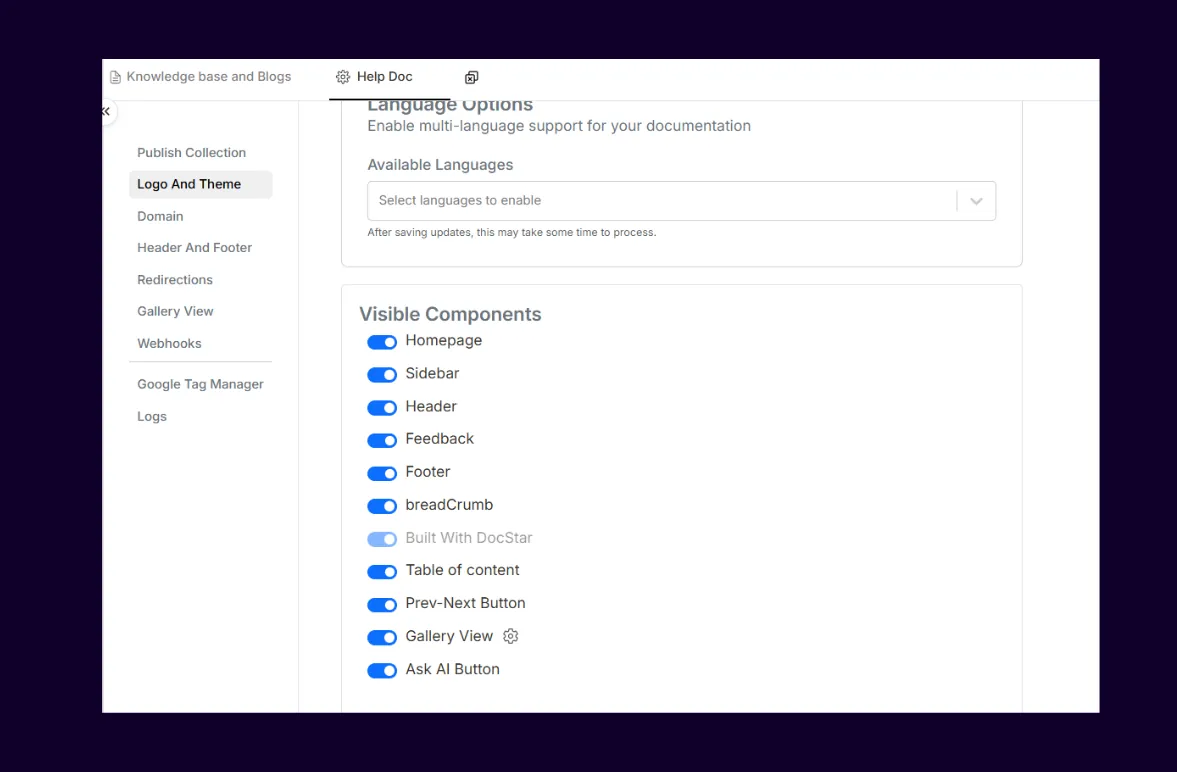
Go to Settings → Logo And Theme
Under Visible Components, locate the following:
Homepage: This toggle controls whether the public homepage is visible or hidden
Switch the Homepage toggle ON or OFF based on your preference.
Was this helpful?