
Publish Page
Whether you need to publish a single page or a page along with all its subpages, you can do it instantly—no need to use bulk publish every time.
#
How to Publish a Page
Find the Share Button – Located at the top right corner of the page.
Click on Share – A dropdown menu will appear.
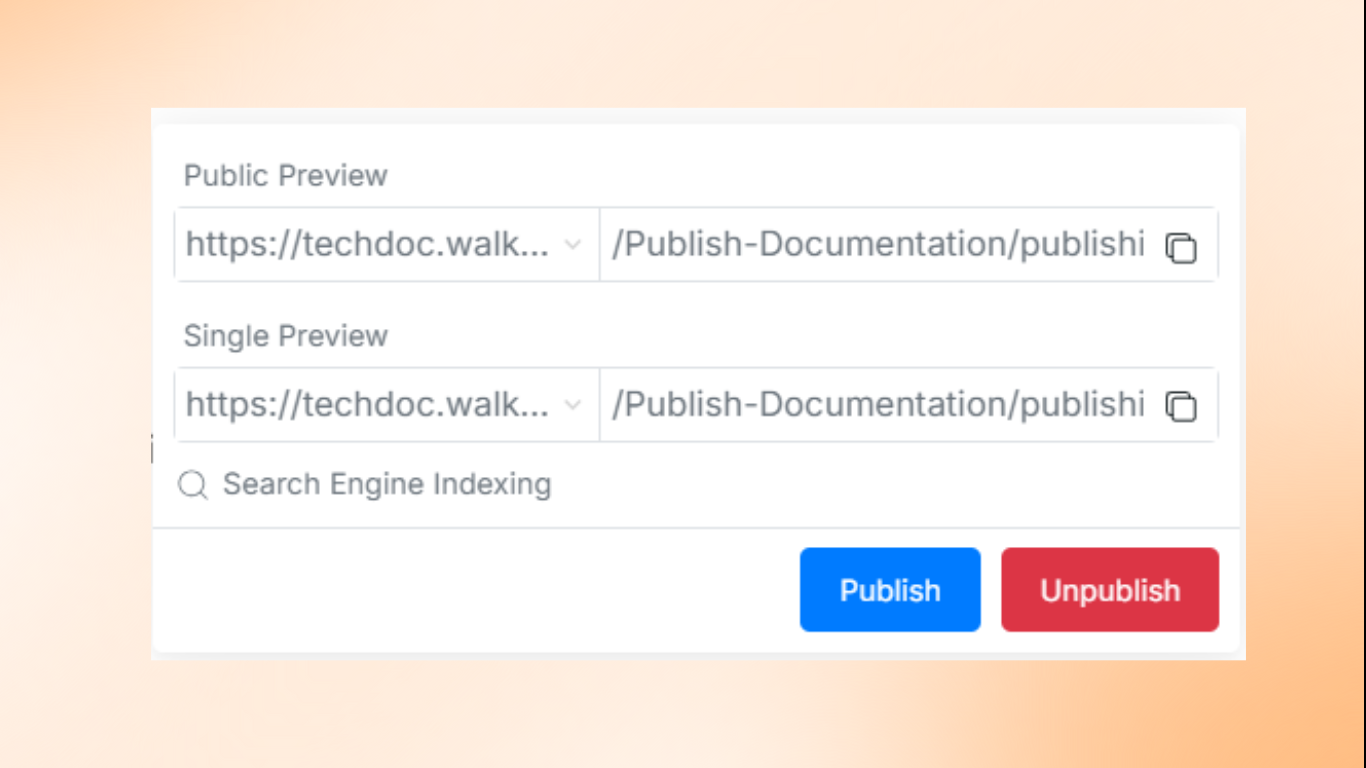
Select Publish – This will allow you to make your page live.
#
Preview Before Publishing
Before publishing, you can check how your page will appear to others. When you click Publish, you’ll see two preview options:
Single Preview – See how your page will look before it goes live.
Public Preview – Get a final look at how users will see the published page.
Publishing is now quick, efficient, and hassle-free with DocStar!
Was this helpful?