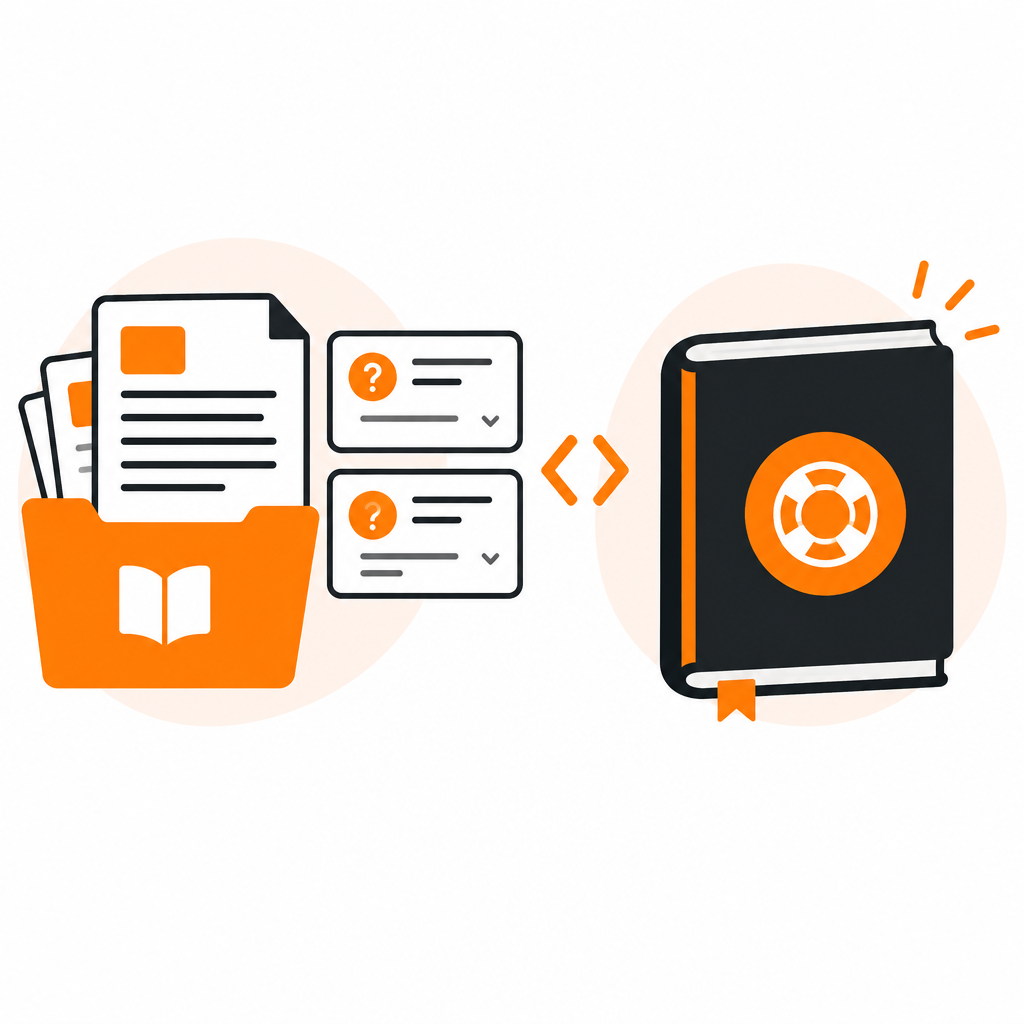
Most teams don't pick a documentation tool once. They pick one for the help center, another for the API reference, a third for the blog, and spend years syncing them. Document360 and DocStar both aim to reduce that sprawl, from different starting points.
We build DocStar, so we say where it fits and where it may not. Check each vendor's site for current features and pricing before you decide.
- Document360 is a knowledge base platform, strong for support teams running customer help centers and internal wikis.
- DocStar is a team documentation platform that combines API reference, help docs, FAQs, changelogs and blogs, and makes all of it usable by AI assistants.
If you mainly need a support knowledge base, Document360 is a natural fit. If your product has an API, or several teams write documentation, DocStar covers more ground in one place.
| |
DocStar |
Document360 |
| Core idea |
One workspace for API docs, help docs, FAQs, changelogs and blogs |
Knowledge base and help center |
| Best for |
SaaS teams with an API and mixed contributors |
Support-led teams with a customer knowledge base |
| API reference |
Built in, with endpoints, examples and a try-it experience |
Check Document360's current API docs features |
| FAQs |
Built in, with AI generation and approval |
Supported as part of the knowledge base |
| Blog and changelog |
Built in, with RSS |
Check Document360's current options |
| AI assistants |
MCP server per collection, llms.txt, Markdown for every page |
Check Document360's current AI features |
| Automation |
Full API, webhooks, GitHub Markdown sync |
Check Document360's current integrations |
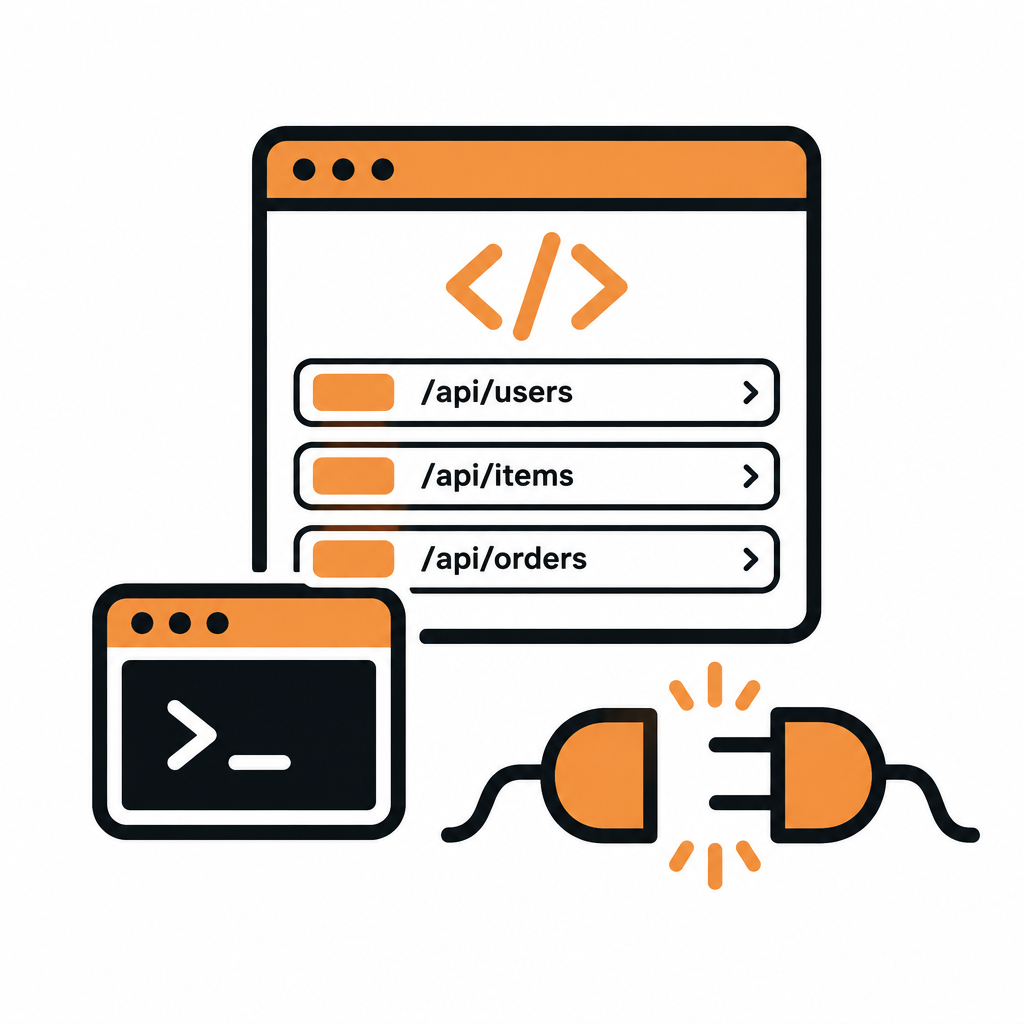
If developers integrate with you, the API reference is part of your product. In DocStar, an API collection holds your endpoints with parameters, examples and responses, and readers can try requests from the page. The reference sits next to your guides and FAQs, so a developer can move from "how do I authenticate?" to the endpoint without leaving your docs.
DocStar also makes that reference usable by AI. A collection's MCP server lets an assistant browse the reference and call endpoints, and the CLI turns them into commands.
A useful FAQ is one your team can keep fresh. DocStar helps with the upkeep:
- Generate FAQs from text. Paste or pick content and get draft questions and answers.
- Check for near-duplicates. Similarity checks keep the list tidy.
- Review before publishing. Drafts are approved by a person before they go live.
- Tags. Organize FAQs so readers find the right group quickly.
See Smart FAQs for more.
#One workflow instead of many
A common pattern is a help center in one tool, an API portal in another and a blog in a third. Each has its own login, theme and search. A single platform means one editor, one theme, one domain and one search across everything. See branding for how a collection looks on your own domain.
#When to choose Document360
- Your main need is a customer-facing support knowledge base.
- Support teams own most of the content.
- You don't need an API reference in the same place.
- Your product has an API and you want the reference beside your guides and FAQs.
- Product, support, marketing and engineering all contribute.
- You want a blog, changelog and help center on the same platform and domain.
- You want AI assistants and coding agents to search and call your docs.
Can DocStar replace a help center tool? Yes. Help docs and FAQs are core collection types.
Can I keep my current domain? Yes. Collections can be served from your own domain or sub-path.
What about internal docs? Collections can be private, and with a custom domain you can add network-level restrictions. See Lock the Gates.
Try DocStar free and see your docs in one place.